GBC AdvancedPunch Pro 09/11/2018 General Procedures and Information
6-7
GP 6.1 User Interface Procedure
Use the following procedures to change the settings and view the
Information on the User Interface
GP 6.1.1 BACKGAGE MODE Procedure
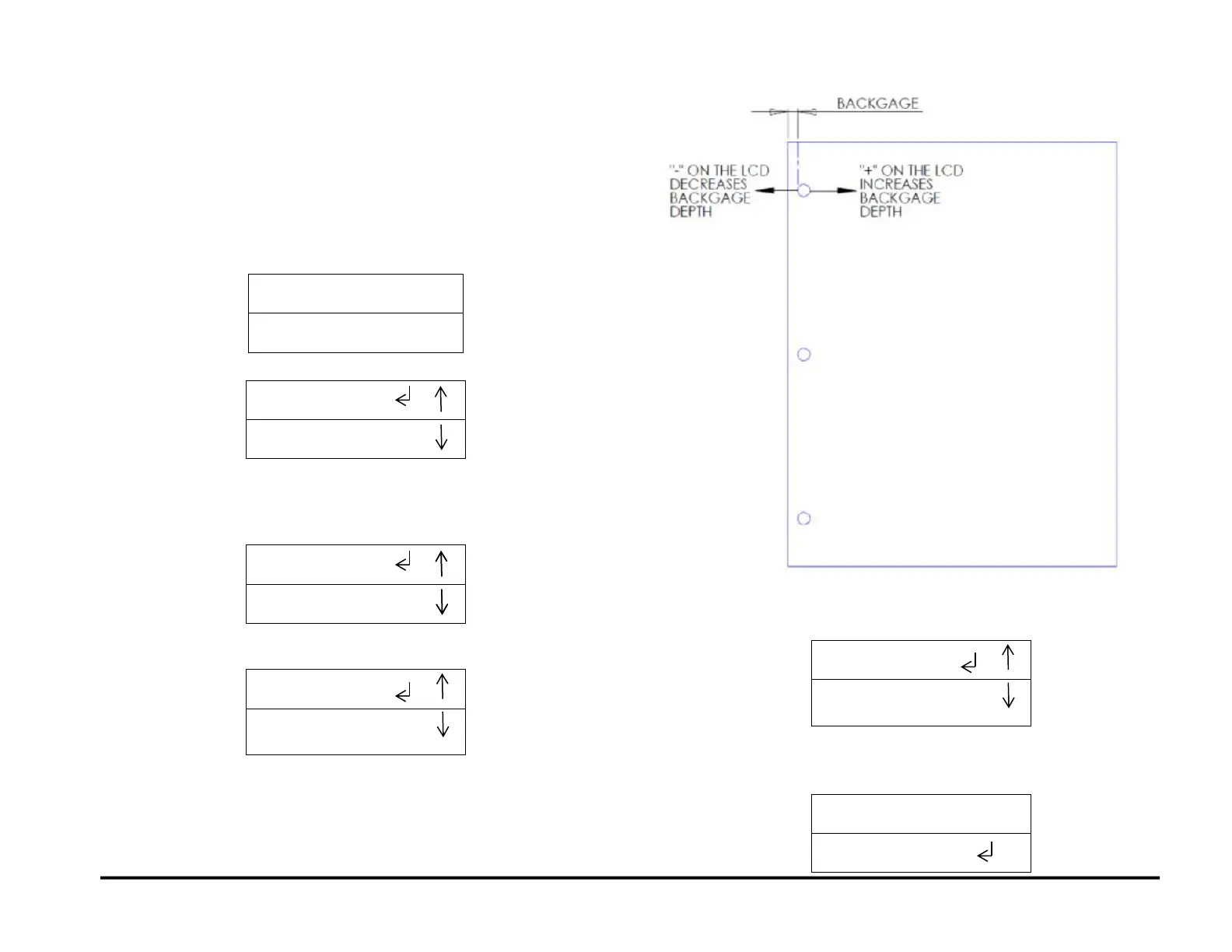
Do the following to change the Backgage (move the position of the punch
holes toward or away from the trail edge of the paper).
1. From the top level screen, press either the up arrow button or the
down arrow button.
This displays the SETTINGS - INFORMATION screen
1. Press the ENTER button when the return symbol is next to
SETTINGS to display the BACKGAGE/ALIGNMENT screen.
Press the ENTER button when the return symbol is next to the word
BACKGAGE to display TRAIL / MID screen.
2. Press the ENTER button when the return symbol is next to the word
Backgage. to display the TRAIL MID screen.
TRAIL refers to the trail edge punch (Single Punch) and MID
refers to the punch happening MID sheet (Double Punch).
For TRAIL Backgage go to step 5.
MID Backgage function is limited to DFA Configuration
3. Do steps 4 - 12 to use TRAIL to adjust the Backgage for a Single
Punch job:
4. Press the ENTER button when the return symbol is next to the word
TRAIL to select Trail Backgage.
5. This displays the TRAIL OFFSET screen.



 To Next Page