Punch Quality 11/07/2018 GBC AdvancedPunch Pro
3-8
3.8 Sheet Without Punched Holes
1. Do RAP 4.1 to check the Diverter Solenoid.
This clears the fault
Yes- Return to normal operation; No- Go to Step 2
2. Do RAP 3.2 to Check Sensors S6, S7, S8, S9 and S10. For
DFA configuration only- If it is Double Punch job, also check
S18, S19, S20, and S21.
This clears the fault
Yes- Return to normal operation; No- Go to Step 3
3. Do RAP 3.1 to Check Sensor S5.
This clears the fault
Yes- Return to normal operation; No- Go to Step 4
4. Do RAP 3.3 checking Sensor S28 Align Home Sensor.
This clears the fault
Yes- Return to normal operation; No- Go to Step 5
5. Do GP 6.2.12 Function Tests- Cycle Punch and do the
following steps.
6. If you do not hear the Punch cycles and do not hear the AC
Motor running, remove the Rear Cover and do step 7.
If you do not hear the punch cycles, but you do hear the AC
Motor Running, go to step 8 or step 9.
7. Check the AC Punch Motor connections at the header in the
Rear Frame and the Control Board.
• Inspect the cable from the AC punch motor to the header
and the cable from the header to Control board
(023N01340- see Section 7 Wiring). If a cable is damaged,
replace it (PL 7.3)
• Do GP 6.2.16 FIRMWARE UPGRADE Procedure to Re-
flash the firmware for the AdvancedPunch Pro.
• With the Rear Cover removed, do GP 6.2.12 Function
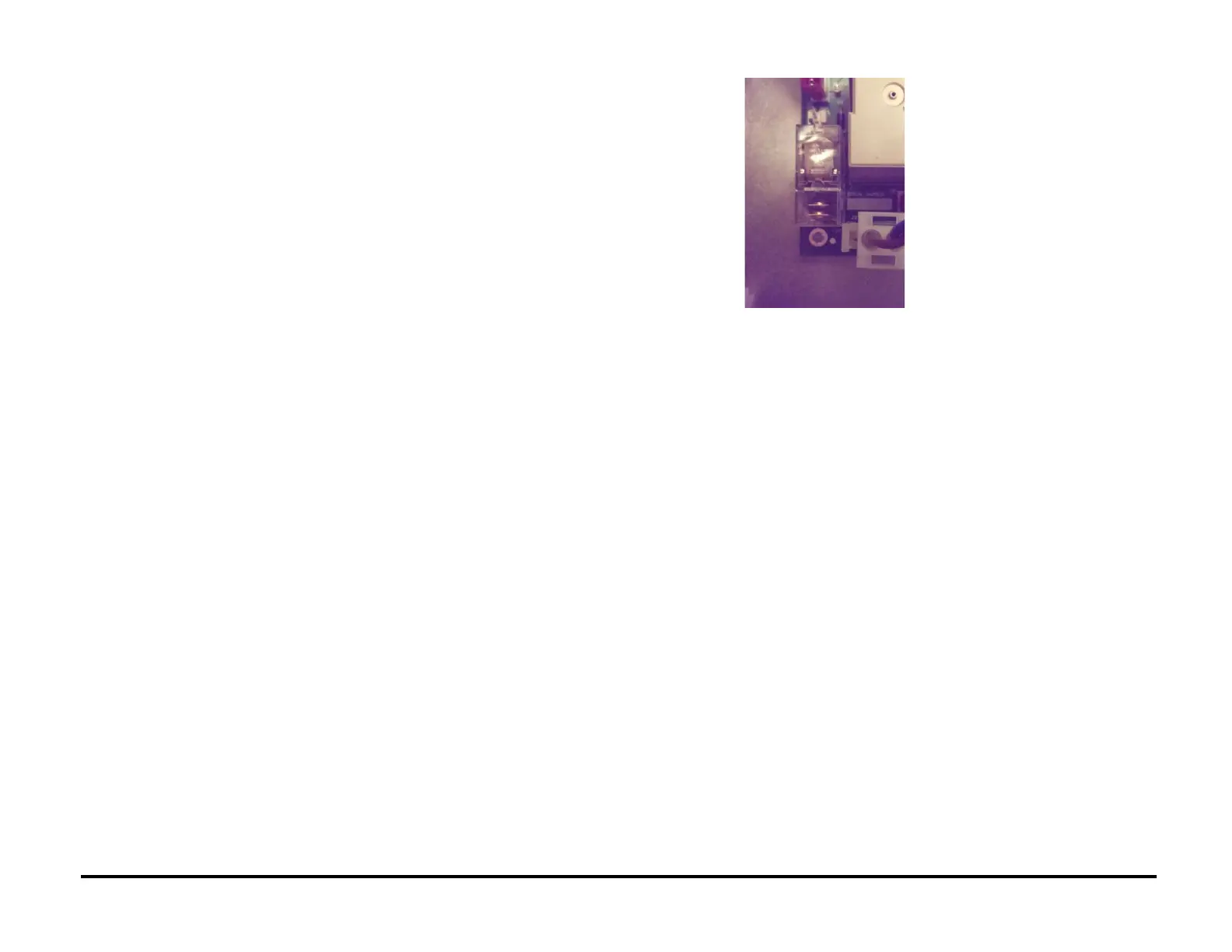
tests- Cycle Punch. Check the relay towards the bottom left
of the main control board. You should be able to see the
relay make contact when the punch motor starts. If this
does not happen, replace control board (REP 5.1).
• If the relay makes contact, replace the AC Punch motor
(REP 3.2).
This clears the fault
Yes- Return to normal operation; No- Escalate to 2
nd
level
8. If the motor is running, but clutch is not operating:
• Remove the Rear Cover.
• Check the spade connectors at the punch clutch (PL 5.1
and 5.6) and the connector at the Main control board J19
(PL 7.1), inspect clutch wires.
• Do GP 6.2.16 FIRMWARE UPGRADE Procedure to Re-
flash the firmware for the AdvancedPunch Pro.
• If the problem still exists, replace punch clutch.
This clears the fault
Yes- Return to normal operation; No- Go to Step 9
9. Check the Belt and Pulley for the AC Punch Motor.
• Inspect the timing Belt between the AC Punch Motor and
the Clutch (PL 5.1).
• Check the tightness of the Setscrew of the AC Punch
Motor (PL 5.8).
This clears the fault
Yes- Return to normal operation; No- Escalate to 2
nd
level.



 To Next Page