GBC AdvancedPunch Pro 09/11/2018 General Procedures and Information
6-33
GP 6.2.4 MAX BYPASS Setting
Do the following to set the maximum bypass sheet length through
AdvancedPunch Pro.
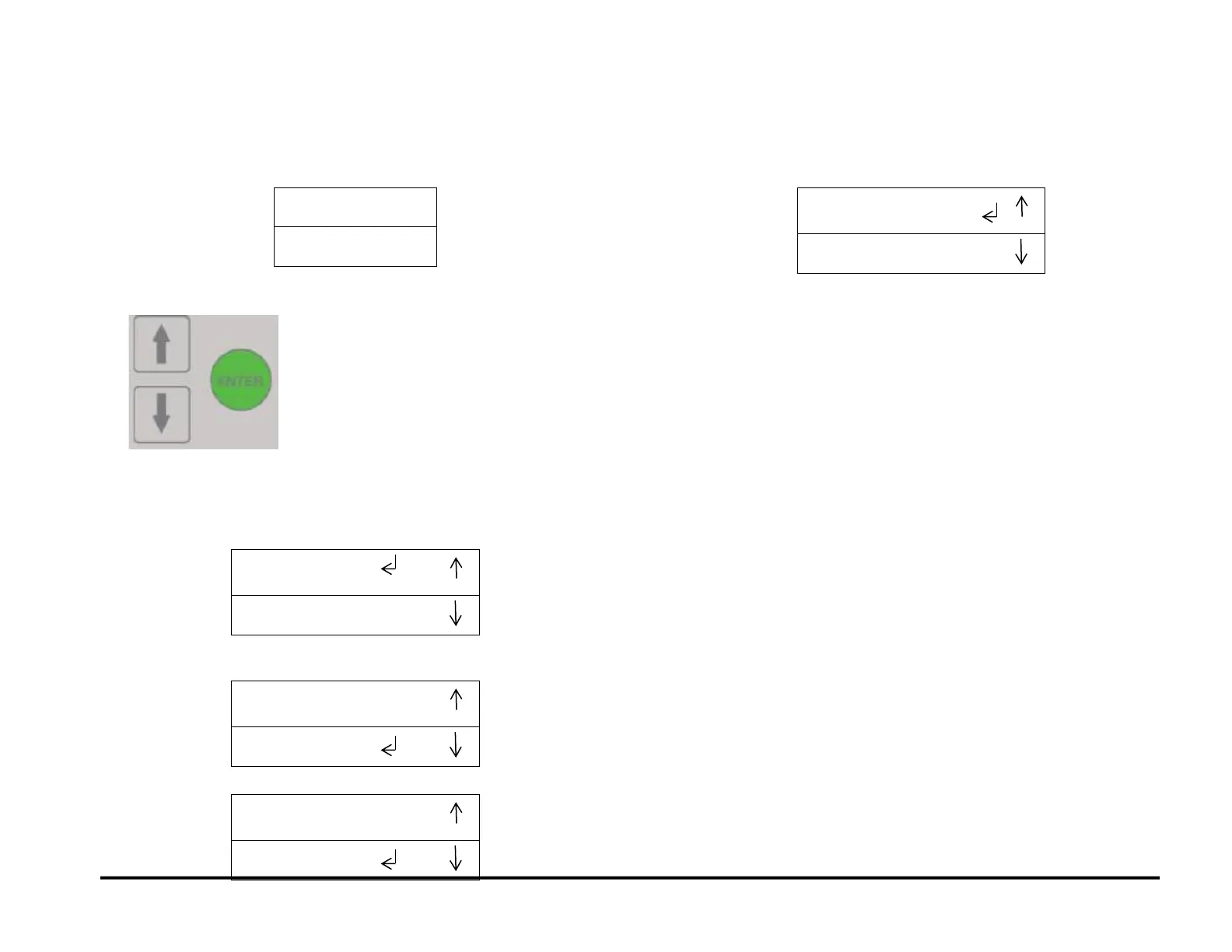
1. At the top level screen,
Press and hold both the Up Arrow button and the Down Arrow button
for 5 seconds.
Then while still holding down the Up Arrow button and the Down
Arrow button, press the Enter button.
The Service User Interface screen will appear.
2. Press the down arrow button to move the return symbol next to MAX
BYPASS. Press OK to enter the Max Bypass setting
3. The below screen will appear
4. 762mm is the Max Bypass setting. To reduce the Max Bypass setting,
press the down arrow to the desired setting, and then press OK.
5. The below screen will appear. You may now return to the Previous
Menu or Exit to the Main screen.



 To Next Page