GBC AdvancedPunch Pro 08/20/2015 Installation Instructions- DFA
8-11
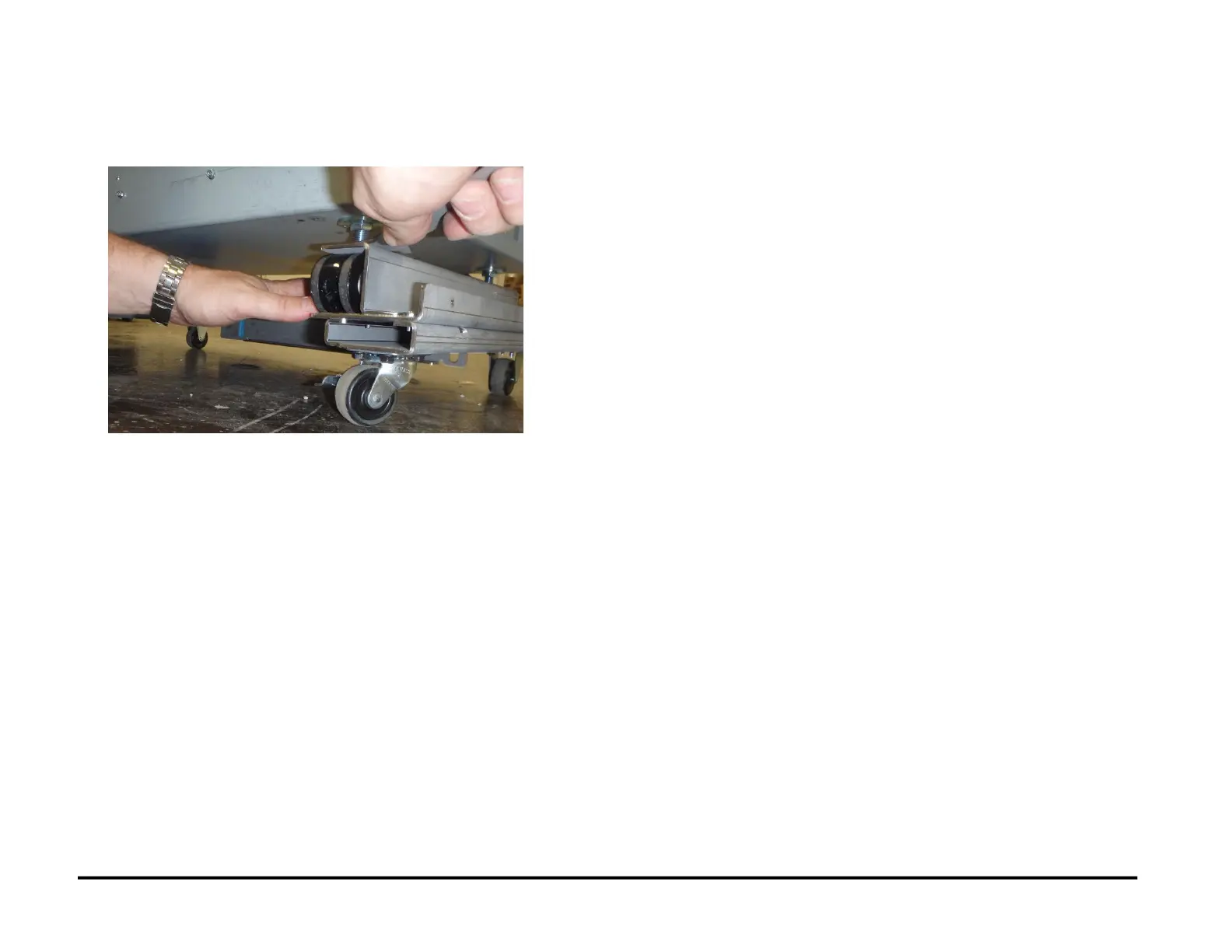
6. Use the Caster Wrench from the Lift Kit to loosen/tighten the feet on
the AdvancedPunch Pro to raise/lower the AdvancedPunch Pro until
it is level with the SEM Module front & rear.
7. Check that the tabs on the upstream device (SEM Module) align with
the slots in the Mounting Pins on the Upstream Docking Bracket.
See the 497K14700 Nuvera Interface Kit
8.9. Dock the AdvancePunch Pro
to the Upstream Device
See the 497K14700 Nuvera Interface Kit.
8.10. Install the CNC-DFA Circuit Board and Cables
See the 497K14700 Nuvera Interface Kit.



 To Next Page