GBC AdvancedPunch Pro 09/11/2018 General Procedures and Information
6-31
GP 6.2.2 SPEED (DFA) Procedure- for DFA configurations only
Do the following to select the Speed (DFA) option that lets you select the
speed that the paper moves through the Punch.
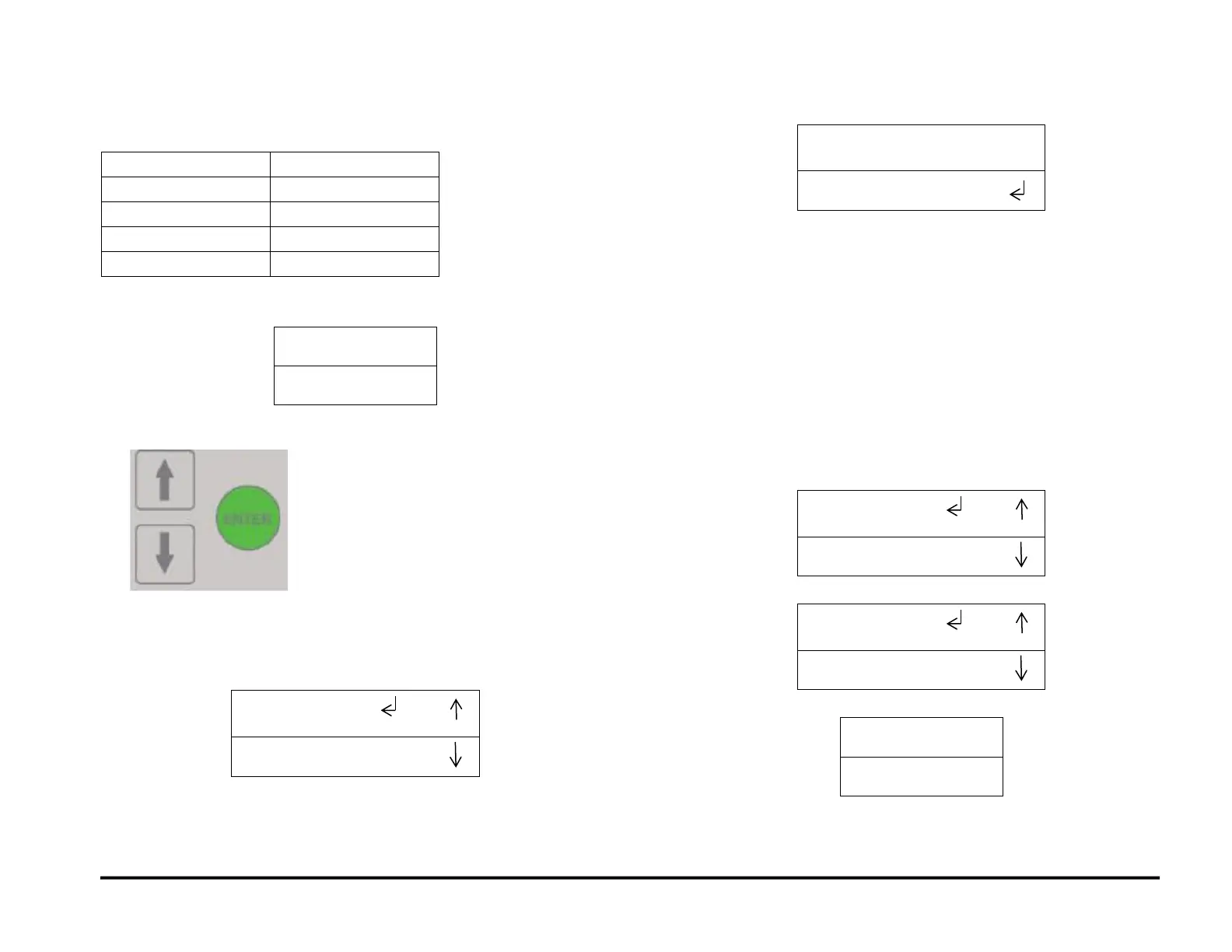
1. At the top level screen,
Press and hold both the Up Arrow button and the Down Arrow button
for 5 seconds.
Then while still holding down both the Up Arrow button and the Down
Arrow button, press the Enter button.
The Service User Interface screen will appear.
2. Press the ENTER button when the return symbol is next to the word
SPEED (DFA. To display the display the SPEED (DFA) screen.
3. Press the down arrow to scroll through the speed options until the
return is next to the desired option.
1090 MM/S
1020 MM/S
1280 (157MAX)
1280 (144MAX)
1130 (157MAX)
1130 (144MAX)
973 (157MAX)
973 (144MAX)
CUSTOM (157MAX)
CUSTOM (144MAX)
4. Press the ENTER button to set the speed and return to the SPEED
(DFA) screen.
5. Press the up arrow to display the EXIT / SPEED (DFA) screen.
6. Press the ENTER button to return to the top level screen



 To Next Page