General Procedures and Information 09/11/2018 GBC AdvancedPunch Pro
6-50
GP 6.2.15 LOG
The LOG file download option will store the following data for download
via USB.
Debug data for last 50 sheets.
Sheet size measured i.e S,M,L,LG or XL
Skew sensors used
First deskew steps
Alignment sensor used
Second deskew steps.
Align fail safe stop (if occurred)
Sensor timings for last 10 sheets.
Punch mode, time from LE S1 to LE S8
Punch mode, time from LE S8 to LE at S25
Other data
Punch cycle count
Bypass cycle count
Individual die type counts
Record the last 20 Jam codes in a column format
Do the following steps to capture the LOG files.
1. Remove (2) M4 screws and the USB/Debug/E-wire port cover.
2. Insert a USB flash drive.
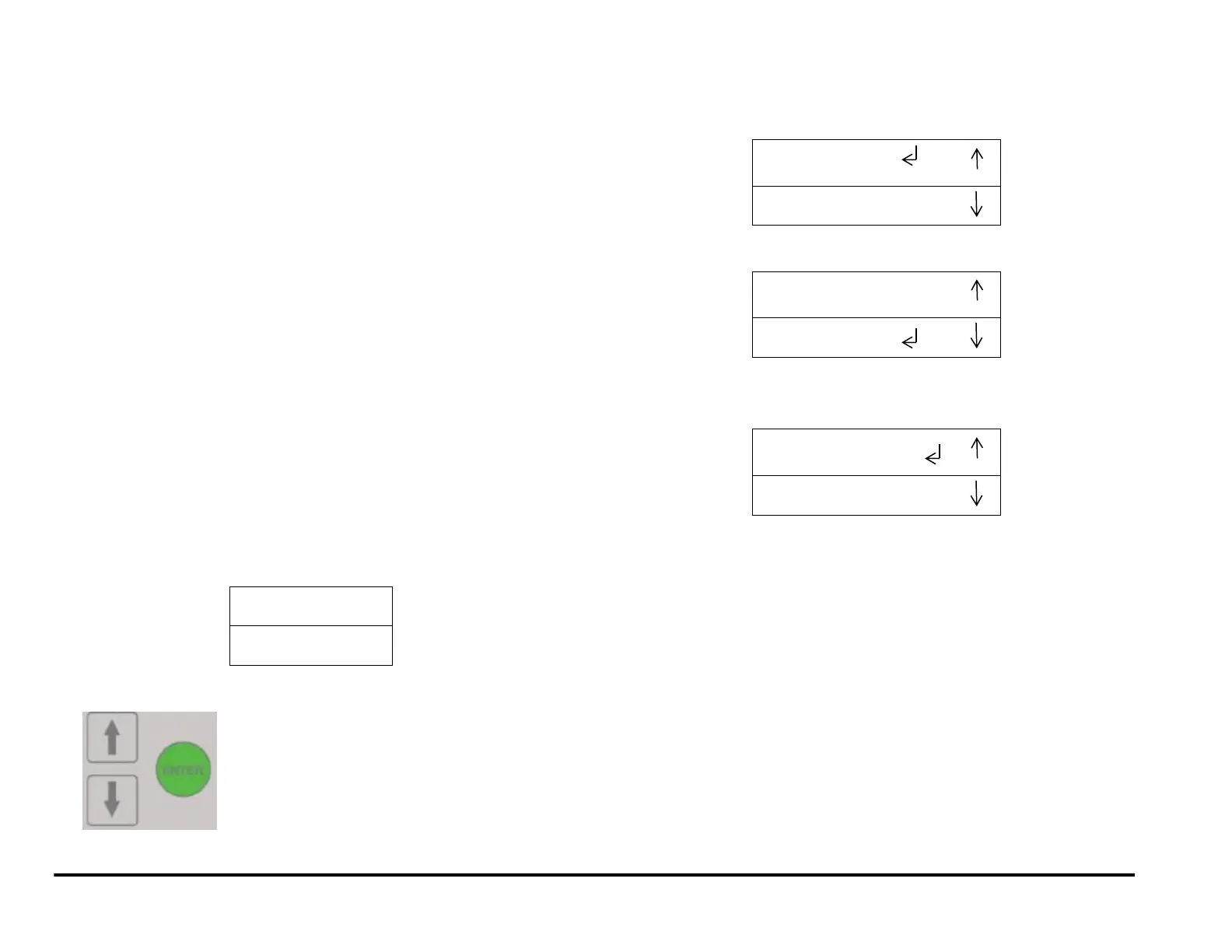
3. At the top level screen,
Press and hold both the Up Arrow button and the Down Arrow button
for 5 seconds.
Then while still holding down the Up Arrow button and the Down
Arrow button, press the Enter button.
The Service User Interface screen will appear.
4. Press the down arrow so the return symbol is next to the words
ALIGN OFFSETS.
5. Pressing OK when the return symbol is next to LOG will open the
LOG file capture option.
6. You have the following options:
Pressing OK will save the LOG files to the inserted USB flash
drive. After the Complete message is displayed, exit to the
Previous Menu or Exit. You may remove the USB flash drive and
replace the cover.
Return to the Previous Menu
Exit to Top level screen



 To Next Page