Installation Instructions- DFA 08/20/2015 GBC AdvancedPunch Pro
8-12
8.11. Connect the Punch Cables
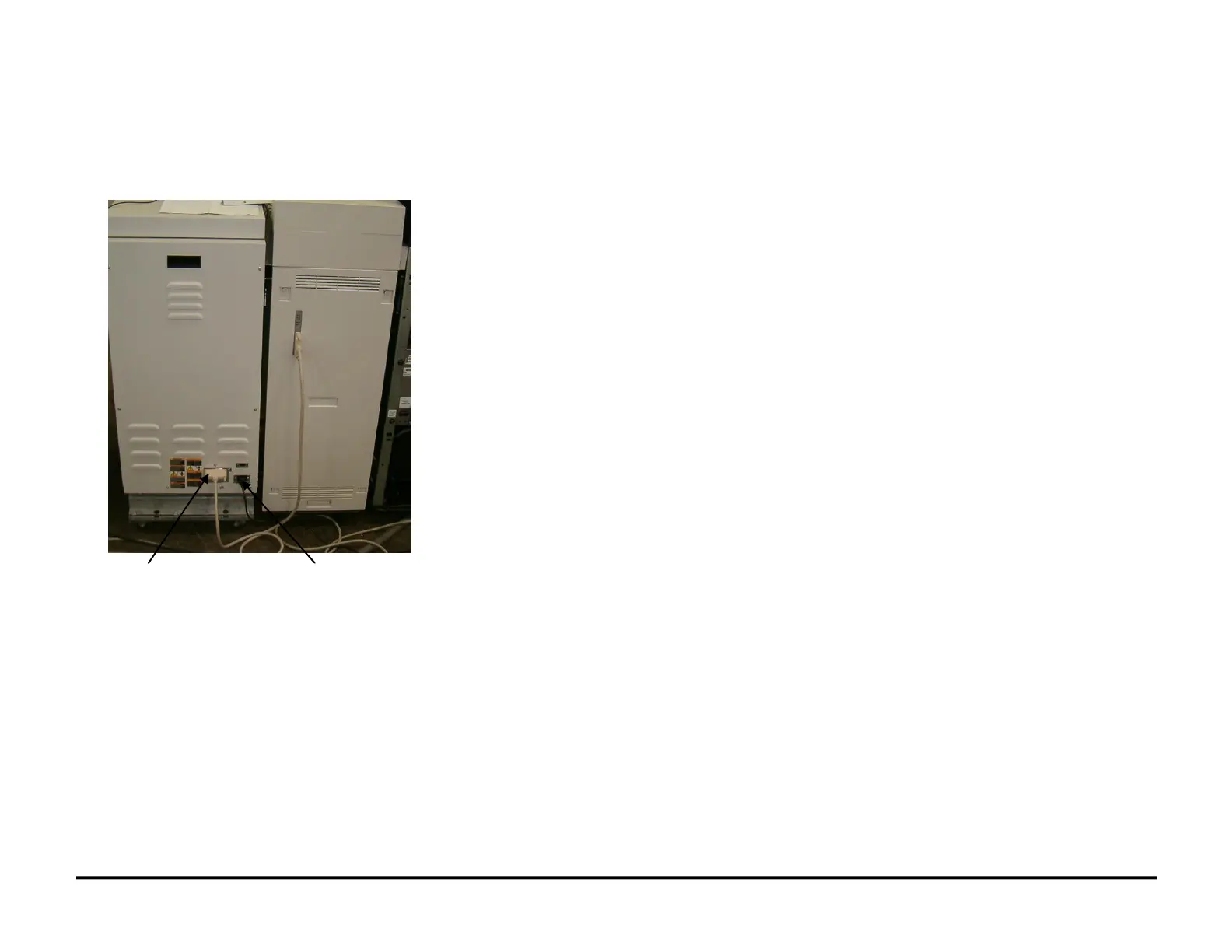
Do the following to connect the cables to the AdvancedPunch Pro
1. Connect the Power Cord to the AC Filter on the rear of the
AdvancedPunch Pro.
2. Connect the Upstream DFA Cable to the AdvancedPunch Pro.
3. Connect the Power Cord to AC power outlet.



 To Next Page