Repairs/Adjustments 08/20/2015 GBC AdvancedPunch Pro
4-66
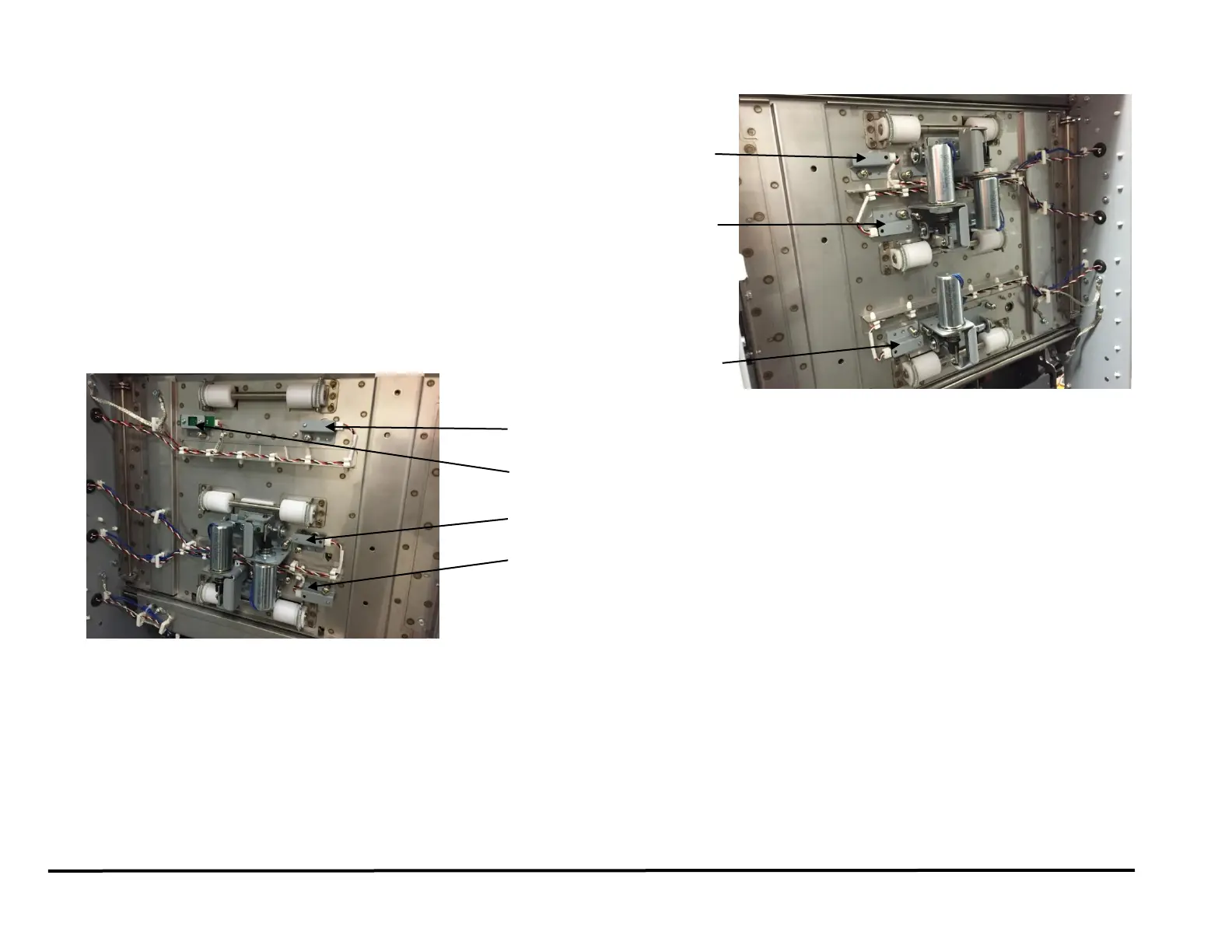
REP 2.25.2 Top, Middle, & Bottom Entrance Sensor (S2, S3, S4) and
Top, Middle, & Bottom Exit Sensor (S22, S23, S24) Replacement
PARTS LIST ON PL 4.2 and PL 4.4
Use this procedure to remove and install the Sensor and Bracket
Assembly for the Top, Middle, & Bottom Entrance Sensor (S2, S3, S4)
and Exit Sensor (S22, S23, S24).
1. Switch power OFF to entire printing system.
2. Disconnect the Power Cord.
3. Remove the side panels as needed to access the Sensor
(see REP 1.8 or REP 1.11).
4. Disconnect the sensor wire and the Sensor.
5. Remove the Barrel Screw and Lock Washer that secure the Sensor to
the sheet metal part.
6. Remove the old Sensor.
7. Place the new Sensor in position, then install Lockwasher and Barrell
Screw.
8. Connect the Power Cord.
9. Power ON the entire printing system.



 To Next Page