General Procedures and Information 09/11/2018 GBC AdvancedPunch Pro
6-42
GP 6.2.12 FUNCTION TESTS Procedure (Cycle Punch, Aligner Test,
Fan Test)
Do the following to test any of the Function Tests.
The Function Tests feature allows you to run the Cycle Punch, Aligner
Test, and Fan Test routines.
Do the following to check the Motors.
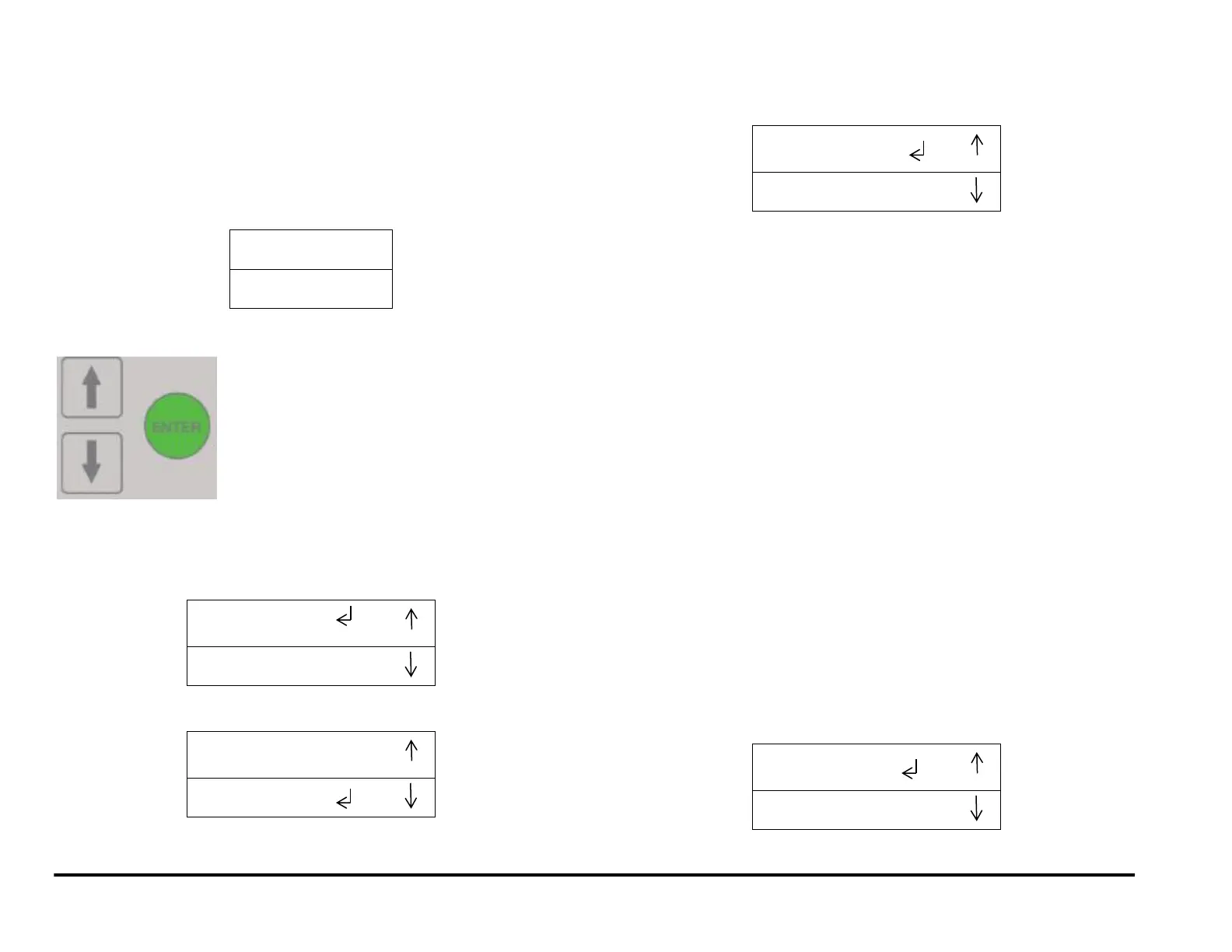
1. At the top level screen,
Press and hold both the Up Arrow button and the Down Arrow button
for 5 seconds.
Then while still holding down the Up Arrow button and the Down
Arrow button, press the Enter button.
The Service User Interface screen will appear.
2. Press the down arrow seven times so the return symbol is next to the
words FUNCTION TESTS.
3. Press the ENTER button when the return symbol is next to the words
FUNCTION TESTS to display the display the FUNCTION TESTS
screen.
4. To run the CYCLE PUNCH test:
Press the Enter button when the return symbol is next to the
words CYCLE PUNCH.
The CYCLE PUNCH Test starts the Punch Motor, waits for 2
seconds, the triggers the Punch at 1 punch per second for 5
cycles.
After the test is complete it stops automatically, you may scroll
down to Previous Menu or Exit.
5. To run the ALIGNER TEST:
Press the down arrow to move the return symbol next to the
words ALIGNER TEST:.
Press the Enter button when the return symbol is next to the
words ALIGNER TEST.
The Aligner Test moves the home Aligner CW 10mm, back to
home, CCW 10mm, then back to home. It repeats this cycle 5
times.
After the test is complete it stops automatically, you may scroll
down to Previous Menu or Exit.
6. To run the FAN TEST:
Press the down arrow to move the return symbol next to the
words FAN TEST:.
Press the Enter button when the return symbol is next to the
words FAN TEST.
The Fan Test turns the Exhaust Fan on and off.
After the test is complete it stops automatically, you may scroll
down to Previous Menu or Exit.
NOTE: The FUNCTION 4 test is not assigned.
(Cont.)



 To Next Page