GBC AdvancedPunch Pro 09/11/2018 General Procedures and Information
6-43
7. When you finish running the tests:
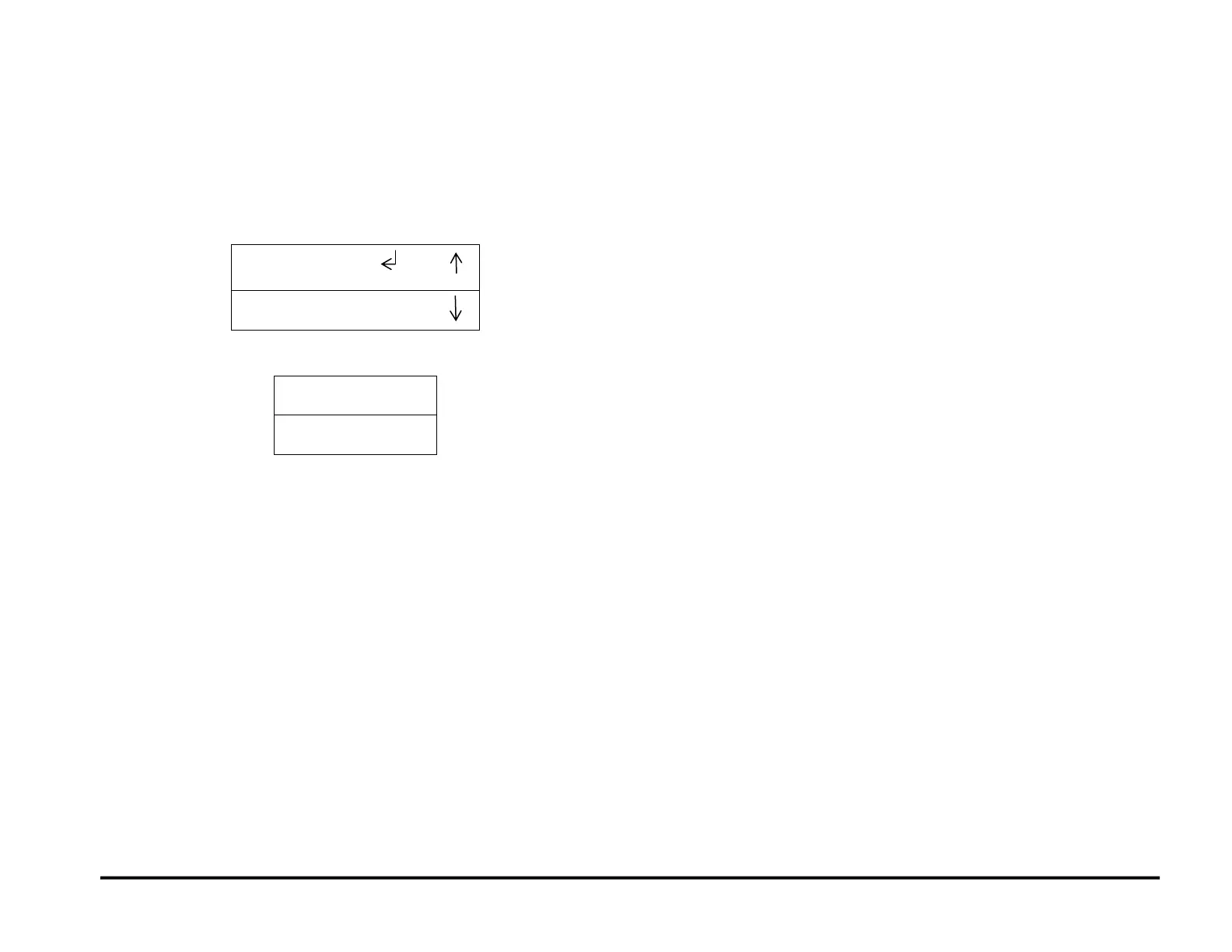
From the CYCLE PUNCH screen, press the up arrow twice to
display the EXIT / PREVIOUS MENU screen.
From the ALIGNER TEST, press the up arrow three times to
display the EXIT / PREVIOUS MENU screen.
From the FAN TEST, press the up arrow four times to display the
EXIT / PREVIOUS MENU screen.
8. When the return symbol is next to the word EXIT, press the ENTER
button to return to the top level screen



 To Next Page