General Procedures and Information 09/11/2018 GBC AdvancedPunch Pro
6-10
GP 6.1.2 PUNCH MODE Procedure- for DFA configurations only
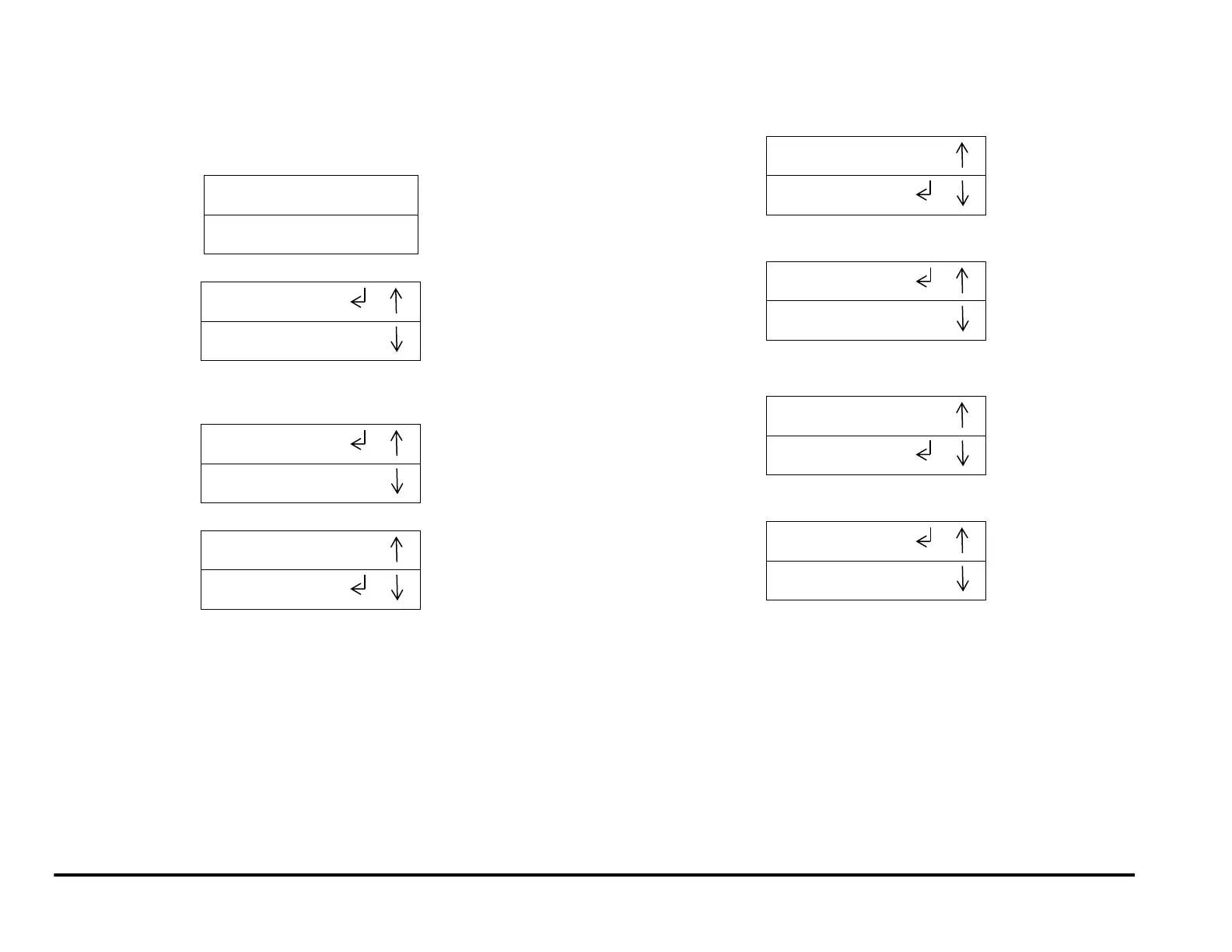
Do the following to select the desired Punch Mode option. There are three
Punch Mode options” OFF, SINGLE PUNCH, and DOUBLE PUNCH.
1. From the top level screen, press either the up arrow button or the
down arrow button.
This displays the SETTINGS - INFORMATION screen
2. Press the ENTER button when the return sumbol is next to the word
SETTINGS. To display the display the PUNCH MODE/ BACKGAUGE
screen.
3. Press the ENTER button to display the Punch Mode menu.
Note: SINGLE PUNCH is the default.
4. To Select Single Punch mode:
If necessary, press the up or down arrow button to display
SINGLE PUNCH.
When the return symbol is next to the word Single Punch, press
the ENTER button to select Single Punch.
5. To Select Double Punch mode:
Press the up or down arrow button to display DOUBLE PUNCH.
When the return symbol is next to the word Double Punch, press
the ENTER button to select Double Punch.
(Cont.)



 To Next Page