GBC AdvancedPunch Pro 09/11/2018 General Procedures and Information
6-11
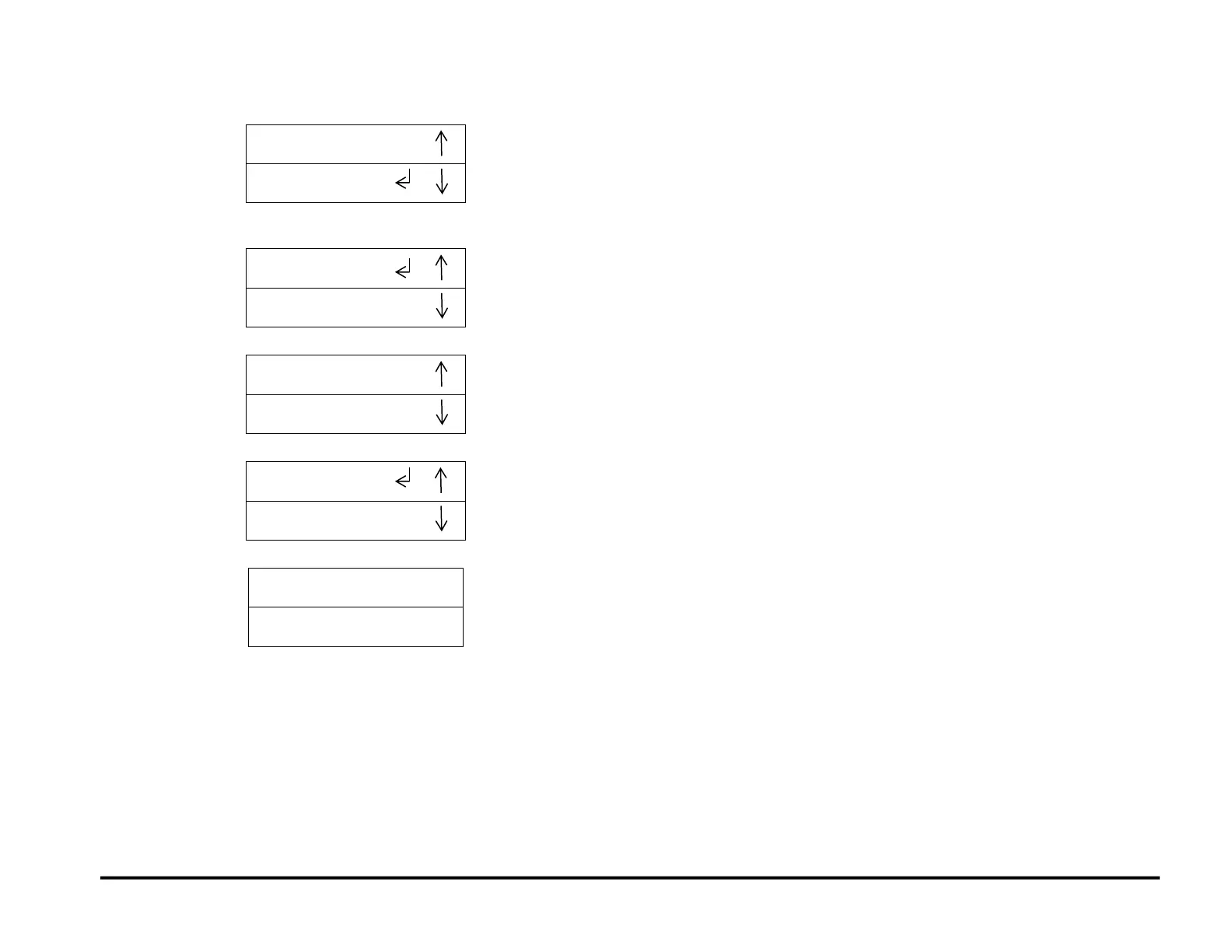
6. To select Bypass Mode (OFF, press the up or down arrow button until
the return symbol is next to the word OFF.
7. Press the ENTER button to select OFF. This will enable Bypass
mode.
8. Press the up arrow button to display the PREVIOUS MENU option.
9. Press the up arrow button to display the EXIT option.
10. Press the ENTER button to return to the top level screen



 To Next Page