General Procedures and Information 09/11/2018 GBC AdvancedPunch Pro
6-34
GP 6.2.5 RUN MODE Setting
When AdvancedPunch Pro is connected to a finisher this menu will show
CONNECTED
When AdvancedPunch Pro is not connected to a finisher and the punch is
powered ON, do the following to select the desired run mode.
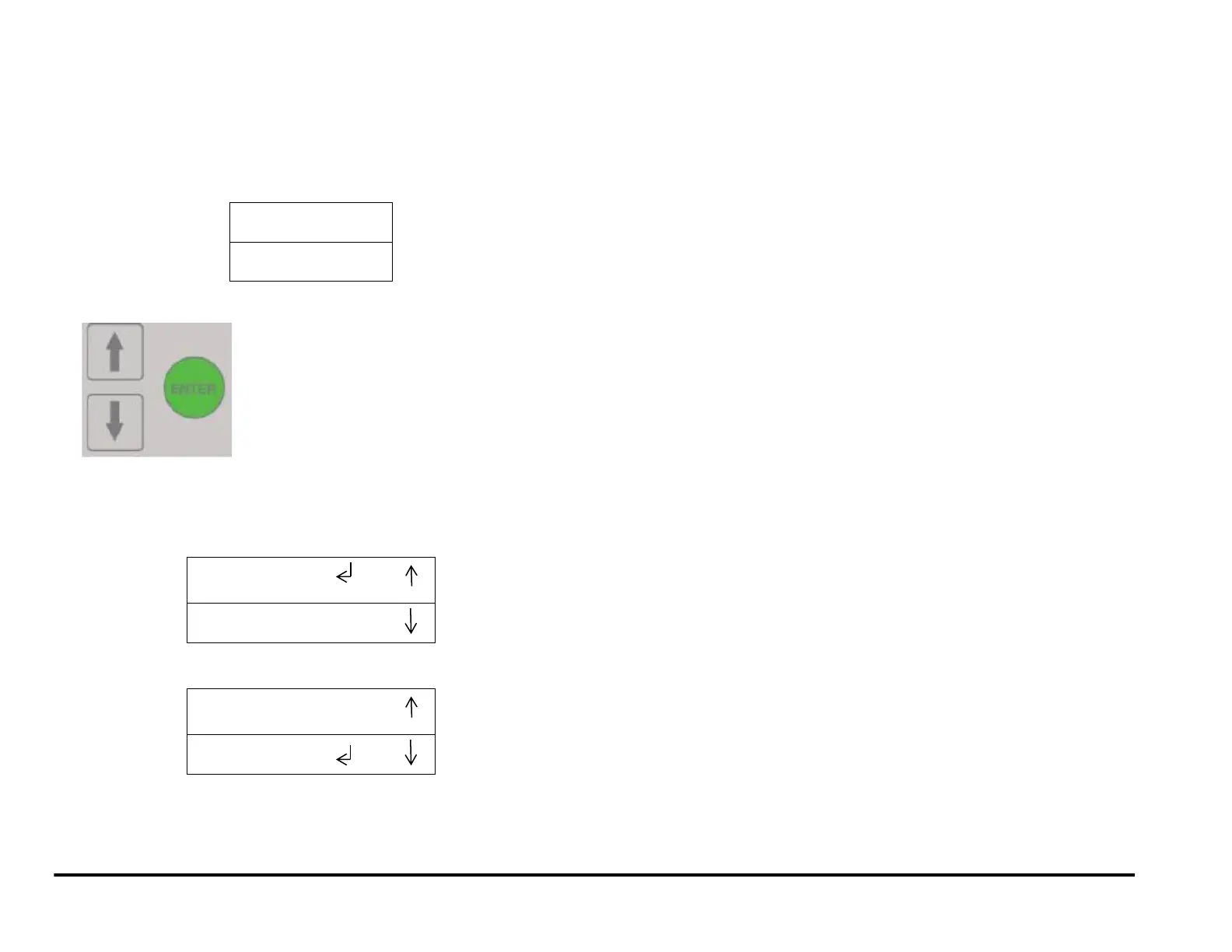
1. At the top level screen,
Press and hold the both Up Arrow button and the Down Arrow button
for 5 seconds.
Then while still holding down the Up Arrow button and the Down
Arrow button, press the Enter button.
The Service User Interface screen will appear.
2. Press the down arrow so the return symbol is next to the words RUN
MODE. Then press OK to enter the RUN MODE setting.
3. Press the down arrow to scroll through the speed options
AUTO RUN – This feature is used for manufacturing set-up only.
AUTO CYCLE – Covering Sensor S25 will enable all
components: all motors, all solenoids. It can be used to check the
functioning of all motors and solenoids.
4. Press the OK button to set the RUN MODE and return to Service
mode options. Press up or down arrow button to exit to Main screen.



 To Next Page