Repairs/Adjustments 08/20/2015 GBC AdvancedPunch Pro
4-72
Installation Procedure
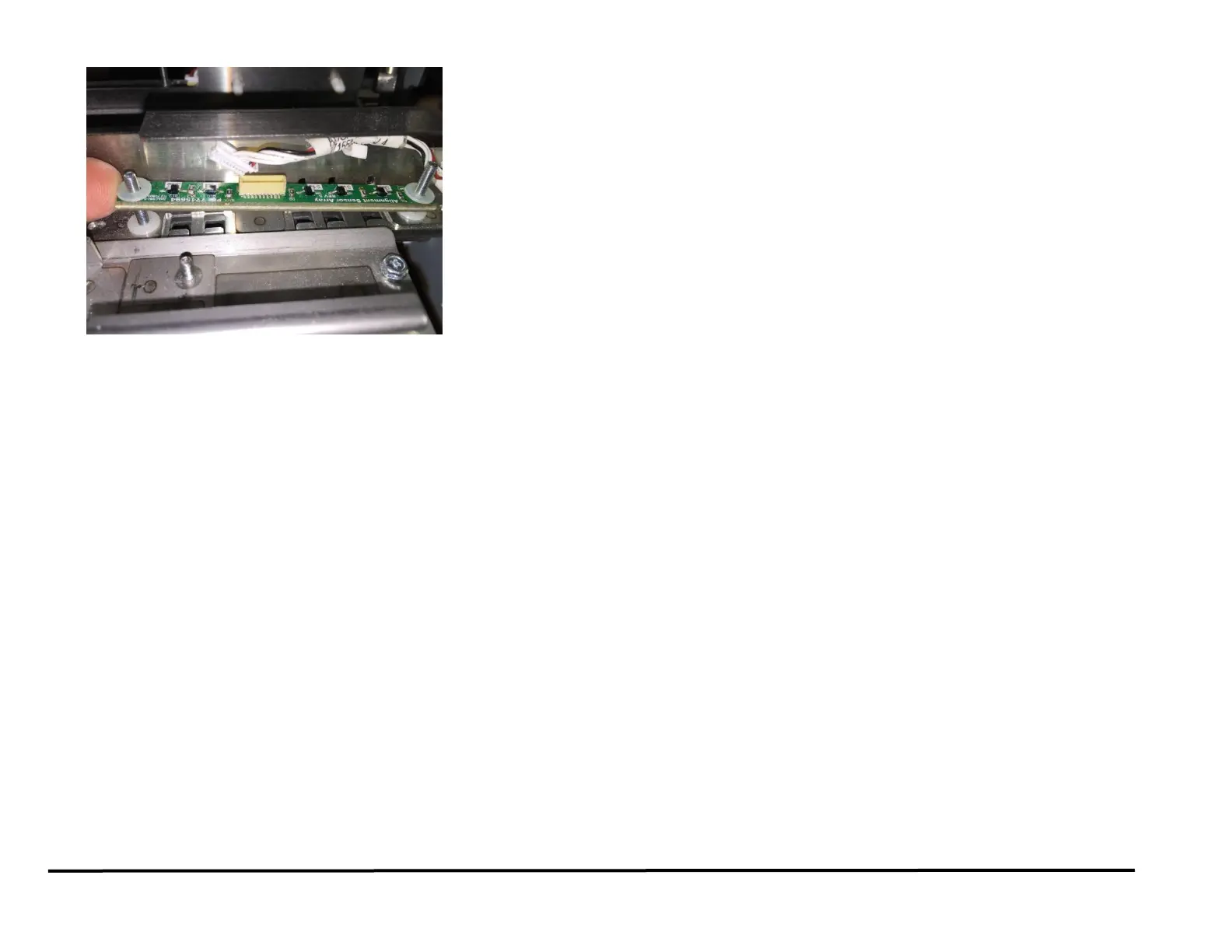
1. Place the new Alignment Sensor Board in position.
2. Install the Washers (2) and tighten the Nuts (2).
Note: There is (1) washer below and (1) washer above the sensor at
each mounting location.
3. Place the Alignment Sensor Board Cable into the Cable Clamps and
close the Cable Clamps.
4. Connect the Alignment Sensor Board Connector.
5. Place the Roller Cover in position.
6. Place the Skew Sensor Board Cable into the Cable Clamps and close
the Cable Clamps.
7. Connect the Skew Sensor Board Connector.
8. Do REP 3.1 to install the Punch Module.
9. Do REP 1.6 to install the Rear Cover.
10. Connect the Power Cord.
11. Power ON the entire printing system.



 To Next Page