General Procedures and Information 09/11/2018 GBC AdvancedPunch Pro
6-52
10. For COMM, COMPLETE is NOT displayed.
The system automatically returns to the previous screen.
Press the ENTER button to return the then MAIN / COMM
screen.
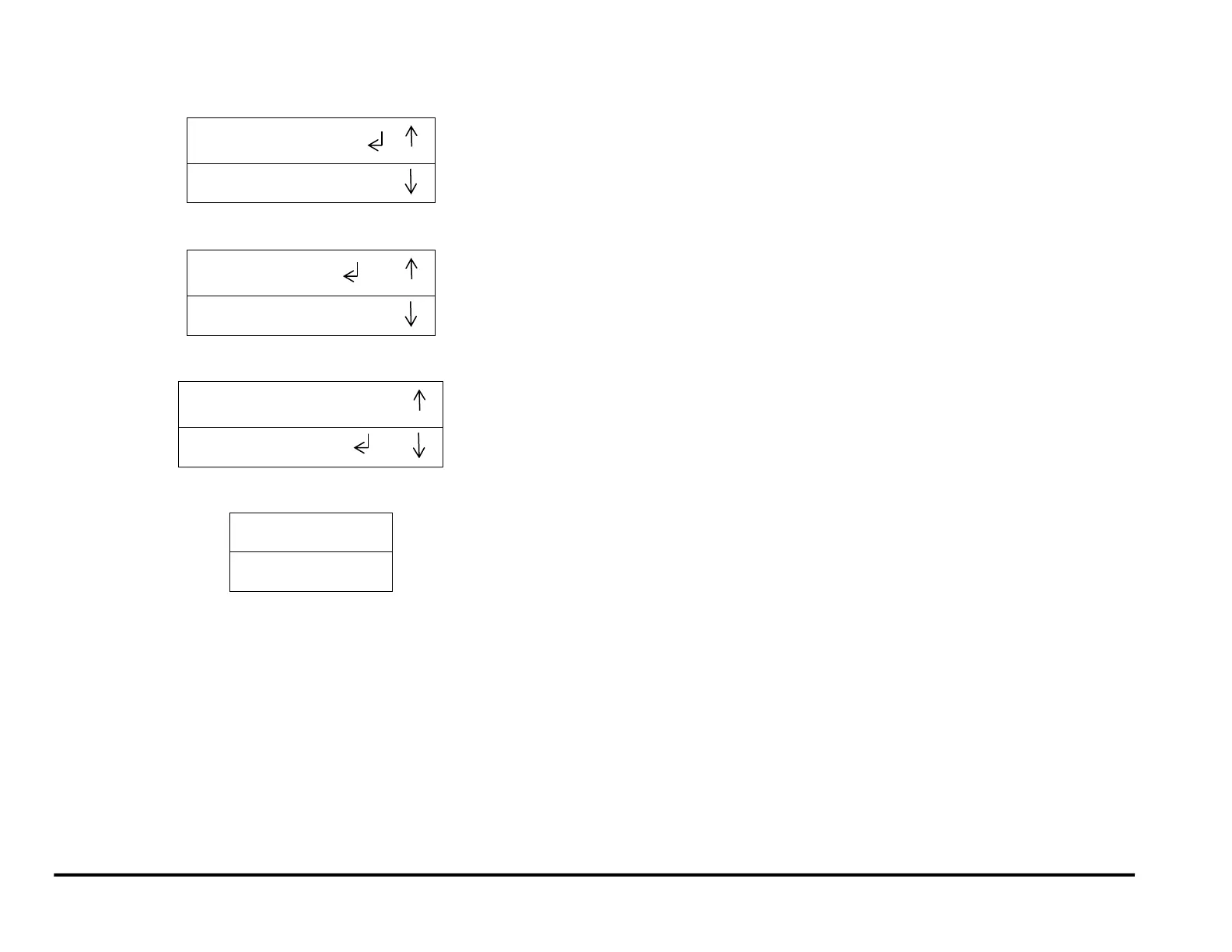
11. Press the down arrow to scroll through the Firmware Upgrade options
until the return symbol is next to the Word EXIT.
12. Press the ENTER button when the return symbol is next to the word
EXIT to return to the top level screen.
13. Remove the USB flash drive with the firmware file you uploaded.
14. Install the Cover for USB port and tighten the Screws (2).
15. Switch off the machine. Wait 10 seconds, and then switch the
machine back on again.



 To Next Page