Service Manual 11/07/2018 GBC AdvancedPunch Pro
xvi
不得在连锁装置失效情况下操作
。
如果手册中的程序指示“把连锁杆插入冲压机门连锁装置开关
SW1”,此时应当心,用于测试零部件的运行情况。
移动零件时,当插入连锁装置时,请将手远离尖锐凸起和皮带。
除非本手册中作出规定,否则不得打开任何面板。
请特别注意操作员手册中列出的警告和当心。
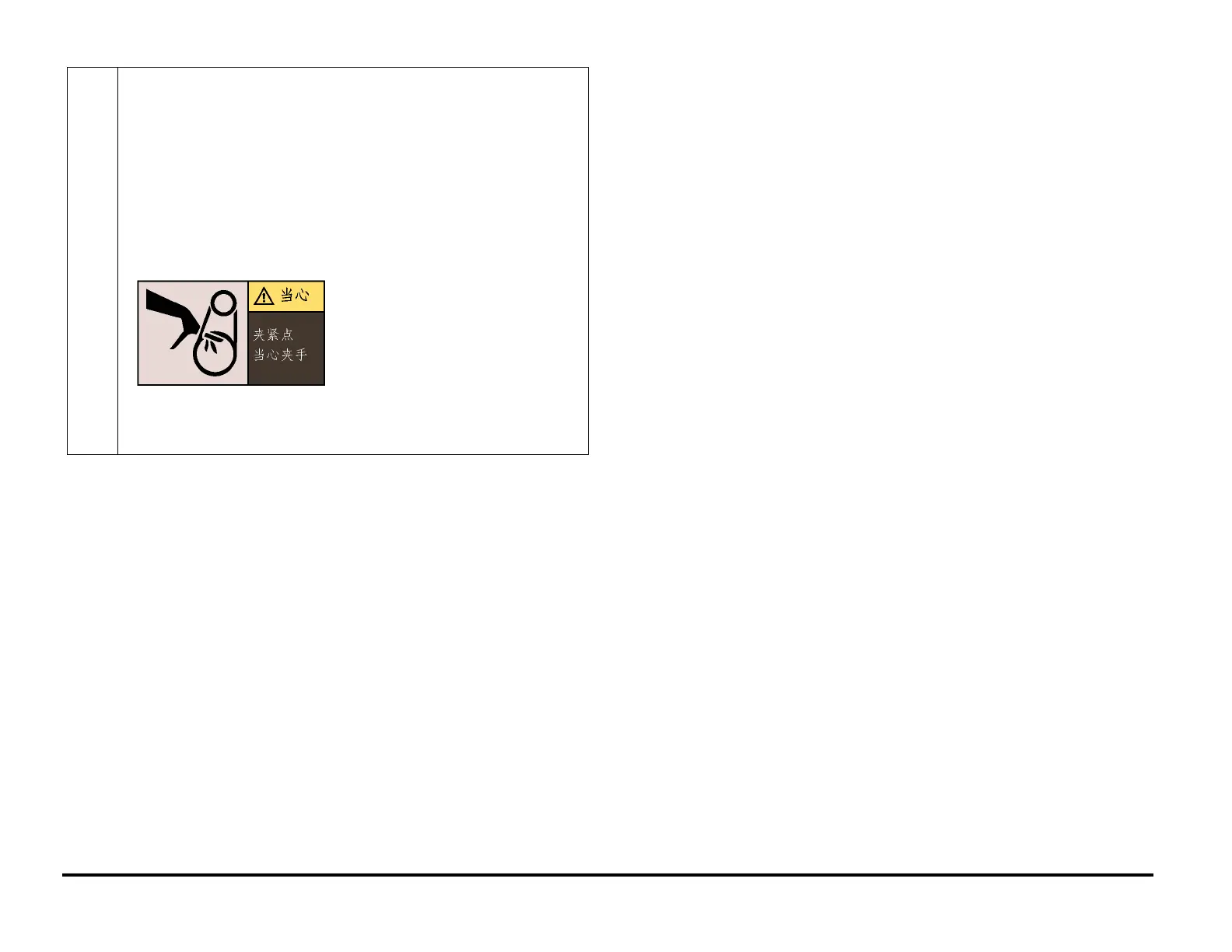
冲压机模块电机皮带(
)为潜在卡夹点。
Other Information
The Use of Caution, Warning, and Note statements
See page number x for other languages
Information relative to the completion of a task in a safe or thorough
manner will be supplied in the form of a Caution, a Warning, or a Note
statement. These statements are found throughout the service
documentation.
Cautions, Warnings, and Note statements appear before the steps to
which they apply. These statements should be read before continuing to
the next step in a procedure.
Caution - A Caution statement indicates an operating or maintenance
procedure, practice, or condition that, if not strictly observed, could result
in damage to, or destruction of, equipment.
Warning - A Warning statement indicates an operating or maintenance
procedure, practice, or condition that, if not strictly observed, could result
in personal injury or loss of life.
Note - A Note statement indicates an operating or maintenance problem,
practice, or condition that is necessary to accomplish a task efficiently.
Safety Devices
See page number xii for other languages
The GBC AdvancedPunch Pro has several safety devices designed to
prevent personal injury when operating the machine.
Door Interlock
When you open the Front Door, a Safety Interlock device automatically
disables the drive motors until you close the Front Door.
When the Front Door is open, the Operator Panel displays the “CLOSE
DOOR” message on the top line of the interface.
When you close the Front Door, the Operator Panel displays the
“READY” message on the top line of the interface.



 To Next Page