EasyManua.ls Logo

GBC AdvancedPunch Pro - Page 283

GBC AdvancedPunch Pro
400 pages
Print Icon
To Next Page IconTo Next Page
To Previous Page IconTo Previous Page
Loading...
GBC AdvancedPunch Pro 09/11/2018 General Procedures and Information
6-13
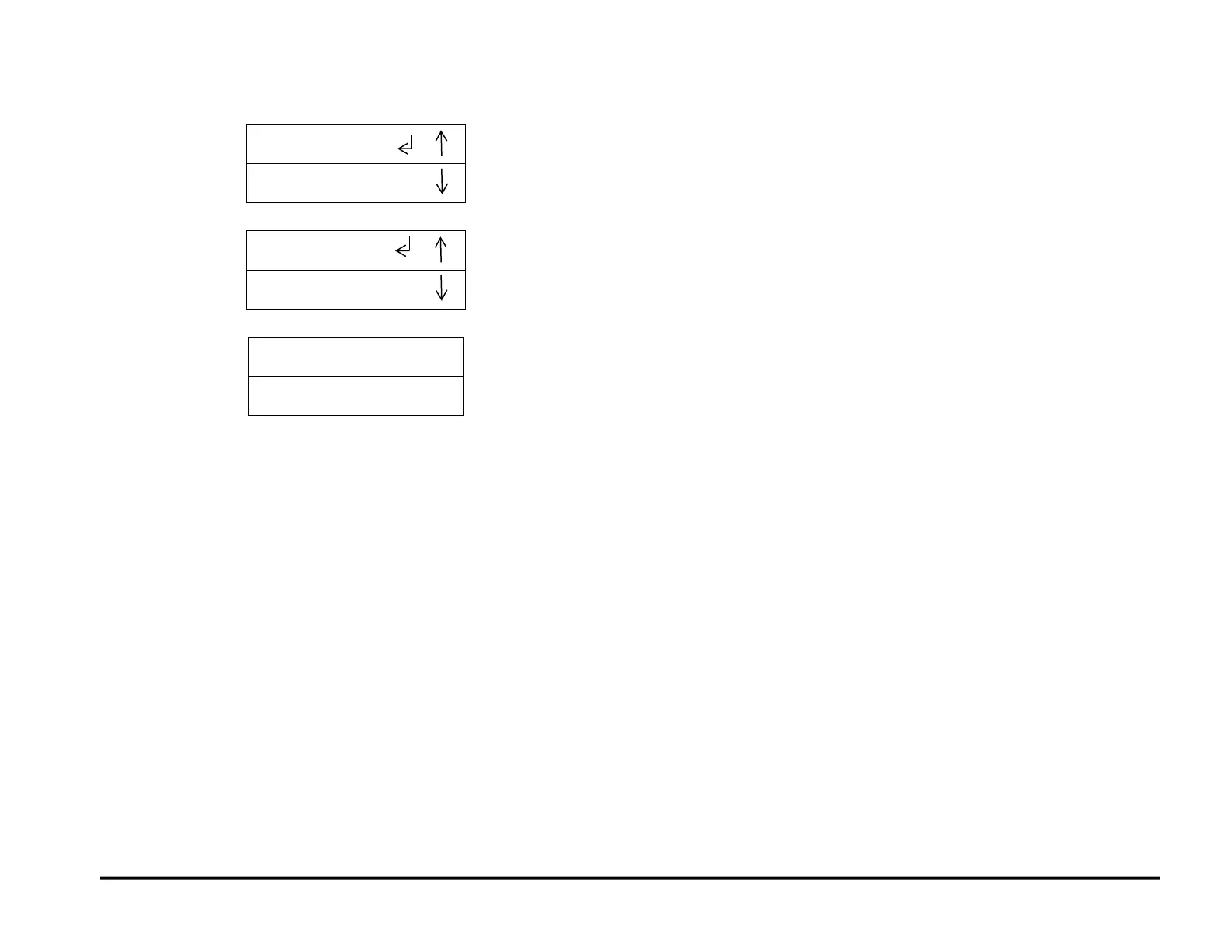
6. Press the ENTER button to input the new Alignment value, and
display the ALIGNMENT / TAB COVER MODE screen.
ALIGNMENT
TAB/COVER MODE
7. Press the up arrow button four times to display the EXIT option.
EXIT
PREVIOUS MENU
8. Press the ENTER button to return to the top level screen.

READY
SINGLE PUNCH

Table of Contents

Other manuals for GBC AdvancedPunch Pro

Related product manuals