6 FUNCTIONS OF THE OPERATION SCREENS CCW-R-2**B INSTRUCTION MANUAL
6-42
6.7.1.1 Select Display Pop-up Menu
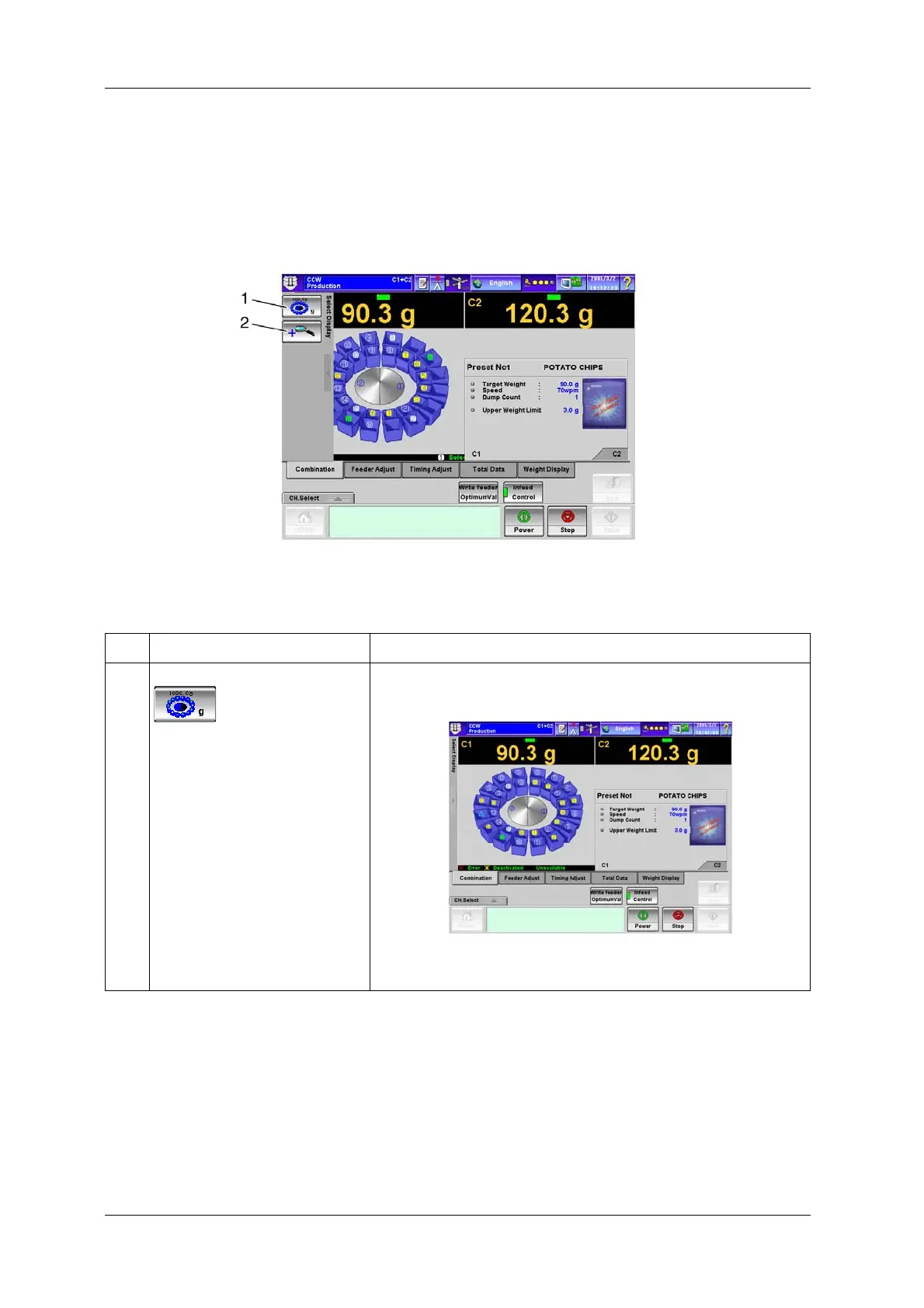
On the [Select Display] pop-up menu, either the [Combination Display] or [Expansion Display] mode
can be selected.
Press the [Select Display] pop-up key on the [Combination] screen, and select the desired display mode.
Fig.6-49 [Select Display] Pop-up Menu ([Production] Screen)
Table 6-13 Keys and Functions of [Select Display] Pop-up Menu
No. Name Function
1 [Combination Display] key Selects the [Combination Result Display] screen.
Fig.6-50 [Combination Result Display] screen.


 To Next Page
 Loading...

