CCW-R-2**B INSTRUCTION MANUAL 5 REGISTERING OF PRODUCTS
5-13
5.2.3.5 Presetting Other Channels
Preset other channels.
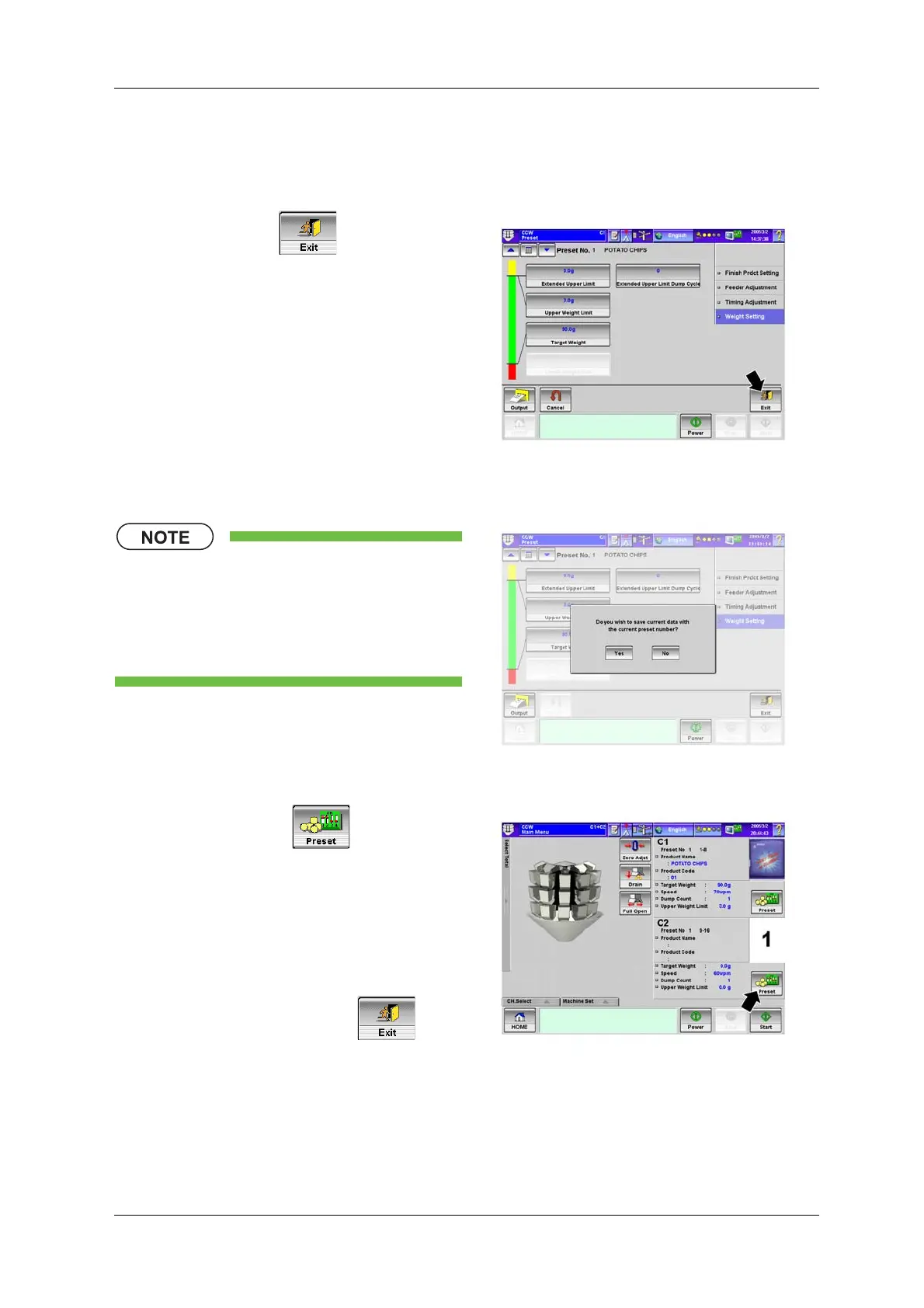
1. Press the [Exit] key .
X The [Main Menu] screen appears.
Fig.5-20 [Weight Setting] Index Screen
([Preset] Screen)
• When the preset number is changed in
the [Preset] screen, press the [Exit] key
to show the confirmation screen. To
accept the settings for the selected
preset number, press the [Yes] key.
Fig.5-21 Confirmation Screen ([Preset] Screen)
2. Press the [Preset] key for C2.
XThe [Preset] screen for C2 appears.
3. Perform the preset operations for C2 by
following the procedures described in “5.2.3.2
Setting the Product”.
4. After the preset operations for C1 and C2 are
completed, press the [Exit] key .
X The [Main Menu] screen appears.
Fig.5-22 [Main Menu] Screen


 To Next Page
 Loading...

