Ch 6 page 11
ELECTRICAL SYSTEM
SHOP MANUAL
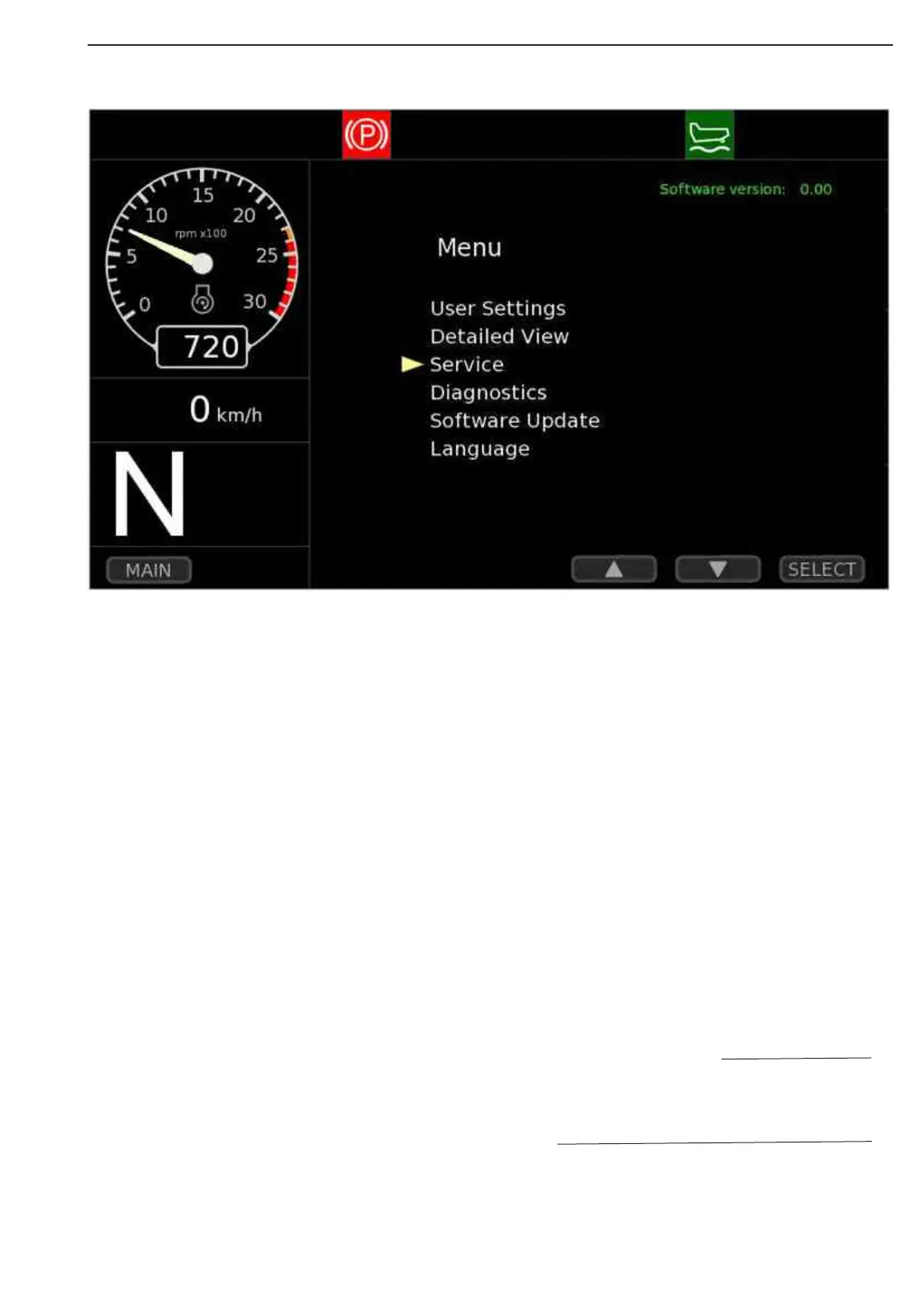
LCD screen main menu
• User setting
o Trip counter A and B reset
• Detailed view
o Extended gauge and sensor view
• Service
o Clutch calibration and display information download
• Diagnostic
o Diagnostic information for engine, transmission and vehicle
• Software update
o Update of display firmware
• Language
o Change of display language
LCD use description
There are 6 point to choise on the screen
To find, use the up and down and select buttons to choise
Please see in the Operation & Mainte-
nance Manual chapter 3 and 5 for more
description about LCD display function.
NOTE
Figure 7



 To Next Page