Maintenance Object Repair Procedures
555-233-123
10-850 Issue 4 May 2002
3. Submit the schedule.
If you set the Schedule Download field to n, the download starts as
soon as you submit the schedule.
NOTE:
If you receive a SAT error message asking you to use the test
firmware download command, this means that there was a problem
with a previous firmware download. Run the test before proceeding.
!
CAUTION:
The ftplogin and ftppassword will remain on the TN799DP (C-LAN)
and TN2501AP (VAL) circuit packs until they are reset or until you
issue the disable filesystem board <UUCSS> command.
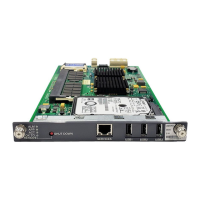
4. If you are self-downloading to a TN2501AP (VAL) circuit pack, reseat the
pack:
!
CAUTION:
Ensure that both the top green and top amber LEDs are out.
a. Release the latch handle to free the circuit pack from the carrier.
b. Pull the circuit pack out approximately 1-2 inches (2.54 to 5.08 cm.).
c. Re-insert the circuit pack into the carrier.
d. Close the latch securely.
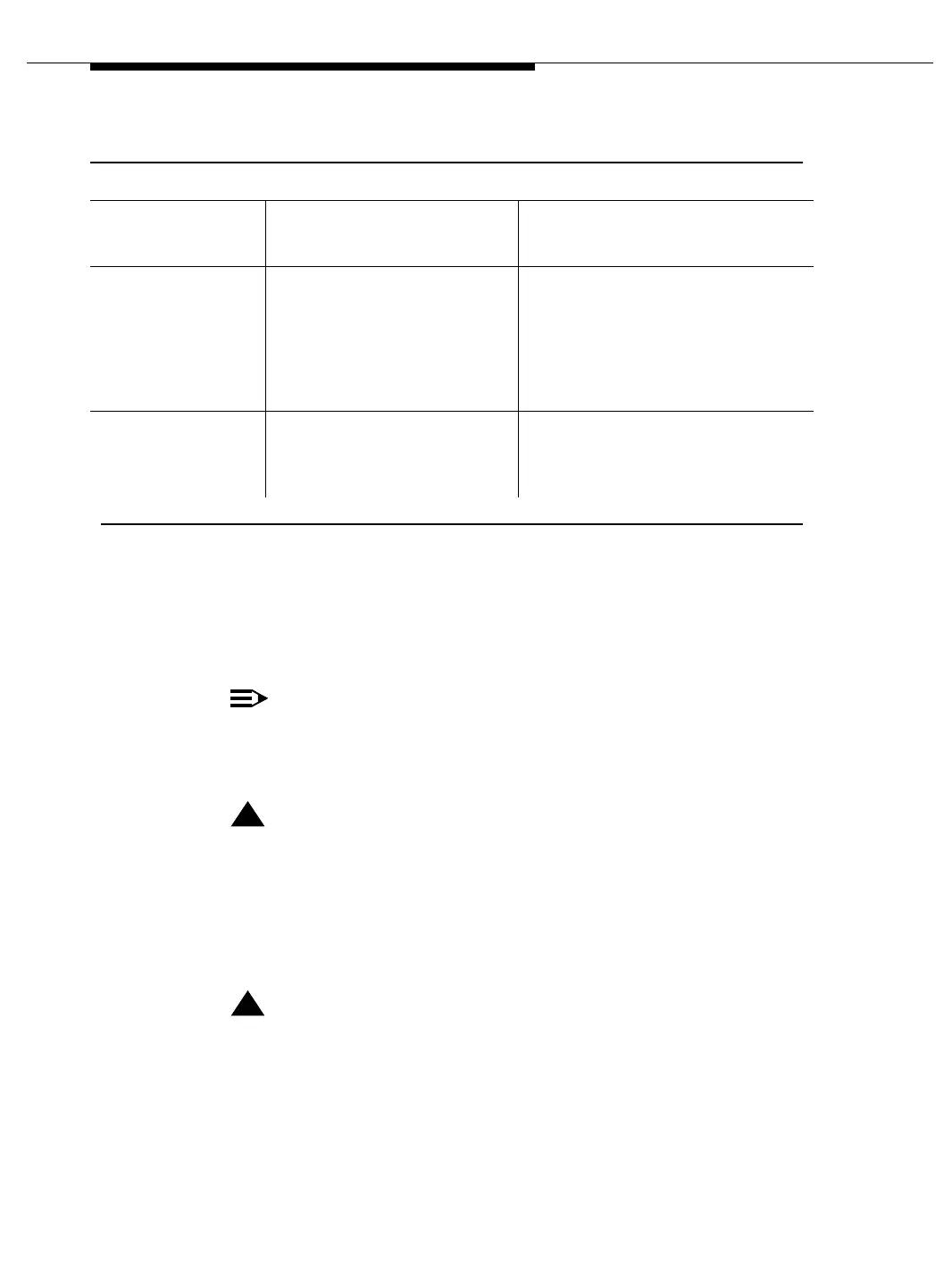
Start
Date/Time
Type the date and time that you
want the firmware download to
begin.
See the ‘‘Check specified resources’’
section to ensure that the necessary
resources are available.
Stop
Date/Time
Type the date and time that you
want the firmware download to
end.
If the scheduled stop time is reached
before the new firmware image file has
been downloaded to all circuit packs,
the system finishes downloading to
the circuit pack in progress before
aborting the remainder of the
download schedule.
Target
Location
Type the UUCSS address of the
circuit pack that you are
updating.
The circuit pack at this address must
be the same type as the source circuit
board. You can only put one entry in
this
field.
Table 10-306. Firmware Download fields and descriptions — Continued
Field Description Notes
Continued on next page



 To Next Page