5-66 Phaser 6180MFP Multifunction Printer Service Manual
Print-Quality Troubleshooting
Lines or Streaks (from ADF)
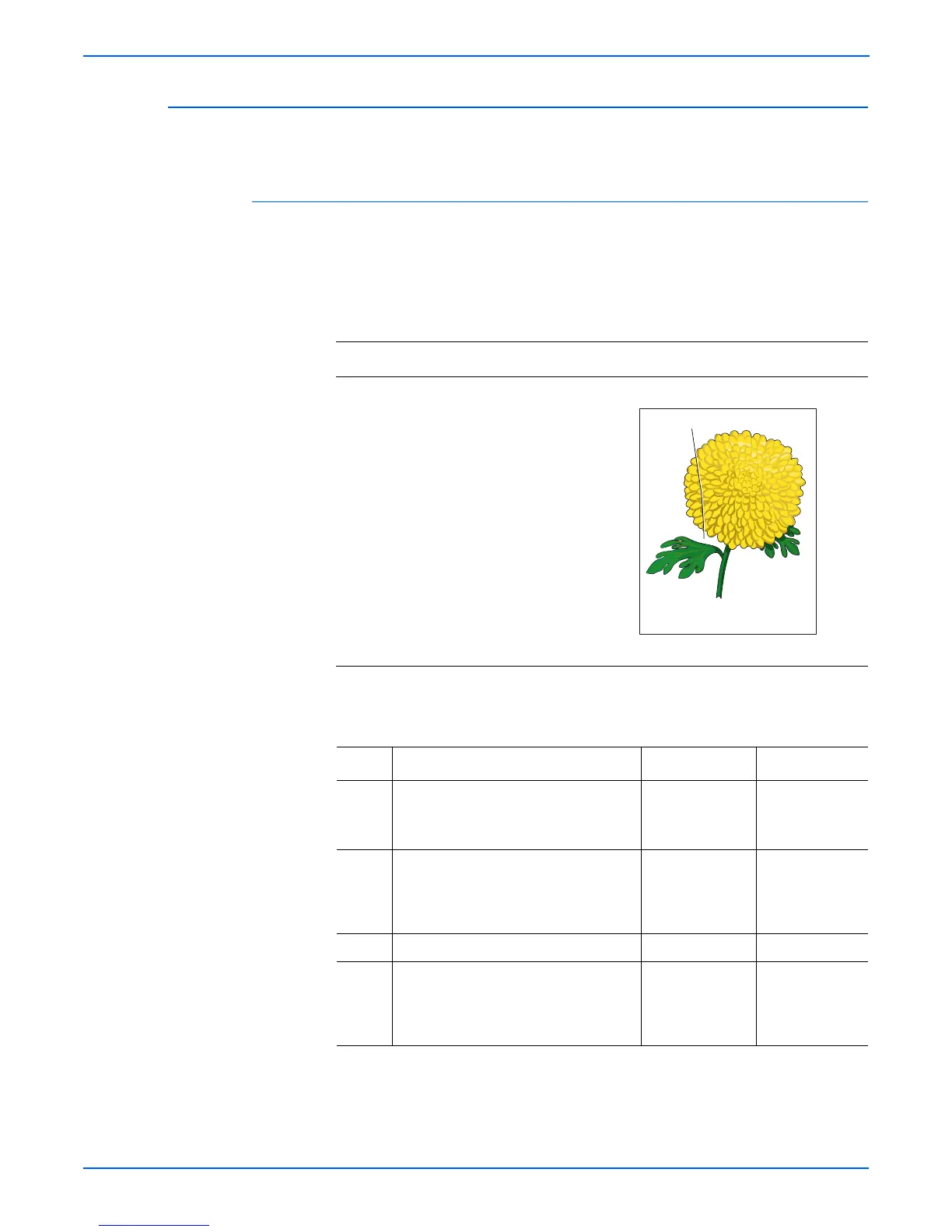
There are lines or streaks on copies from the ADF.
Initial Actions
■ Check the document glass.
■ Ensure there are no debris on the document glass.
Troubleshooting Reference Table
Applicable Parts Example Print
■ ADF Scanner Assembly, PL11.1.1
Troubleshooting Procedure Table
Step Actions and Questions Yes No
1 1.Check the output document.
2.Are there lines or streaks on the
document?
Replace the
original
document.
Go to step 2.
2 Are there debris on the document
glass?
Clean the
document glass
using a lint-free
cloth.
Go to step 3.
3 Does the image quality improve? Complete. Go to step 4.
4 Are there scratches on the document
glass?
Replace the ADF
Scanner
Assembly
(page 8-129).
Complete.
Scratch on Glass


 To Next Page
 Loading...











