CHAPTER68 Configuration Parameters Reference
Mediant 1000 Gateway & E-SBC | User's Manual
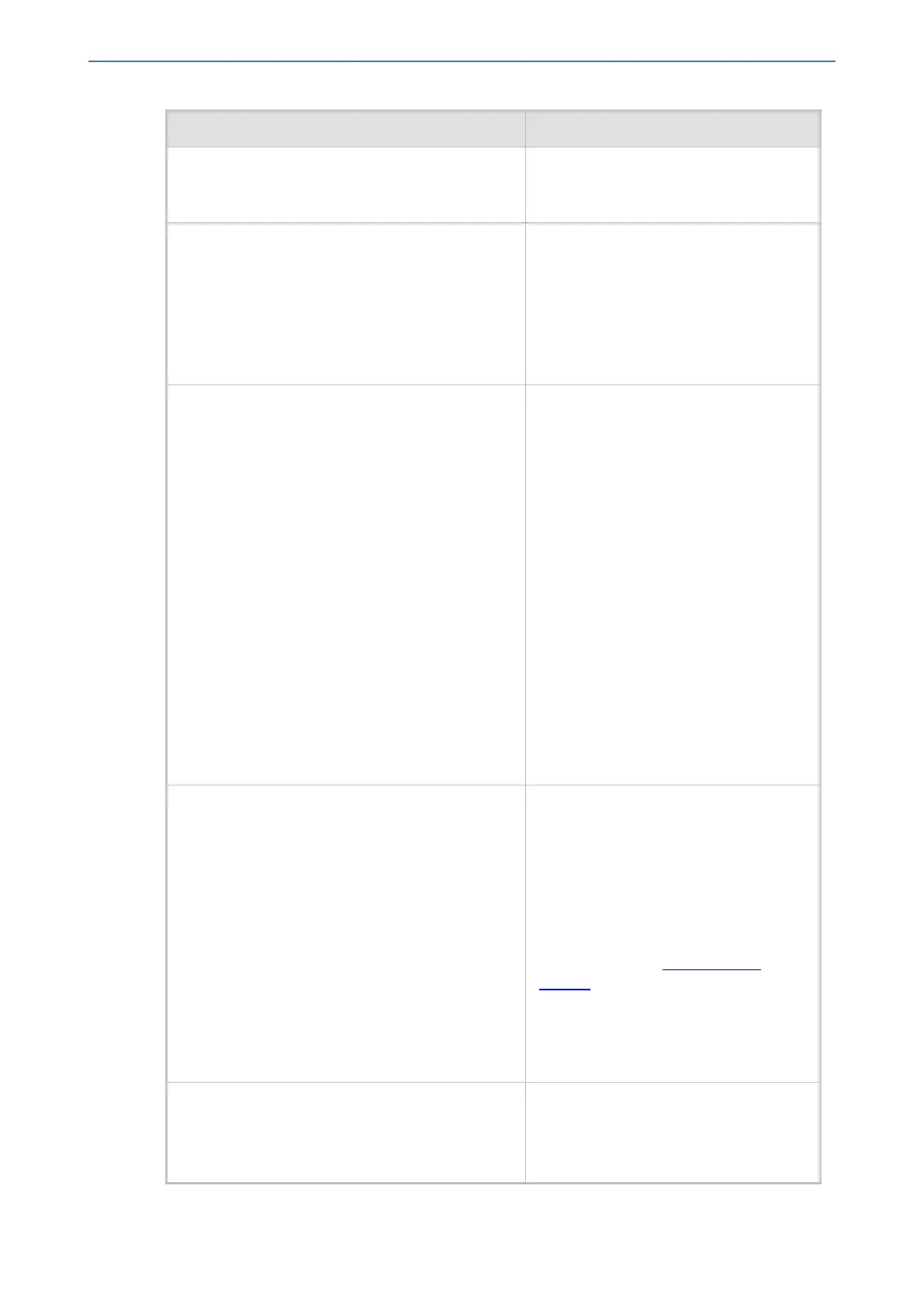
Parameter Description
Note: When set to 5 msec (1), the
maximum number of simultaneous
channels supported is 120.
jitter-buffer-minimum-delay
[FaxModemBypasDJBufMinDelay]
Defines the Jitter Buffer delay (in
milliseconds) during fax and modem
bypass session.
The range is 0 to 150 msec. The default
is 40.
Note: The parameter is applicable only
to the Gateway application.
enable-fax-modem-inband-network-
detection
[EnableFaxModemInbandNetworkDetection]
Enables in-band network detection
related to fax/modem.
■ [0] = (Default) Disable.
■ [1] = Enable. When the parameter is
enabled on Bypass and transparent
with events mode
(VxxTransportType is set to 2 or 3), a
detection of an Answer Tone from the
network triggers a switch to bypass
mode in addition to the local
Fax/Modem tone detections.
However, only a high bit-rate coder
voice session effectively detects the
Answer Tone sent by a remote
endpoint. This can be useful when,
for example, the payload of voice and
bypass is the same, allowing the
originator to switch to bypass mode
as well.
NSE-mode
[NSEMode]
Global parameter that enables Cisco's
compatible fax and modem bypass
mode, Named Signaling Event (NSE)
packets. You can also configure this
feature per specific calls, using IP
Profiles (IpProfile_NSEMode). For a
detailed description of the parameter and
for configuring this feature in the IP
Profiles table, see Configuring IP
Profiles.
Note: If this feature is configured for a
specific IP Profile, the settings of this
global parameter is ignored for calls
associated with the IP Profile.
NSE-payload-type
[NSEPayloadType]
Defines the NSE payload type for Cisco
Bypass compatible mode.
The valid range is 96-127. The default is
105.
- 1217 -






 To Next Page