Transport and Navigation : Navigation
6 - 116
• Frames
•
Samples
•
[ms]
•
CD Frames
When the Resolution is set to
Frames, an Alternate Frame Rate can be chosen.
When
Alternate Frame Rate is chosen, the check box Stretch Scale to match Main Scale Frames allows the
Alternate Scale to no longer display the same time flow as the Main Scale (1 Second = 1 Second). Instead it
matches the length of individual Frames (1 Frame = 1 Frame). In this case the time is not the same in both scales
and this allows making comparisons between, for example, 24 frames events and 25 frames events.
The
Origin in Main Scale option allows an offset to be set between the Main Scale and the Alternate Scale.
Film Feet Scale Ruler
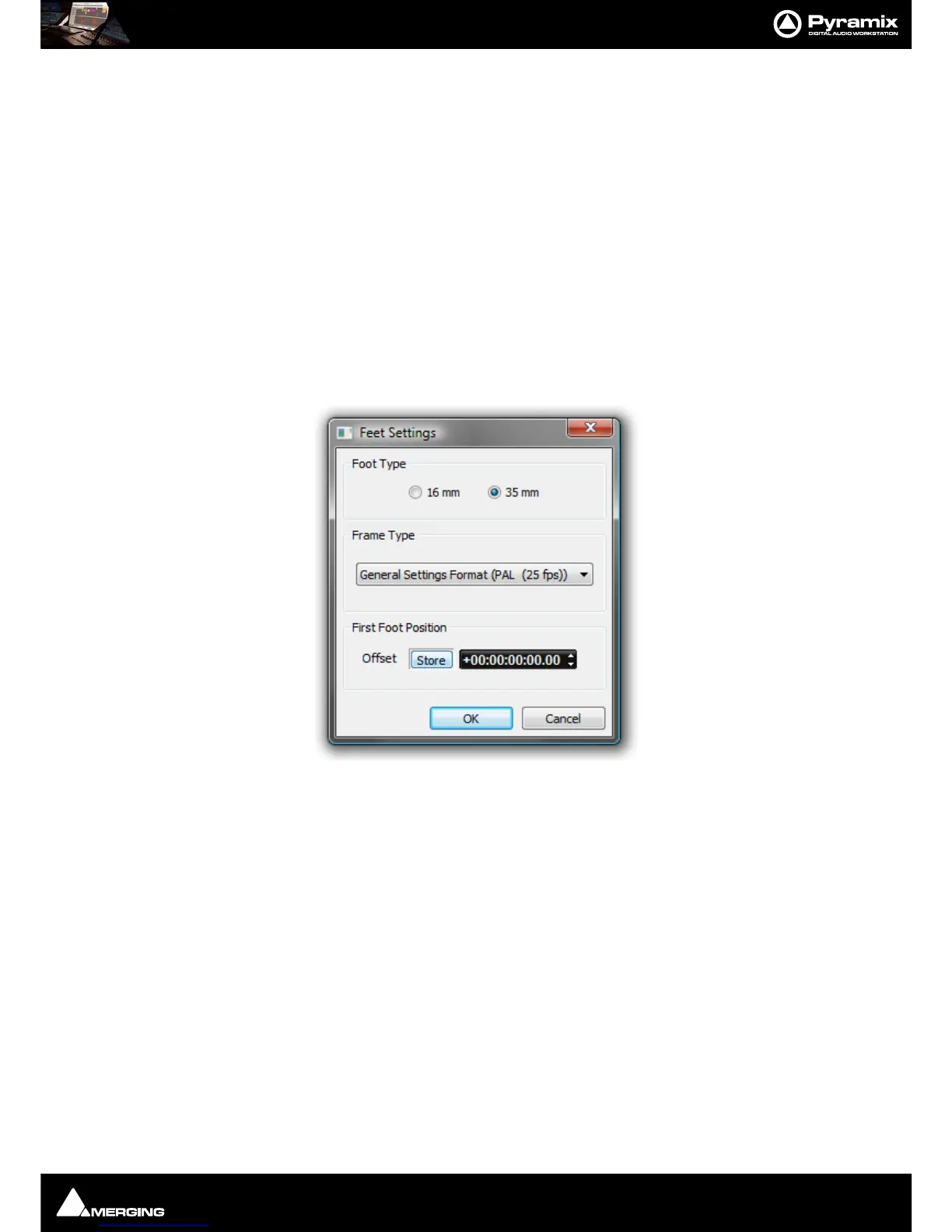
As with the other Scale Rulers, clicking in the header area pops up a context menu with the extra option Feet Set-
tings
selecting this pops up the Feet Settings dialog:
Foot Type
The radio buttons offer a choice of 16mm feet (units of 40 frames) and 35mm feet (units of 16 frames).



 To Next Page