Appendices : Appendix IV Optional Features
30 - 737
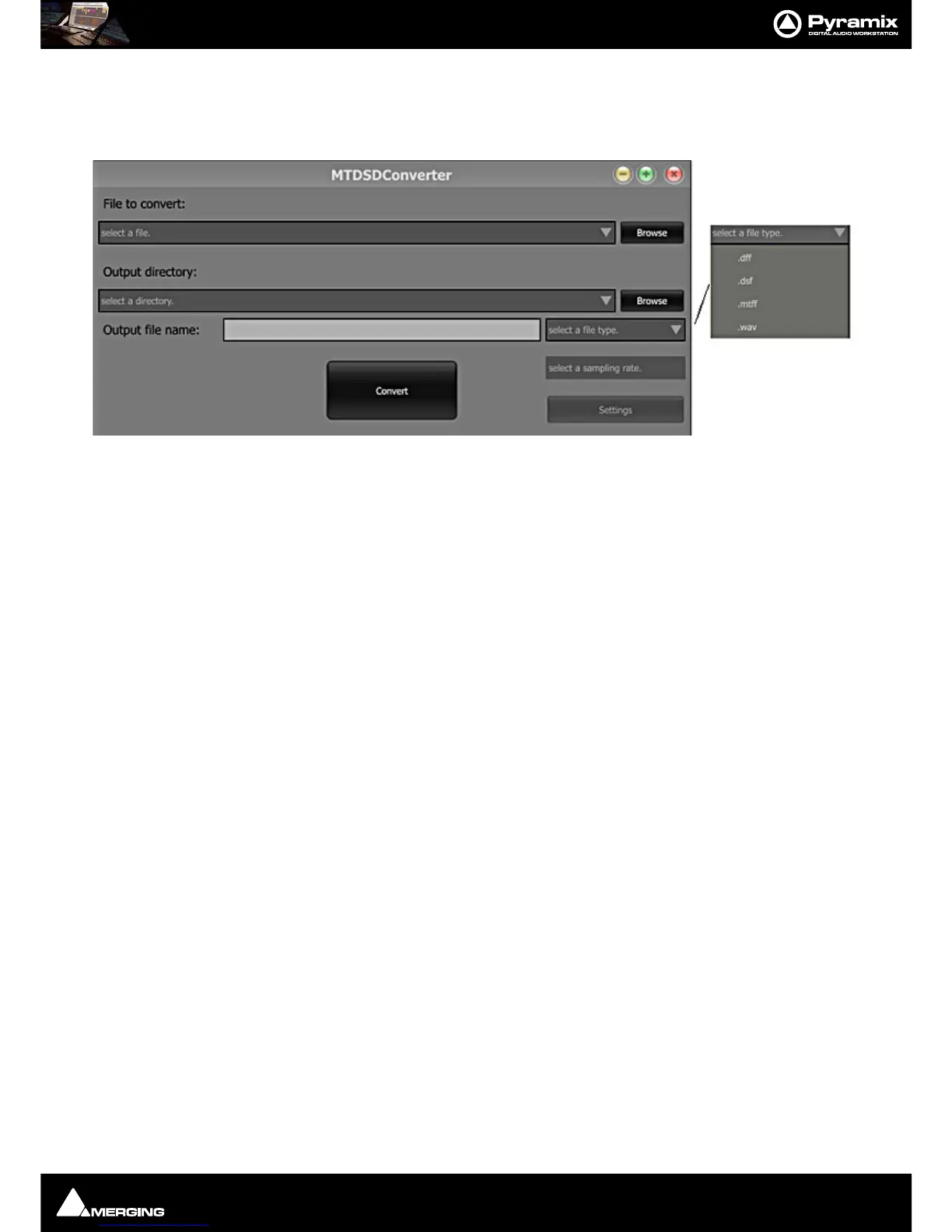
MTDSD Converter
A stand alone DSD converter application is installed with Pyramix.
You will find it in
Start > All Programs > Merging Technologies > Pyramix.
The input file format can be
8FS, DXD or DSD. The output file type is chosen from the select a file type. drop-
down list.Sampling rate is selected from the
select a sampling rate. drop-down list such as DSD64, DSD128 or
DSD256.
Time-code Sync
Required if you intend to use LTC (Linear TimeCode) or VITC (Vertical Interval TimeCode) to synchronize Pyramix to
external equipment.



 To Next Page