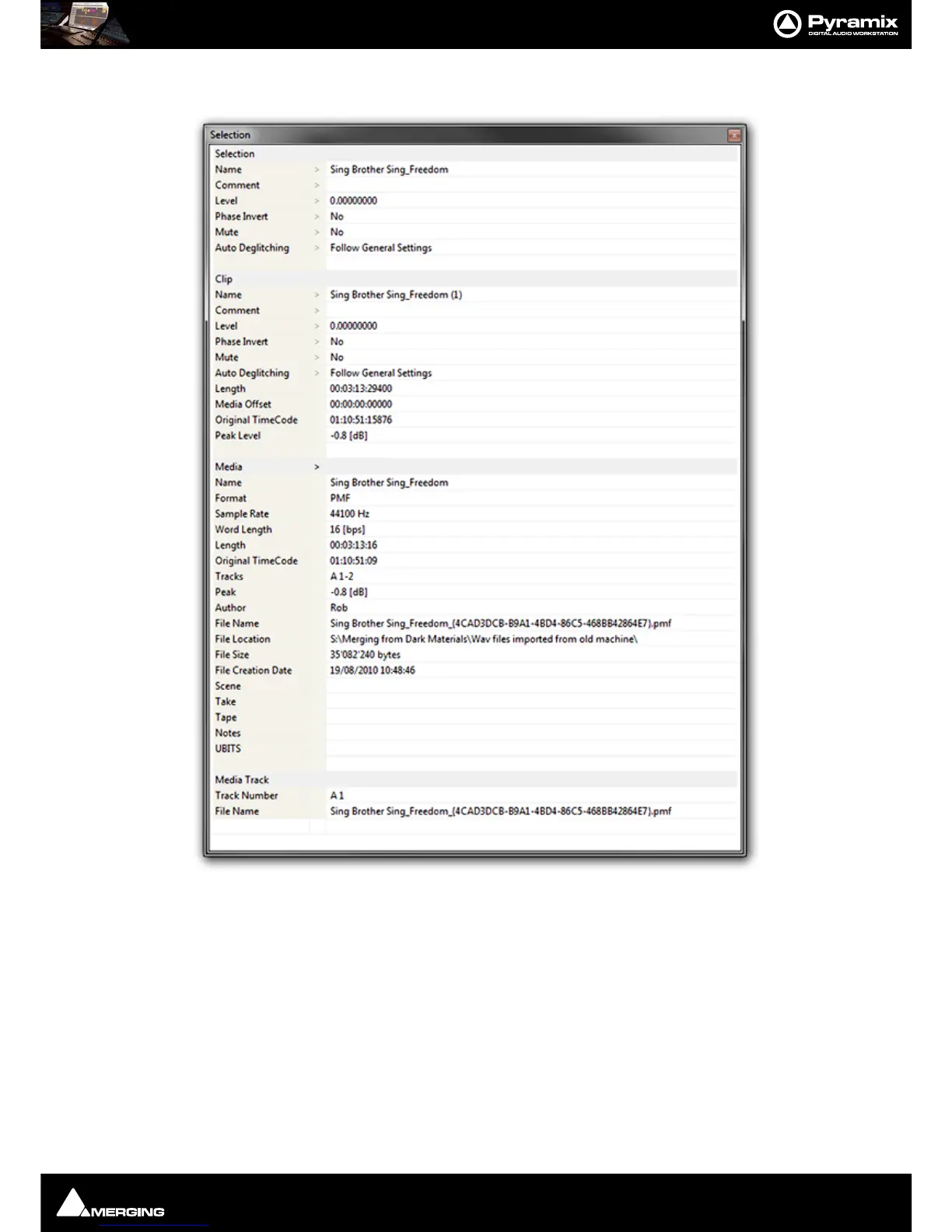
Editing : Selection Tab Window
8 - 167
Selection Tab Window
The Selection Tab Window groups together Selection, Clip and Media Properties fields in a table.
When choosing
Selection Properties or a Properties Menu item, this Tab Window is displayed. If the Tab Win-
dows section is hidden, then the Selection Tab Window is undocked to ensure it is visible. Parameters that can be
modified are marked with a ‘
>’ sign. Click on the ‘>’ sign or on the parameter itself to change/edit it.
Selection and Clip Modifiable Fields
Name
This field shows the name of Clip as it appears in the composition. This name will also be displayed in
the Clip block when the Clip is set to Show Text.



 To Next Page