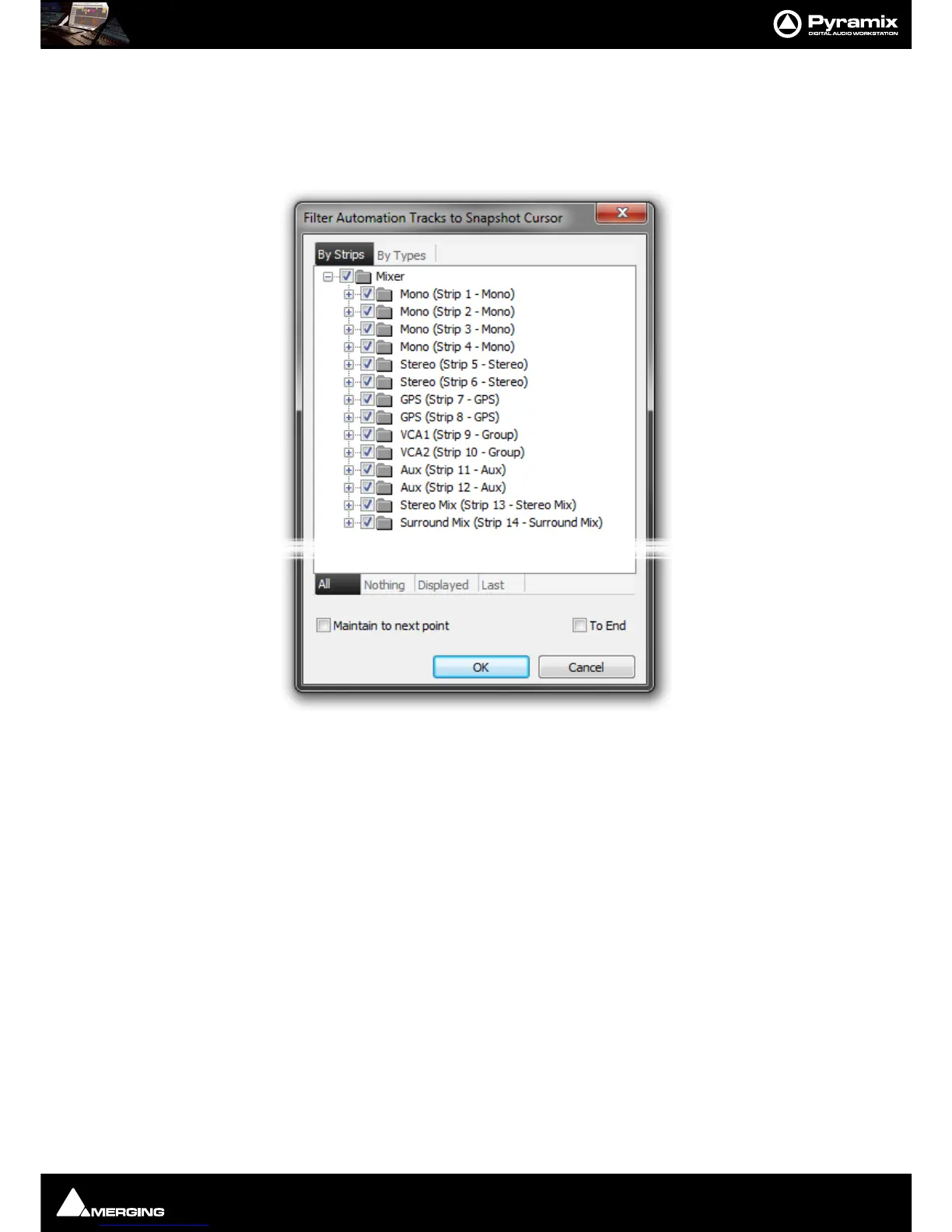
Automation : Filter Automation Tracks to Snapshot Dialog
15 - 381
Filter Automation Tracks to Snapshot Dialog
This dialog shows all automation Tracks available and enables you to choose which Tracks will be modified by an
Cut, Copy, Delete or Snapshot action. The Tracks shown are limited to the current Timeline selection (A selected
Clip or Clips, or a Region) if one is present.
The following actions will pop-up the dialog:
Automation > Automation Snapshot Cursor
Automation > Automation Snapshot Range
Automation > Delete Selected Points & Interpolate
Automation > Delete Selected Points
Automation > Cut Selected Points
Automation > Copy Selected Points
Stopping the Transport after a control has been moved when in Preview mode
Note: The Dialog title changes to reflect the action.
I.e. Filter Automation Tracks to Snapshot - Cursor/Range/Delete/Cut/Copy



 To Next Page