Automation : Dynamic Automation Levels
15 - 366
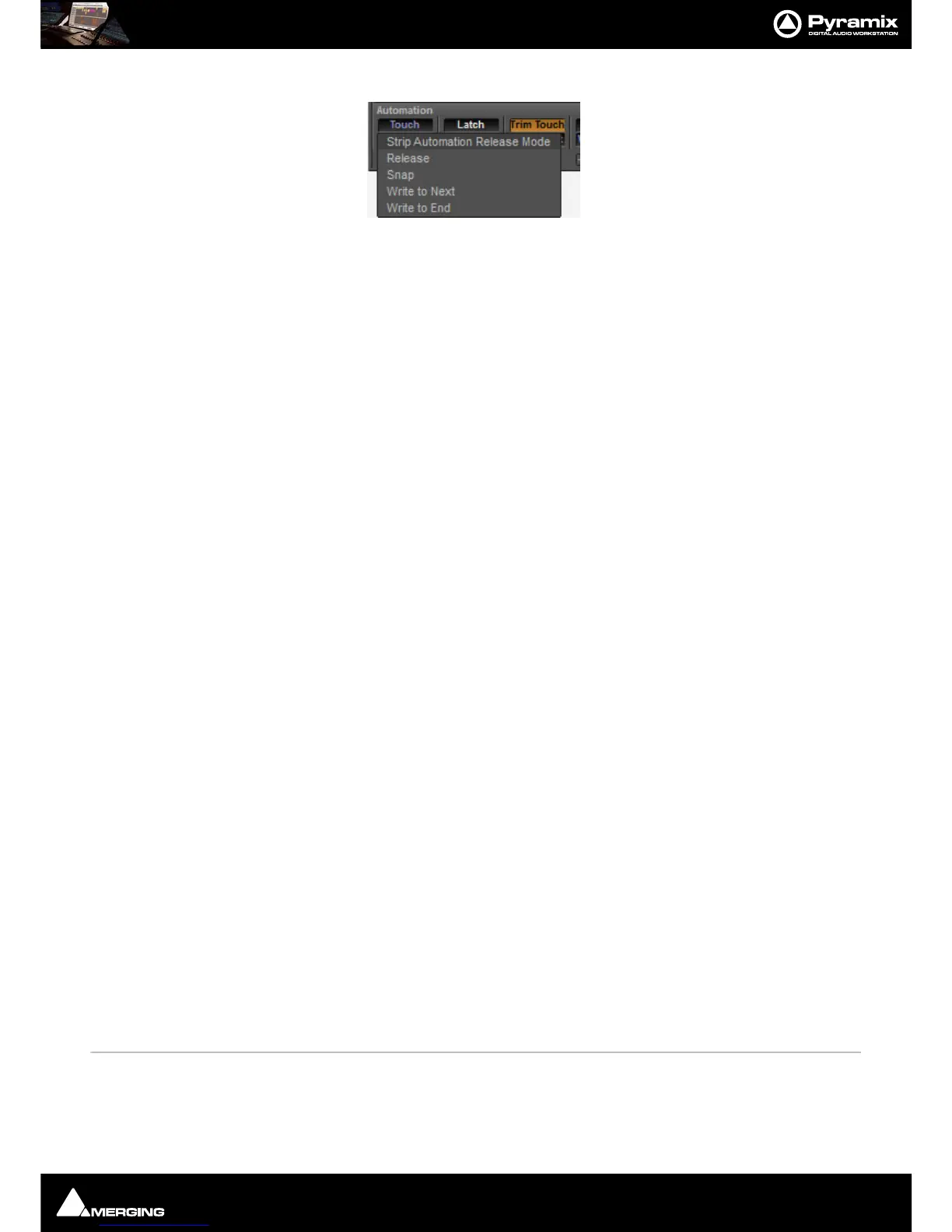
Clicking on the lower button pops-up the list of available Release Modes:
• Release
•Snap
• Write to Next
• Write to End
These modes are also available through the contextual right-click mouse button under
Strip > Automation and have the same effect as selections made with the buttons at the bottom of the strips.
These modes do not color the mixer strips, only the buttons on the bottom of strips
To set these modes for the entire mixer the
Automation menu has entries for Console Strips Mode - XXX and
Console Strips Release Mode - XXX.
Level 2
Level 2 is the modes available via the right-click context menus under Automation (per component), Bus > Auto-
mation
(for the whole bus), Mixer > Automation for the entire mixer The modes are:
• Follow Strip
• Record
•Read
•Isolate
These modes override the Strips level 1 mode.
When in
Follow Strip Mode, the level 1 Strip mode for the whole strip applies to the component, when in Record,
Read or Isolate the component ignores the Strips mode.
These modes color the background of the mixer components and override any strip or bus color.
Automation Modes
Behavior when a control is touched or released depends on the global settings in the Automation menu, strip set-
tings or individual control settings.
Automation Menu - Touch and Release Modes
Console Strips Mode - Touch The automation starts writing a new pass when the control is touched and stops writing
when the control is released. Behavior on release depends on the release mode.
Console Strips Mode - Latch The automation starts writing a new pass when the control is touched. The value when
the control is released will continue to be written until the transport stops.
Console Strips Mode - Trim Touch The automation starts updating the current pass when the control is touched and stops
updating when the control is released.
Console Strips Mode - Trim Latch The automation starts updating when the control is touched but continues when the
control is released and stops only when the transport stops.
Console Strips Release Mode - Snap A straight jump is made from the current control value to the value written in the previ-
ous pass.



 To Next Page