Mixer : Mixer Components
10 - 230
Aux Send Buses In-Place Panning
In-Place panning for each Aux Send bus is turned on with the IP button in Aux Send section(s) of each Input Strip.
In-Place Aux Sends take the output(s) of the appropriate panner at the same level(s) the panner is feeding its out-
put bus.
Note: Only corresponding Bus Types are fed in this way. Thus if you feed a Mono Aux Send Bus
typed Center from a 5.1 panner and there is no signal on the centre channel no signal will be fed
to the Aux Send Bus even if the signal on the left and right outputs is identical creating a ‘phan-
tom center’.
In-Place Panning Source
When an IP button is lit (yellow) on an Input Strip, the way in which the aux send channels are routed to an Aux
Send bus is determined in the Aux return strip. For example, in a mixer configuration with an Aux Send bus, a Sur-
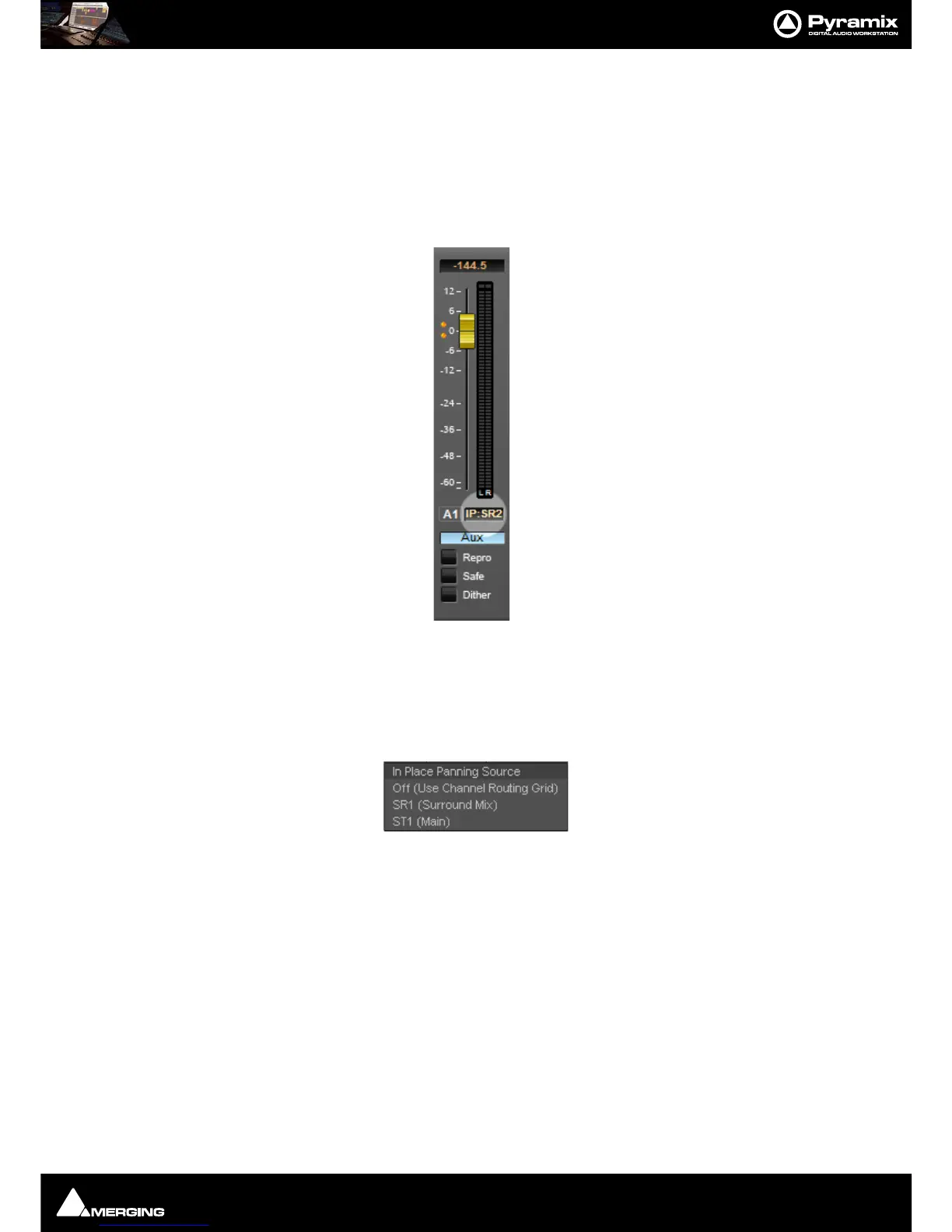
round bus and a Stereo bus. Clicking on the highlighted box below the Aux master fader pops up a list of options:
These determine whether the Aux send will follow one of the output bus panners or the Static Channel Assign-
ment set in the Input Strip. E.g. for Aux Send bus 1:
Off (Use Channel Routing Grid) Aux pan follows Static Channel Routing assignment
SR1 (Surround Mix) Aux pan follows Surround Mix bus panners
ST1 (Stereo Mix) Aux pan follows Stereo Mix bus panners
To make all the Aux 1 sends follow the Mixer Strip Surround Panners, click on the box below the fader and select
SR1 (Surround Mix)
Note: When IP:Off is displayed in the Aux Send master strip I.e. no In-Place source is selected,
then the IP buttons in the input strips will be grayed out. Similarly, when an In-Place source IS



 To Next Page