Project Processes : Cleaning Up Project media
17 - 417
Solo
When ticked solos the selected Track
Loop When ticked preview playback will loop
Add Marks When ticked adds a Marker to the Timeline where the Pencil Render has taken
place
The
> button initiates preview playback and the square stop button stops preview playback.
Prosoniq MPEX 4
An optional Multi-channel Time Stretch / Pitch Scaling with Formant plug-in. Please see: MPEX4 Timestretch
and pitch change on page 353
ReNOVAtor
An optional renovation suite plug-in by Algorithmix.
Cleaning Up Project media
Deletes all Media files in the selected folder which is not used in, or referenced by the current Project.
N.B. This operation is NOT reversible. There is no
UNDO!
Project Notes
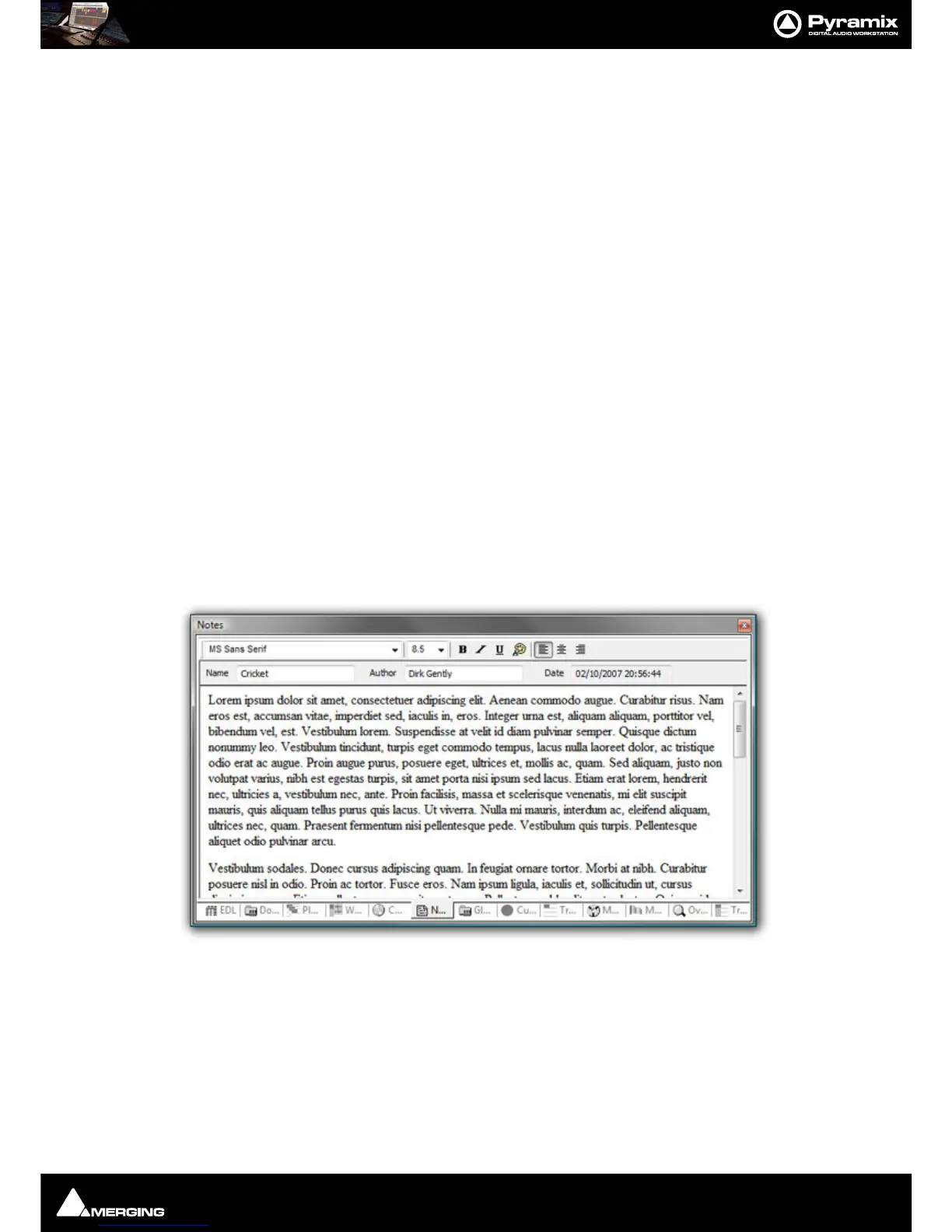
Click on the Notes tab to add text notes to a project. Type or cut and paste text into the editor. Drop down list
boxes give a choice of font and size. Text can be emboldened, italicized, underlined and colored. Justification can
be left, centre or right.
Notes entered here are saved with the project. The notes can be reviewed, edited and copied into other applica-
tions by highlighting the text and copying with
Ctrl + C.



 To Next Page