Recording and Acquisition : Recording Status
7 - 148
Recording Status
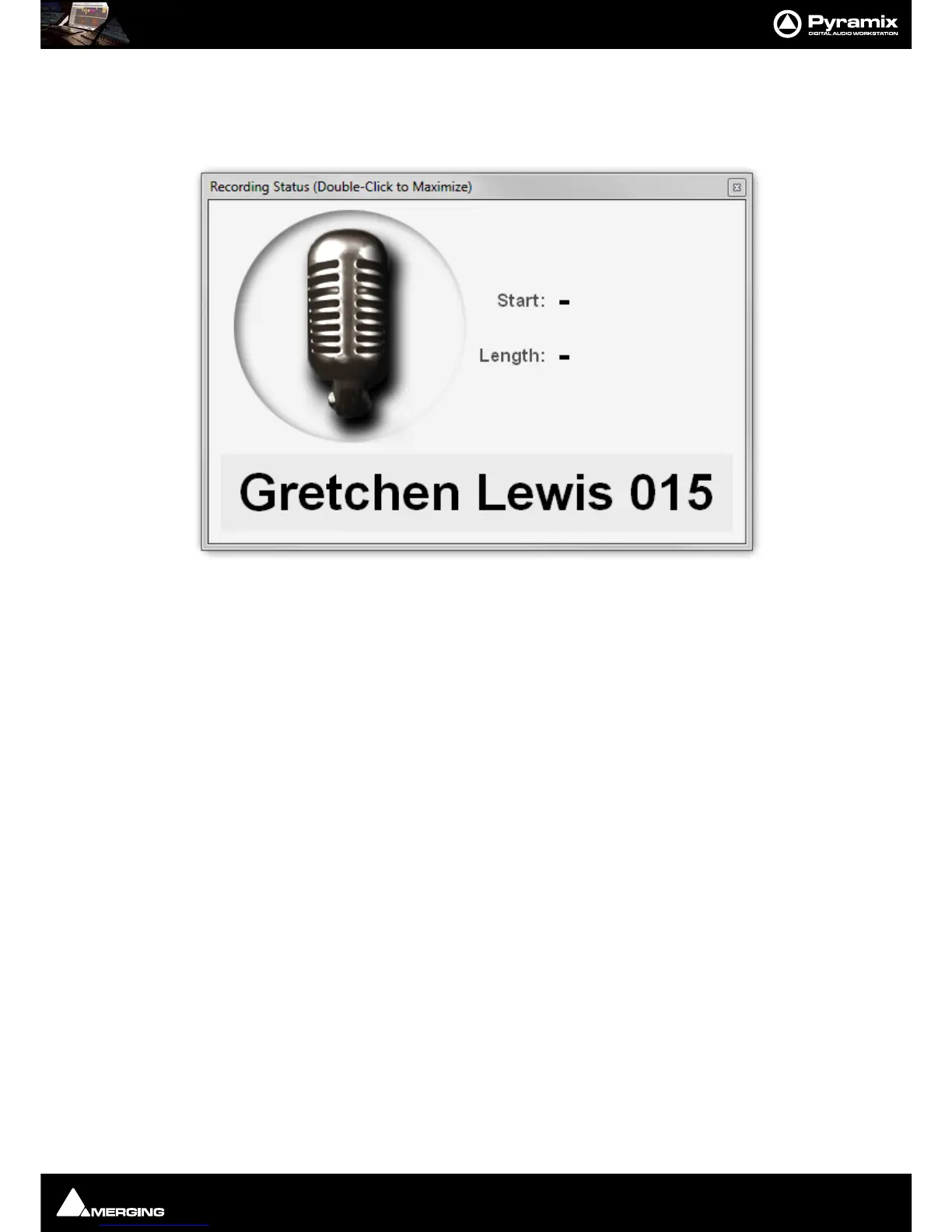
The Recording Status window is opened from View > Windows / Tools > Recording Status or [Alt + R].
The window can be maximised to full screen by double-clicking anywhere on the window. A subsequent double-
click restores to the original size. The Window can also be resized in the normal Windows manner.
The
Start and Stop fields are blank until recording is initiated.
When specified in the
Record Settings page, in the Background Recorders Settings page or in the Take Logger
the
Take Name is shown at the bottom. When no Take Name is specified it will show Untitled. The Take name is
updated in real time when modified in the
Take Logger.



 To Next Page