Editing : Editing Context Menu
8 - 176
Editing Context Menu
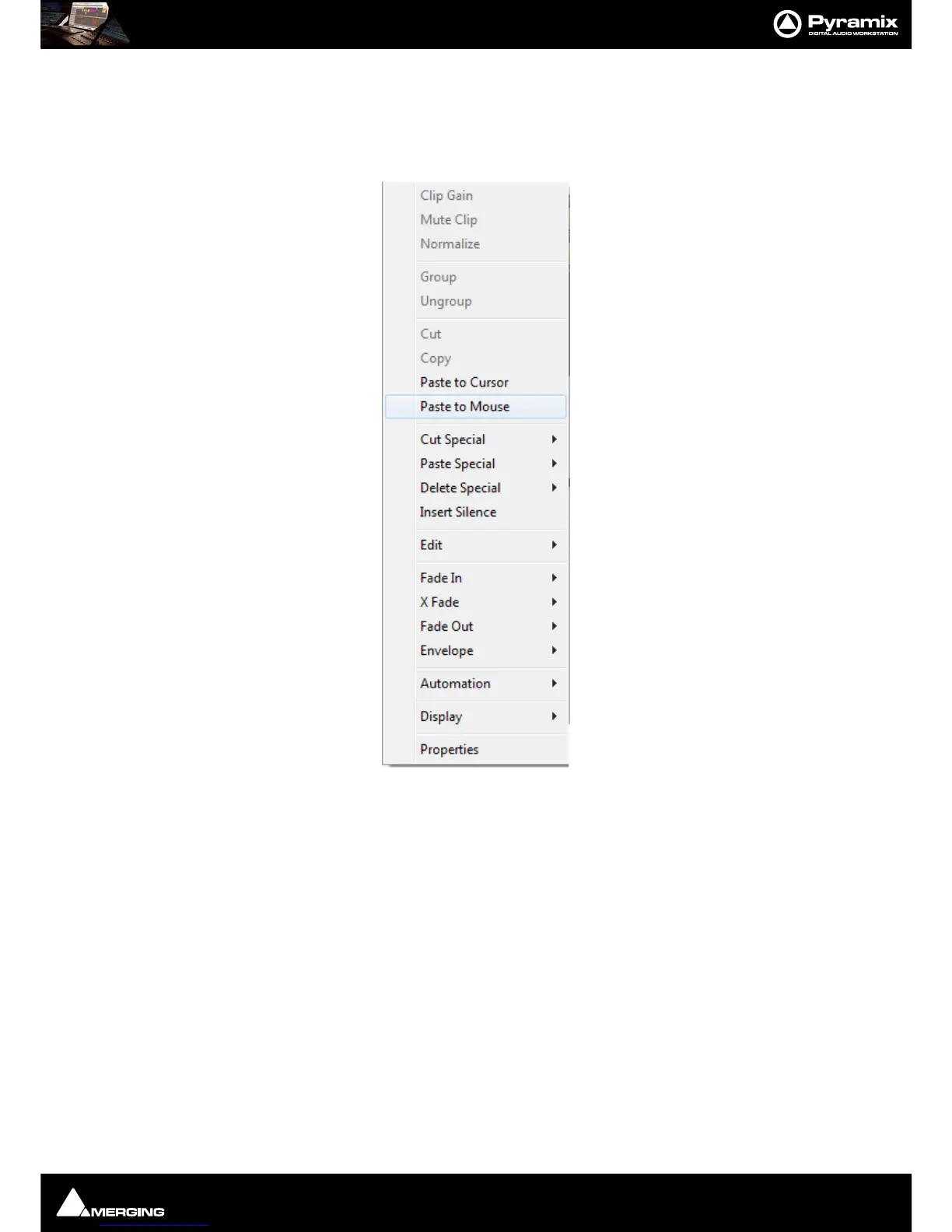
Right-clicking in the Timeline opens a context menu with extensive editing options. Some options will be grayed
out when they are inapplicable. E.g. unless a Clip is selected, or if there is nothing on the Clipboard to Paste.
All the commands in the context menu and sub-menus can be found elsewhere, principally in the
Edit and Clip
menus. However, here they are grouped in a convenient way for quick access.
For power users, keyboards shortcuts are the way to go.



 To Next Page