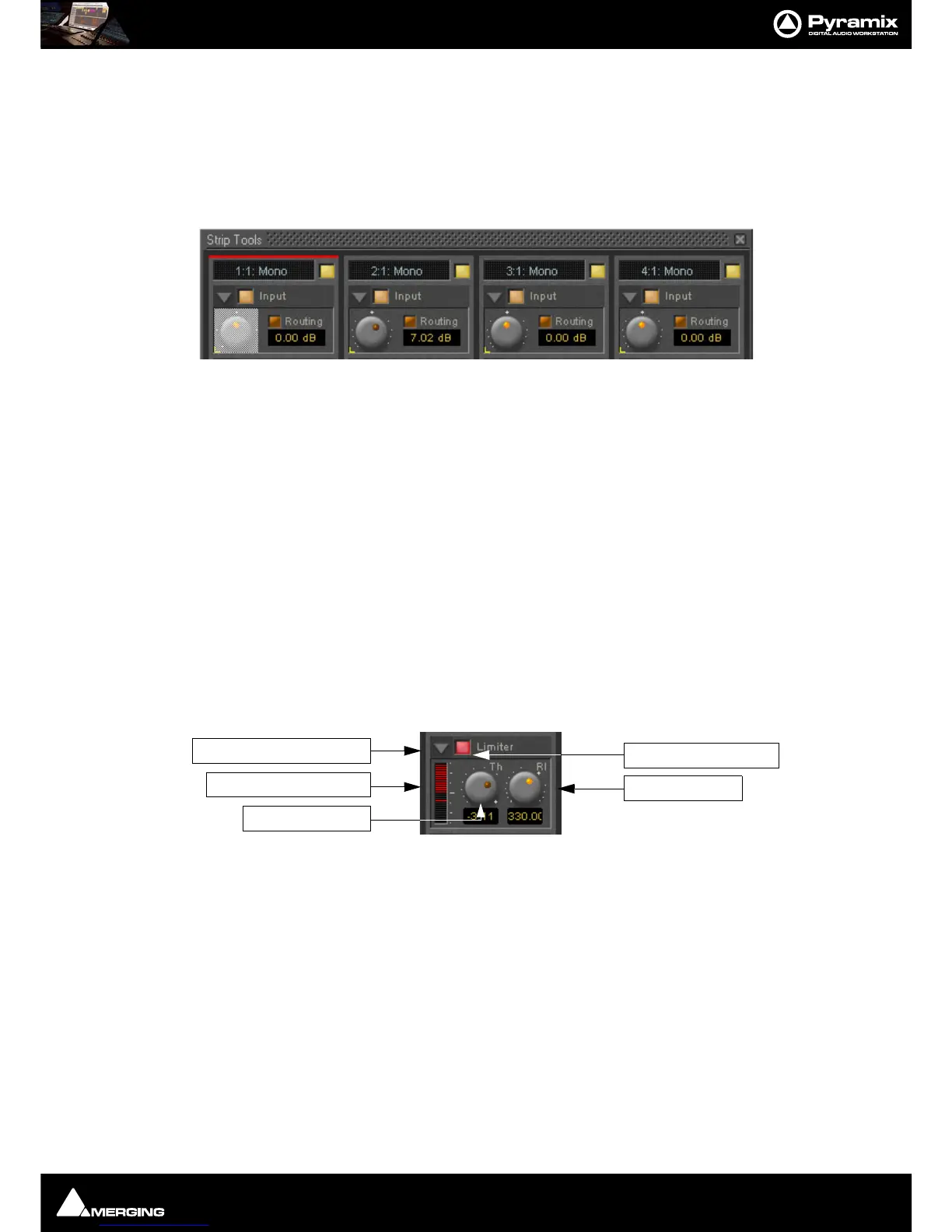
Strip and Bus Tools : Bus Tools
16 - 400
Automation mode switches
Please see: Dynamic Automation Transport Modes on page 367 for a description of the automation mode
switches.
When a grouped control is clicked, all other members of the group are shown with a yellow box around them.
Offset
If controls are offset when grouping is turned on, they retain the offset as shown here.
The red bar at the top of the strip indicates it is selected. The grayed out knob is the one which was right-clicked.
Delay Compensation
Delay Compensation
When the DRC section is active, the plug-in introduces a small delay to the audio signal. Since some signals of a
bus may not be selected for processing using the routing buttons, these signals would not be delayed, and there
would be a time misalignment at the output of the bus. When Delay Compensation is on, the same delay is
applied to all signals whether selected for processing or not. This results in correct time alignment for all the sig-
nals of a bus.
Limiter section
This is a straightforward ‘brick-wall’ limiter with simple Threshold and Release parameters. However, the DRC
(Dynamic Release Compensation) feature described in the next section can be activated to allow very musical
control of the release time.
A brickwall limiter is a limiter which guarantees that the output level will never exceed the threshold level. On a
normal limiter, a high level signal with very fast attack might cause an output higher than the threshold level, with
a brickwall limiter this will not happen.
Show/Hide Limiter section
Limiter section on/off
Gain reduction display
The bar graph shows the gain reduction generated by the Limiter Section. The range of the display can be
switched between 6 or 12 dB by clicking on the bar graph. Scale markings in 1dB increments on the right-hand
side of the bar graph make it easy to see if the range is 6 or 12 dB.
Threshold control
If the input signal level rises above the threshold level, the gain of the limiter is reduced. This limiter guarantees
that at no time will the level of the output signal exceed the threshold.
Release control
This parameter controls the amount of time the limiter takes to release. I.e remove the gain reduction) when the
input level was above the threshold level and starts fall. During the hold time the gain of the compressor remains
constant. The lower the release time, the faster the reaction.



 To Next Page