Introduction : Dual Monitors
1 - 31
Dual Monitors
By default the screen is horizontally divided with the Tab Windows below the Timeline. When using Dual Monitor
setups, you may wish to divide the main project window vertically. With the Timeline displayed on the left screen
and the Tab Windows on the right, more Tracks can be viewed simultaneously. This can be achieved by checking
the Display Timeline on the Left of Tab Windows radio button in the Settings > All Settings > Application >
Timeline Layout page. This change will take effect the next time a Project is opened.
TimeCode Entry
TimeCode values in Pyramix can be changed by using the up arrow, Increment or down arrow, Decrement but-
tons, by using the on screen numeric keys or by direct entry from the numeric keypad. an OK button or the ENTER
key finalizes the entry. In Pyramix numbers are entered in time code fields from right to left, a block at a time, pro-
gressively overwriting existing numbers.
This makes the most common TimeCode changes easy, I.e frames or seconds, without having to re-enter the min-
utes or hours.
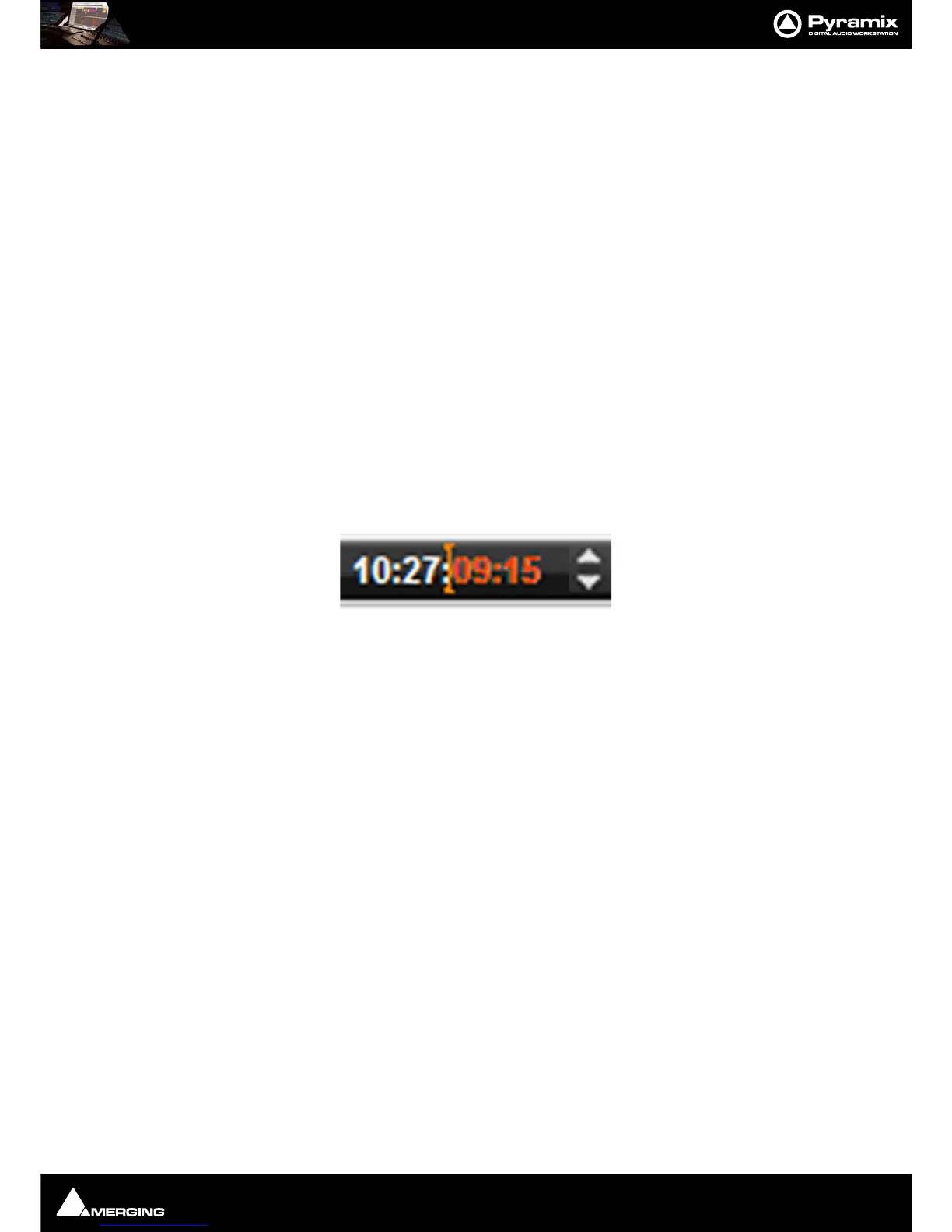
Clicking in a register inserts a red I-beam cursor. Entries must be made in Hours : Minutes : Seconds : Frames order.
So, to enter 10 Hours and 9 seconds and 15 frames, key: 1 0 0 0 0 9 1 5. BUT if you want to change the seconds
then you only have to enter the seconds and frames E.g. to enter 9 seconds and 15 frames, key: 9 1 5 followed by
ENTER. However, to change 10:27:10:15 frames to 10:27:09:15 you would need to key, 0 9 1 5 followed by ENTER.
In practice most operators always enter the leading zero even when it is not required, to avoid errors.
Arithmetic TimeCode Entry
An existing TimeCode value can have time added to or subtracted from it. I.e. a relative entry. Type the number to
be added or subtracted then, instead of pressing the Numeric Key Pad Enter, press - (Minus) or + (Plus) on the
main keyboard or Ctrl + Minus or Ctrl + Plus on the Numeric Key Pad.
Increment / Decrement UP & DOWN Arrow Buttons
The + (plus) and - (minus) buttons to the right of the TimeCode registers increment or decrement by one unit per
click of the smallest unit in the current register. E.g. Frames, Samples etc.
Modifiers
Click Frames
Alt + Click Subframes
Ctrl + Click Seconds
Shift + Click Minutes
Ctrl + Shift + Click Hours
Ctrl + Alt Current Nudge Value



 To Next Page