Effects and Plug-Ins : VoiCode
14 - 344
VoiCode
Overview
This VST plug-in produces highly convincing stereo from mono sources. It requires some experimentation to
achieve the best possible results. When adjusted optimally, the effect is uncanny.
The system represents the interpolation of an MS stereo recording technique where the S-signal is being calcu-
lated from specific delays and amplitude corrections which depend on the chosen directivity, the angle of inci-
dence, the left apex angle, the right apex angle, and room size. If the left and right VoiCode output signals are
summed the original mono signal is restored.
Install
VoiCode is installed with Pyramix or Ovation but can only be used if the relevant security key is present. Please
contact your Merging Technologies Sales Partner to obtain a security key.
Note: Since VoiCode is a VST plug-in it is necessary to run the VST Scanner application (located
in: All Programs > Merging Technologies > VS3Runtime > VST Scanner) to Re-Scan the folder
in which the VoiCode_Stereo.dll has been installed (in C:\Program Files\Steinberg\VSTPl-
ugins\Merging Technologies\) .
Please see: VST Plug-ins Scanner on page 356
Mono vs. Stereo
Voicode is a stereo-in/stereo-out VST plug-in. To produce a stereo output it MUST be inserted into a stereo chan-
nel.
User Interface
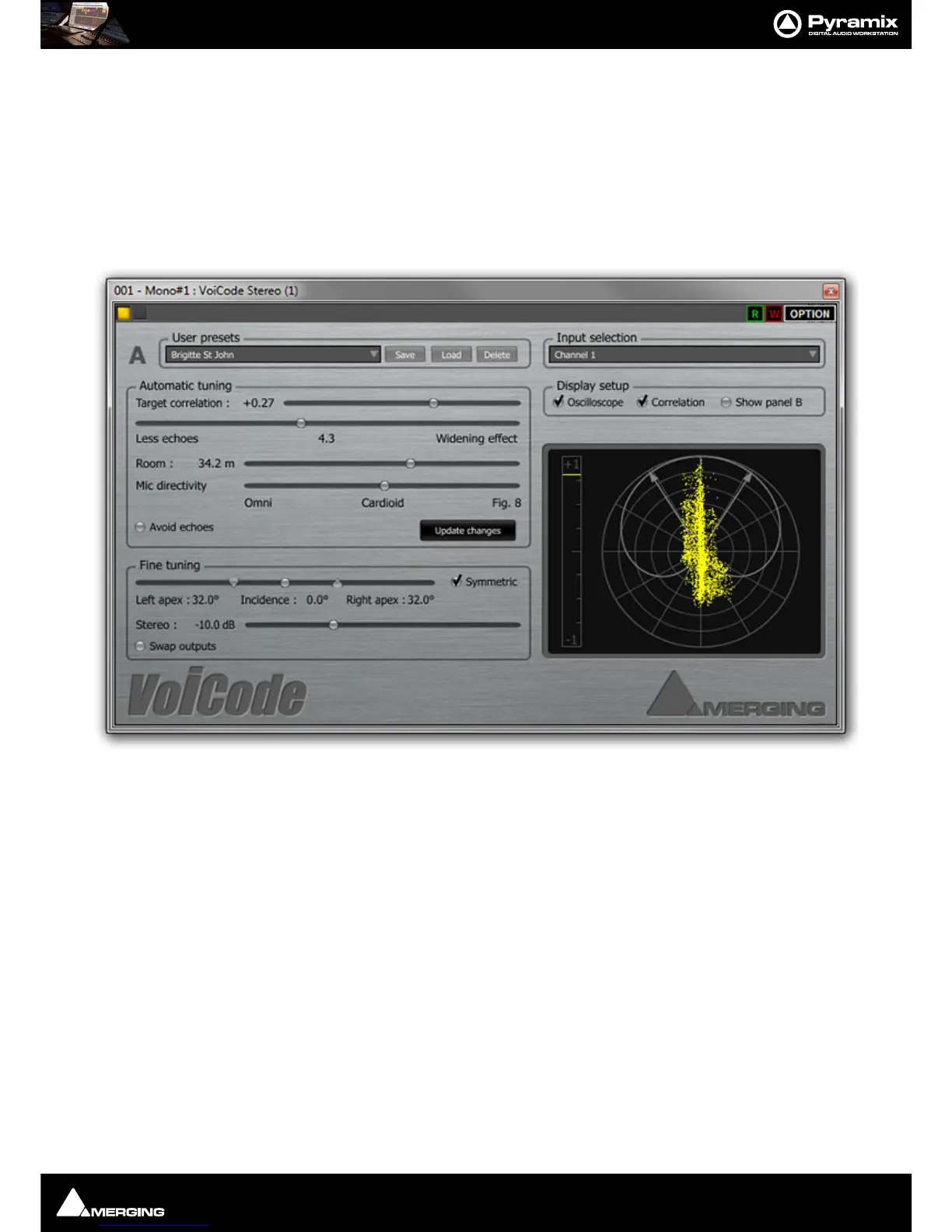
The user interface defaults to Control Panel A on the left of the window with a polar co-ordinate display, which
doubles as an oscilloscope, the Display Setup section and Input selection on the right. When
Show Panel B is



 To Next Page