File and Project Interchange : Import / Export
18 - 448
DAR Reel/Segment
Importing a DAR Reel or Segment
Select Project > Import and choose DAR Reel/Segment. Make appropriate choices in the Options section of the
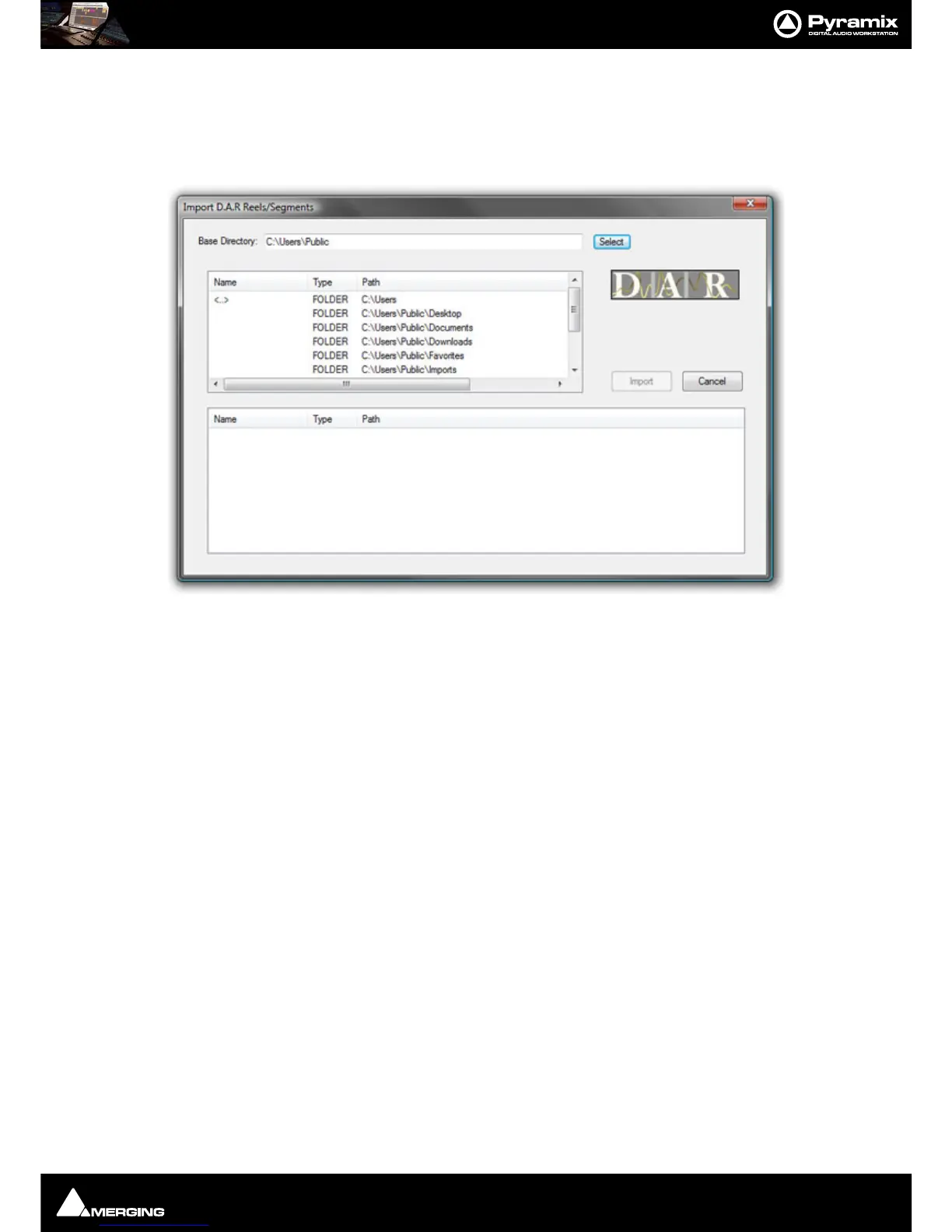
Interchange - Import dialog then click on the Import button. The Import D.A.R. Reels/Segments dialog opens:
Browse to and select the Reel(s) or Segment(s) you wish to import then click on
Import to initiate the import.
Note: Please see also DAR WAV file Import on page 87
DDP Import
Import DDP file.
Final Cut Pro XML
Note: FCP X is NOT supported.
Supports import and export of MasterClips, Bins, Sequences or Projects to and from Pyramix.
To export a FCP XML file from Final Cut Pro, either select a single Sequence or a full Project in Final Cut Pro and
select
File > Export > XML. This will export either a single Sequence (with the choice of all referenced MasterClips
along with it) or a full Project including all Sequences and MasterClips contained in it.
To import a FCP XML file into Pyramix, create an empty project and select
Project > Import and choose the Final
Cut Pro XML
format.
Note: When importing in Pyramix a FCP XML file containing more than one Sequence or Master-
Clip, Pyramix will prompt you to choose which of the available Sequences you would like to
import into the Timeline and will allow you to import all others into the Default Library of the
current project.
Scope
The following items are imported by Pyramix:
• Video and Audio Bins, Sequences and MasterClips



 To Next Page