Editing : Clip and Selection Editing
8 - 165
Clip and Selection Editing
Master Clips appear in the Timeline as blocks which can be edited on a Track (or Tracks, depending on how many
channels the Master Clip contains) The Clip can be trimmed, split, crossfaded, and have many other operations
performed on it without ever affecting the underlying media file. Each instance of a Clip references the entire
media file, and can always be "opened up" by using the Trim Handles to reveal more of the Clip until the complete
underlying Media File is visible. Clips can be dragged in the Timeline while the transport is playing.
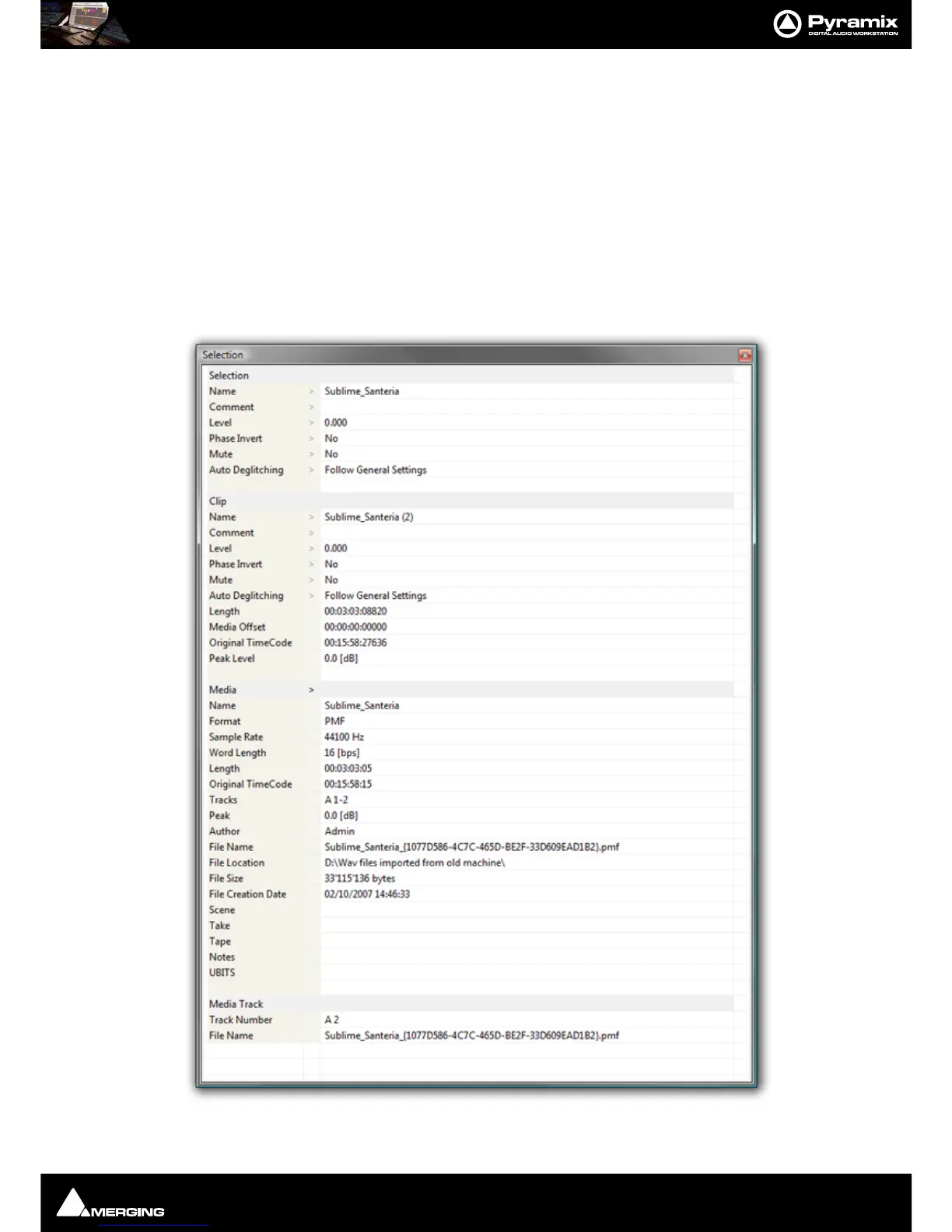
Clip Properties
Clips > Properties opens the Properties window for the selected Clip. If multiple Clips are selected, opens the
Properties window for the first Clip selected.



 To Next Page