Media Management & Libraries : Search
4 - 47
Search
Overview
Thanks to the database engine Pyramix has comprehensive search tools. All Library views and the Media Manager
have a powerful Filter Search which refines the current view.
A simple search field is available in all Libraries and the Media Manager. A more comprehensive search dialog is
accessed via Media > Search Media or via a toolbar icon. For power users the dialog can be associated with a key-
board shortcut. Search Results are added to the Global Library in a folder labelled with the date and time of the
search and the search term(s). Results may be further refined using Filters.
Quick Search
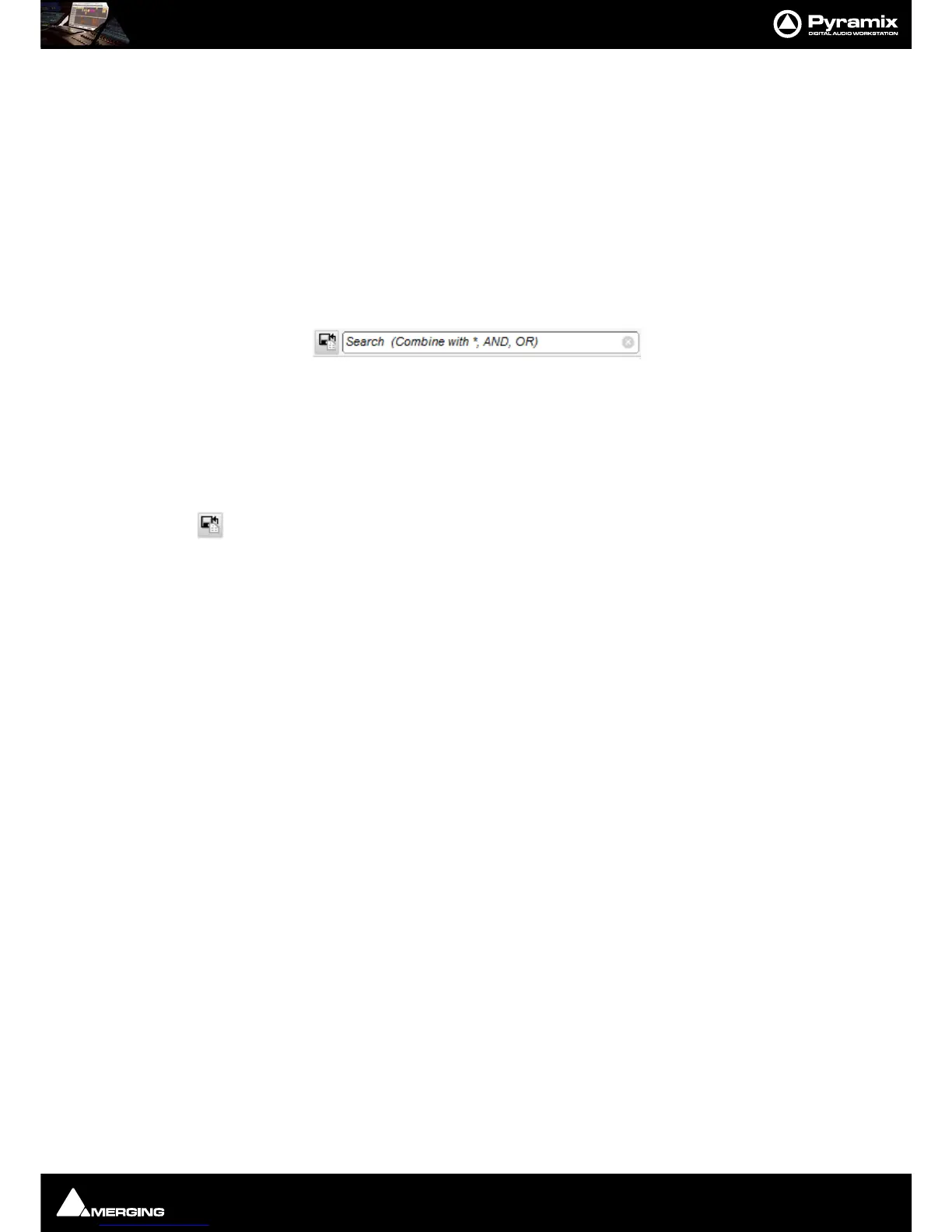
In any Library Tab or the Media Management Tab Click in the Search box to type a query.
When you click in the Search box a list of previous search terms (if any) drops down with the option to Clear
Search History at the end. This option clears the previous search terms visible at the top of this drop-down list but
leaves the current term in the search box intact. The [X] deletes the current search term from the box.
Note: When Exact Word Match is checked in the Search Media dialog (See below) then only
exact words in the database are searched.
Clicking on the Add to Search Results button creates a new folder in the Global Library,
named with date and the search request term(s). This folder can be renamed.
Search Media Dialog
The Search Media dialog is accessed via Media > Search Media or:



 To Next Page