Menus : Pyramix Default Menus
27 - 596
Pyramix Default Menus
Menus are highly configurable in Pyramix. Commands can be hidden or added and entire menus shown or hid-
den. If a command cannot be found check if it is currently hidden in the relevant tab page of
Settings > All Set-
tings > Application > Desktop Layout
. Please see also Toolbars and Menus on page 456
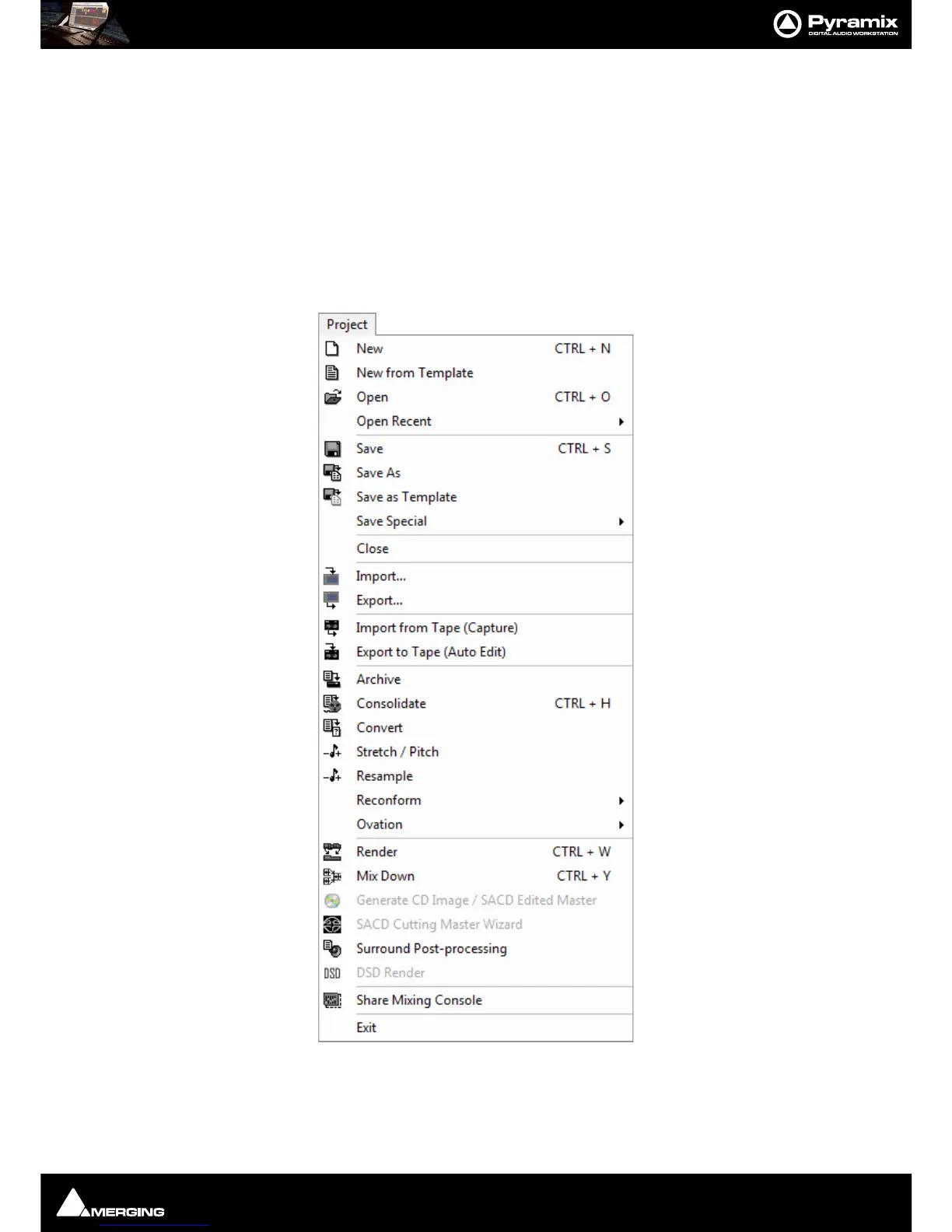
Many Pyramix menu entries are self-explanatory. These are simply listed. Other menu entries are either described
here or elsewhere in this manual. Wherever menu options have Toolbar Icon alternatives, these are shown in the
menu screenshots.
Project
New Create a new Editing Project or Digitizing session
New from Template Create a new Project based on an existing factory or user Template



 To Next Page