Automation : Projects With Existing Automation
15 - 372
Projects With Existing Automation
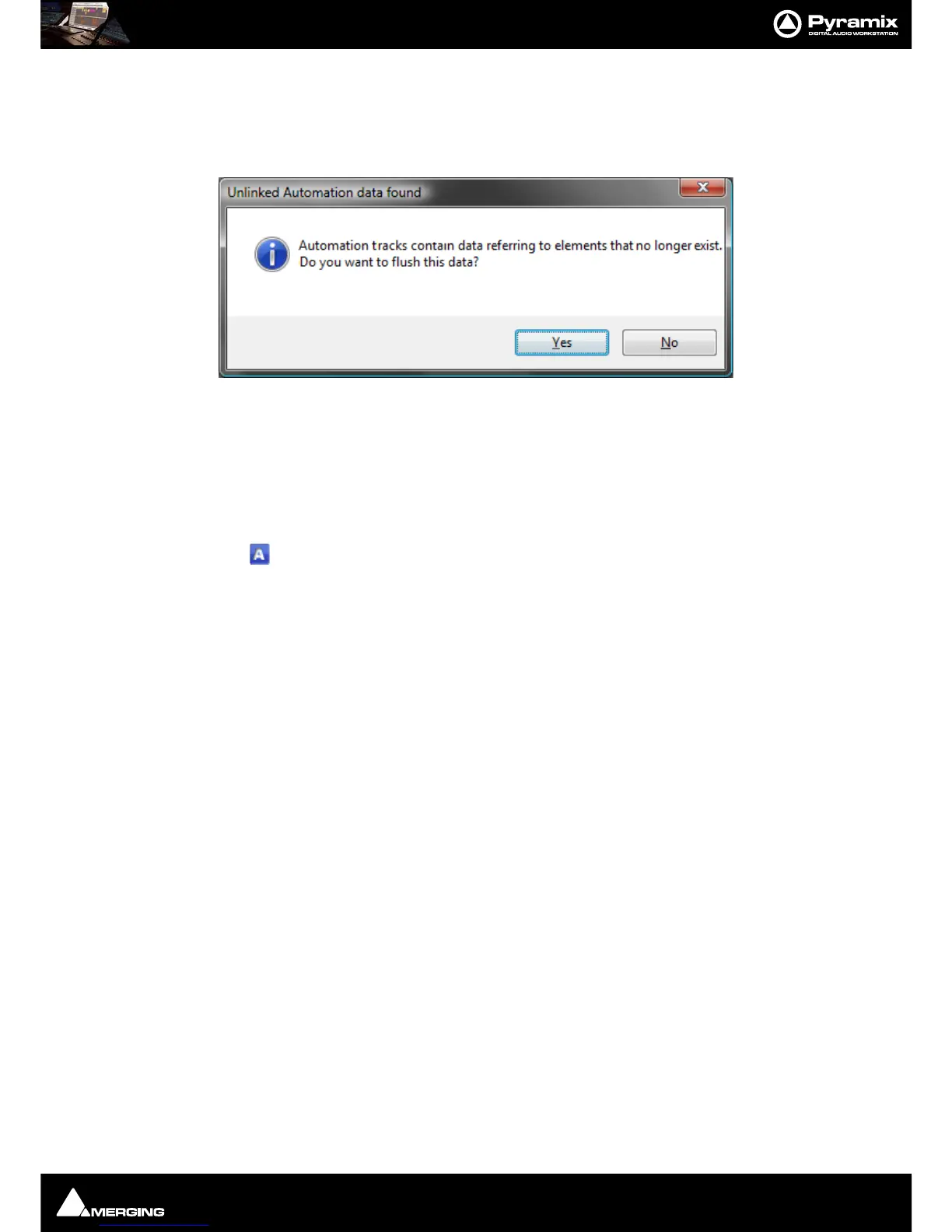
When opening a Project that has existing dynamic automation and where a mixer element is no longer present or
when rebuilding a mixer where a previously automated element has been removed the following dialog appears:
Clicking on
Ye s removes the redundant data. Clicking on No retains it giving the opportunity to re-instate the
missing element(s).
Display and Editing of Automation Data
The automation data recorded for any control on any strip can be viewed and edited on any Track in the Timeline.
Clicking the
Show/Hide Automation button in the Track Header displays or hides automation curves.
The Automation curve is colored depending on the parameter type displayed:
Automation Curve Colors
Fader Blue
Pan/Balance/Surround Green
Send & On/Off Cyan
Mute Red
Everything else Black



 To Next Page