File and Project Interchange : Import / Export
18 - 446
Waveform:
Offers the choice of Generate WHILE recording, Generate AFTER recording or
None.
Sampling Rate Offers an extensive choice of sampling rates for the imported tracks. CD tracks are
saple rate converted automatically on import if anything other than 44.1kHz is
selected.
Prefix When checked a prefix will be added to each imported track. This defaults to the
CD title but any desired prefix may be typed in the field when the box is checked.
Place in timeline When checked imported tracks will be placed in the Timeline.
Add track group When checked a Track Group will be added for the imported tracks.
Add Disc & CD markers When checked Disc and CD markers will be added.
Track Bar illustrates progress bar for each imported track
Disc Bar illustrates import progress of all selected tracks or the entire disc.
Import Tracks Click to initiate the import process.
Cancel Click to abort an import in progress or to close the dialog without importing.
Keep window open after Import When checked the CD Import window remains open, e.g. for further imports,
after the import is completed. The Place in timeline, Add Track Group and Add Disc
& CD markers options and the
Prefix label field will be grayed out when this
option is selected.
Keep open keeps the CD Import window open after the import is completed and grays out the Place in timeline,
Add Track Group
and Add Disc & CD markers options. (Since these only take effect when the window is closed.)
CMX EDL
Importing a CMX EDL
Select Project > Import and choose CMX EDL in the InterChange-Import dialog then click on the Import but-
ton. Select the desired edl file in the
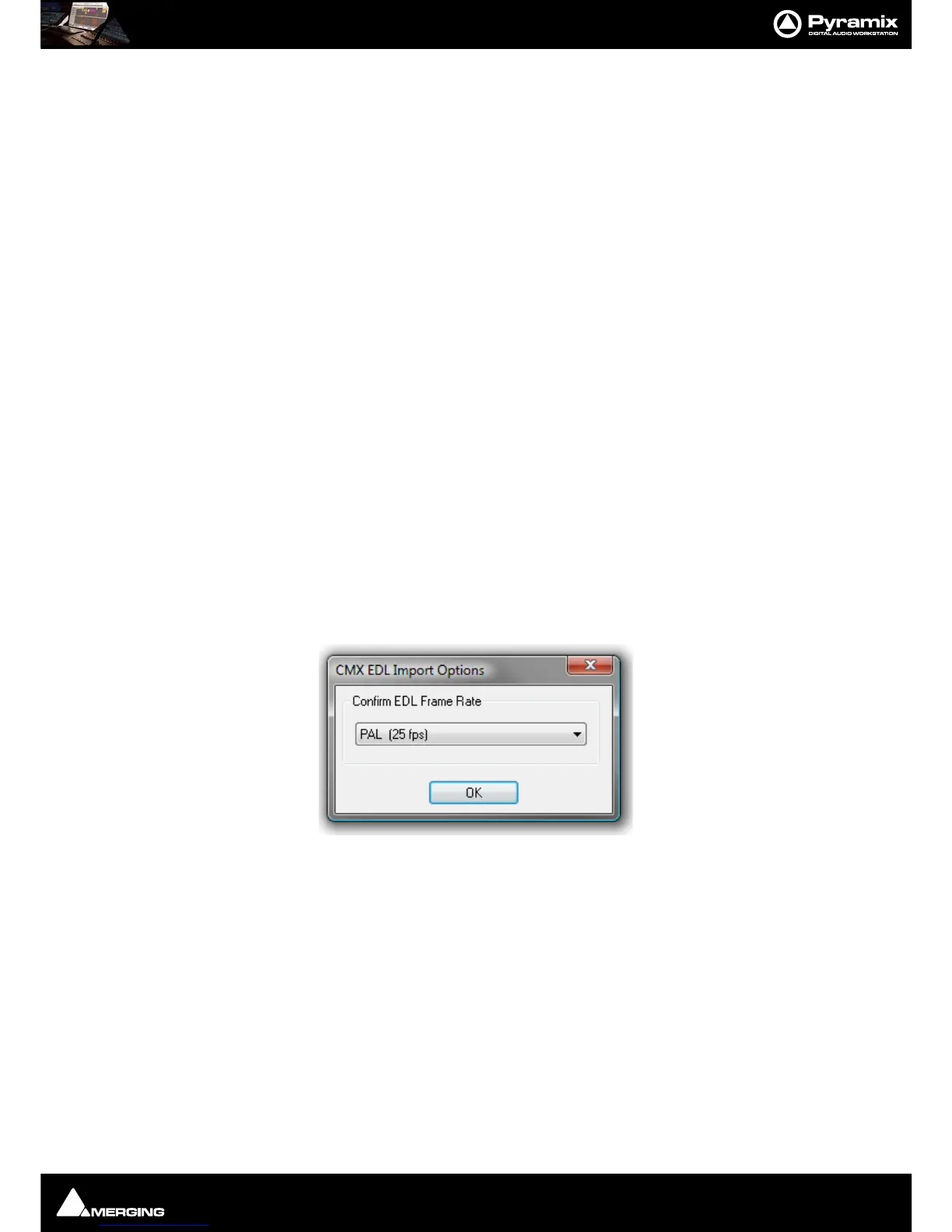
Open file-browser window. The CMX EDL Import Options dialog opens:



 To Next Page