Editing : Jog-Wheel Editing
8 - 179
Jog-Wheel Editing
A number of editing actions may be undertaken on a selected Clip or group of Clips using a jog-wheel on an exter-
nal hardware controller.
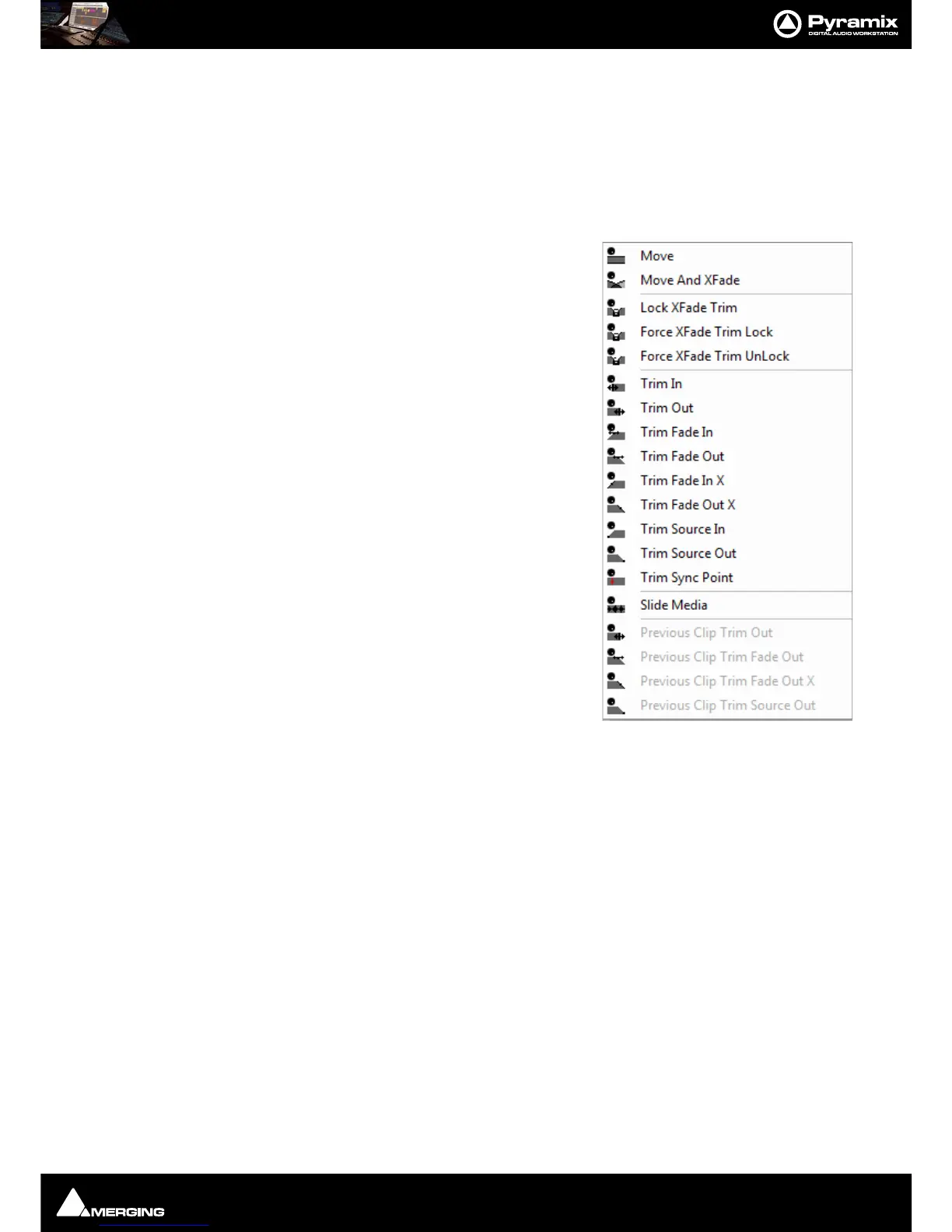
First select the Clip or group of Clips, then select the desired Jog-
Wheel Editing Mode from:
Edit > Jog-Wheel Editing >
Move
Move And XFade
Lock XFade Trim
Force XFade Trim Lock
Force XFade Trim Unlock
Trim In
Trim Out
Trim Fade In
Tim Fade Out
Trim Fade In X
Trim Fade Out X
Trim Source In
Trim Source Out
Trim Sync Point
Slide Media
Previous Clip Trim Out
Previous Clip Trim Fade Out
Previous Clip Trim Fade Out X
Previous Clip Trim Source Out
Now simply move the jog wheel to Move, Trim, Slip or Slide the Clip(s)
The last four options are included for mapping to physical buttons on the controller.
Pressing the
Spacebar or Enter confirms the change(s), Esc cancels.



 To Next Page