Settings : Hardware
28 - 643
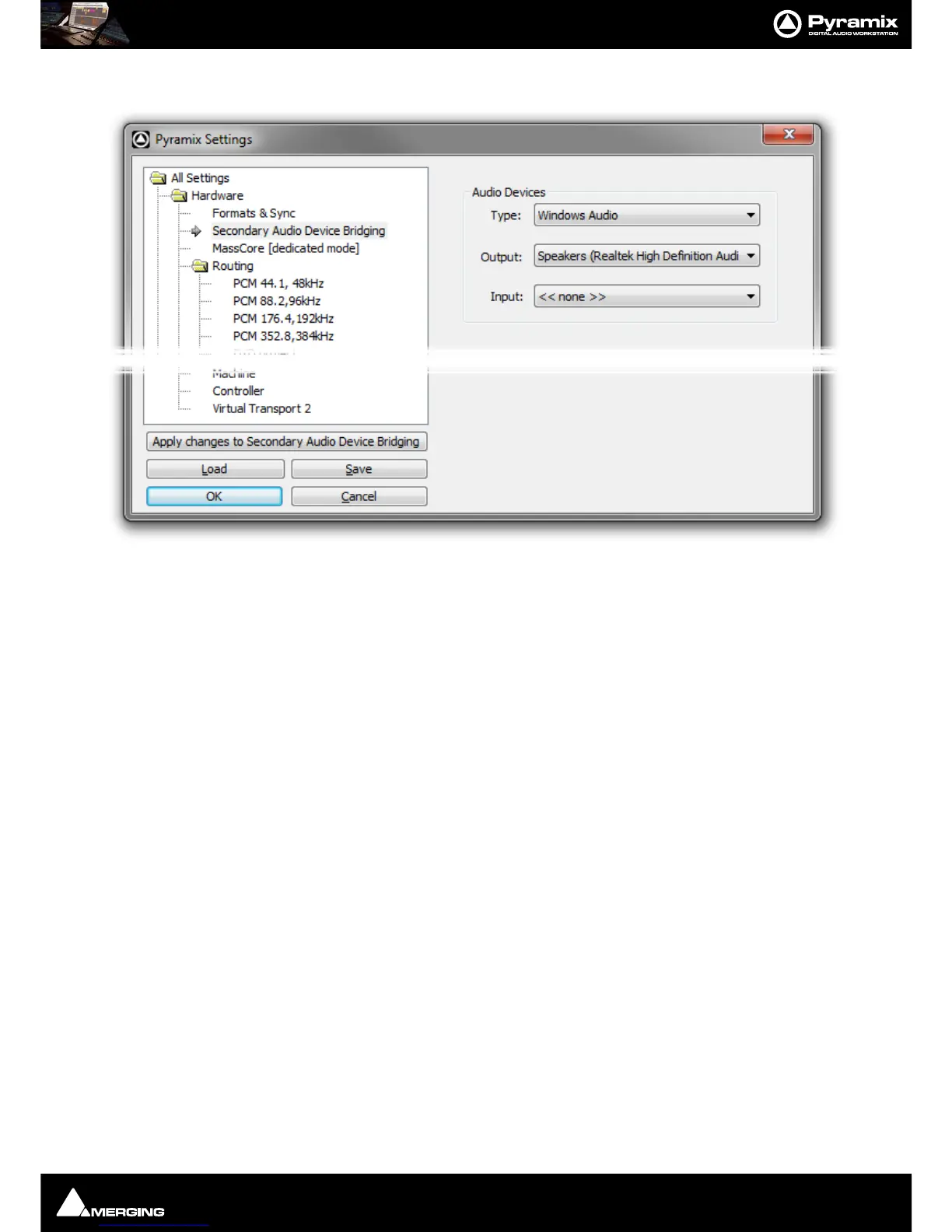
Secondary Audio Device Bridging
Audio Devices
Type: The drop-down list offers the choice of Windows Audio, DirectSound or ASIO.
Note: ASIO only supports Outputs.
Output: The drop-down list offers the choice of all audio devices with drivers of the Type
selected.
Input: The drop-down list offers the choice of all audio devices with drivers of the Type
selected. (
Windows Audio or DirectSound only.
Note: This Settings page is only present when Secondary Audio Device Mode has been selected
in the VS3 Control Panel.



 To Next Page