Productivity : Playlists
26 - 569
Playlist Button
Clicking the Playlist button in the Track Header pops up a menu with the following choices:
Create New Playlist
for all Record Ready Tracks
for all Tracks in Group/Strip
for this Track
Create Copy Playlist
for all Record Ready Tracks
for all Tracks in Group/Strip
for this Track
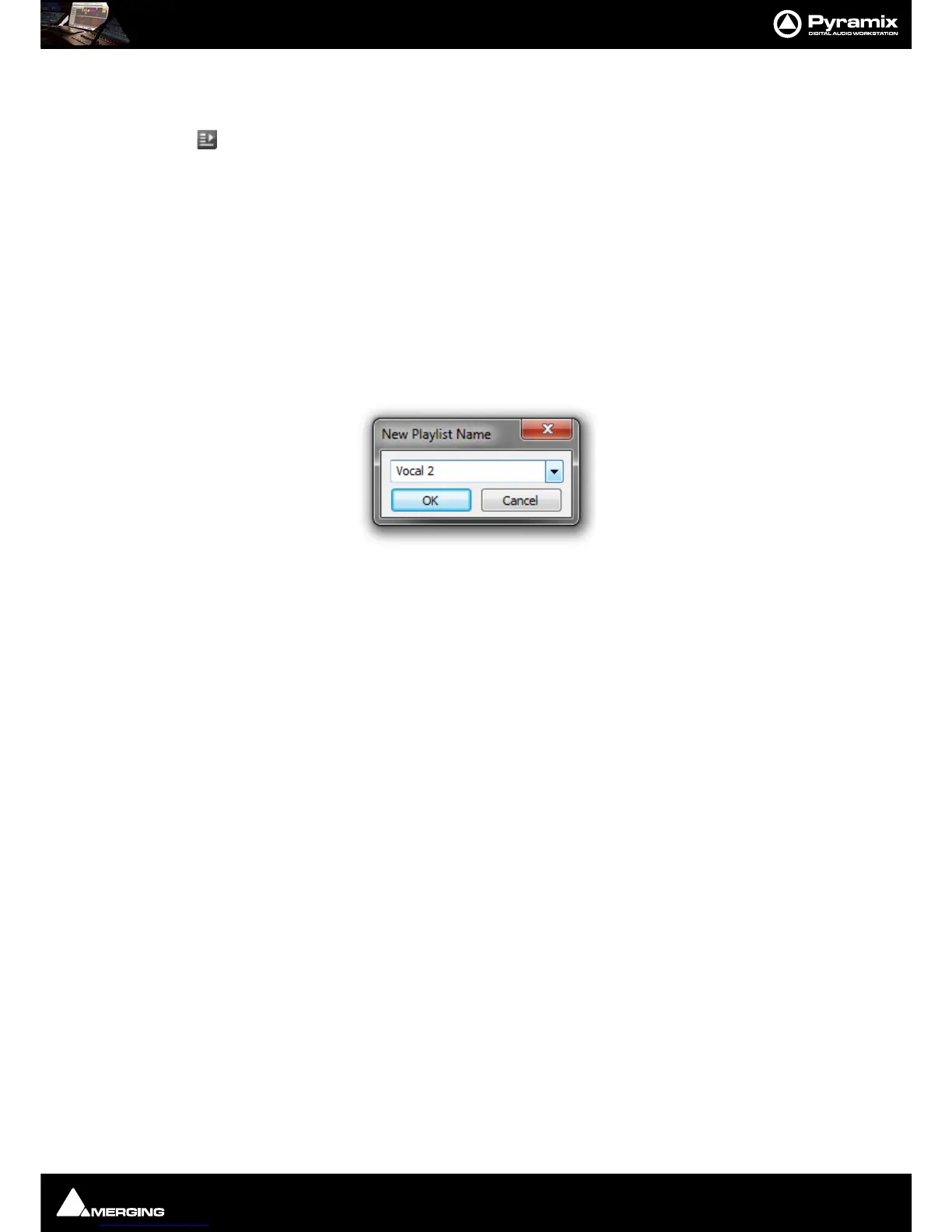
Each of these options opens the New Playlist Name dialog. However, for all Record Ready Tracks will only do so
when one or more Tracks is/are armed for recording.
Recall Playlist>
All the existing Playlists for the Track/Track Group are listed. Selecting one brings it to the top layer.
Merge Playlist
All the existing Playlists for the Track/Track Group are listed. Selecting one merges it with the current top layer.
Note: If you create a new Playlist on a Track with existing Cues these will be deleted from the
Track. If you wish to retain the existing material use Create Copy Playlist first and then create a
new Playlist or Playlists.



 To Next Page