Editing : EDL Tab Window
8 - 185
EDL Tab Window
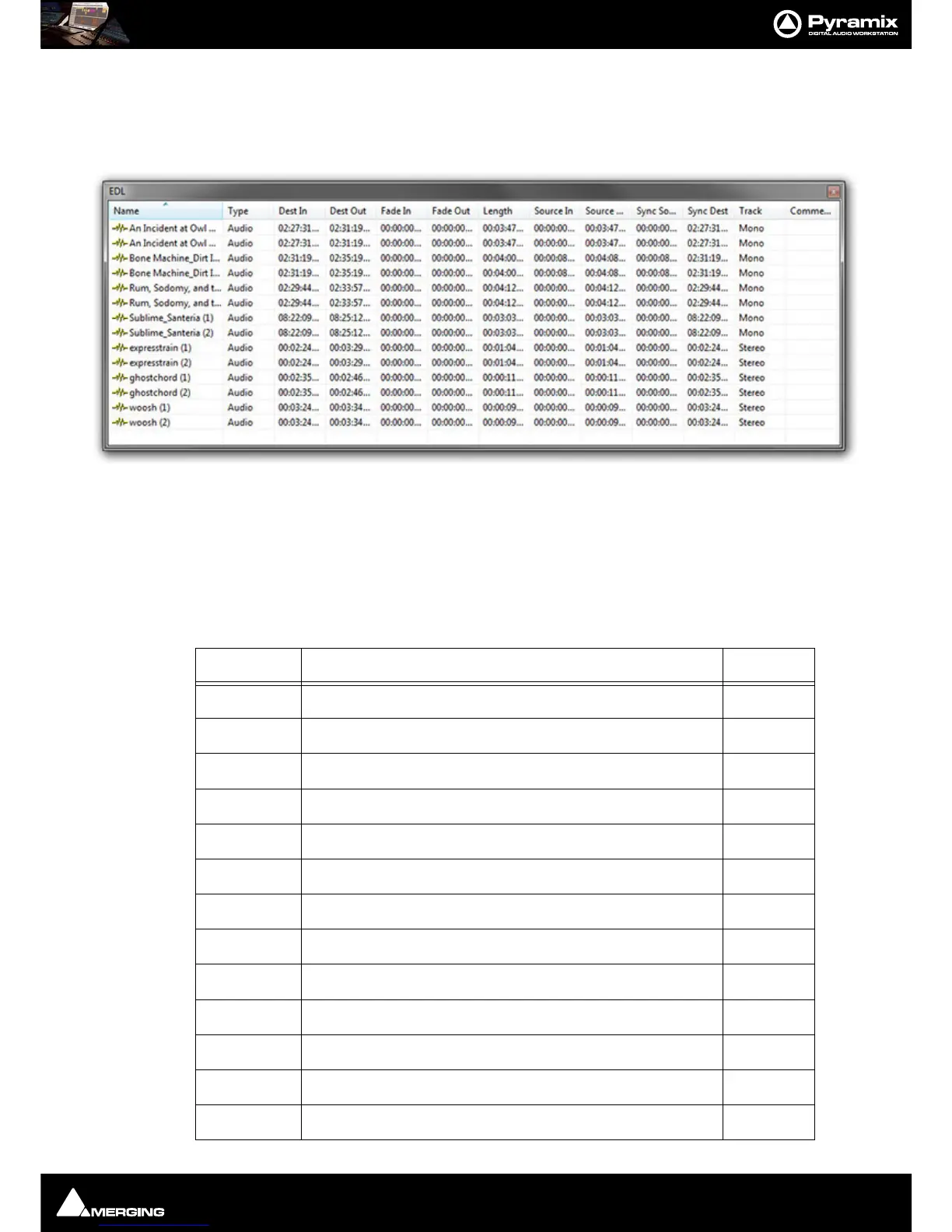
The EDL (Edit Decision List) Window, is a textual and numeric representation of the same information shown
graphically in the Timeline and Fade Editor.
Changes made here are reflected in the Timeline and vice-versa The list shows information concerning the Clips in
the form of a list of text and TimeCode fields, most of which can be edited. This provides an alternate way of view-
ing and editing the composition. To edit a field, click in it to produce a cursor, or drag across the text in the field to
select it, then type the desired information using normal text entry procedures.
Fields can be adjusted in width in the usual Windows way. Clicking in a Field label will sort all entries in the list in
ascending order, sorted on that field. A second click sorts in descending order.
Fields available in the Edit Decision List Panel are:
Field Description Editable
Name
Clip Name Yes
Type
Type of Clip(e.g. audio, video, midi etc.) No
Dest In
Clip’s In time in the Timeline Yes
Dest Out
Clip’s Out time in the Timeline Yes
Fade In
Clip’s Fade In length Yes
Fade Out
Clip’s Fade Out length Yes
Length
Length of Clip in the Timeline Yes
Source In
Media TimeCode value at Master Clip’s Head Yes
Source Out
Media TimeCode value at Master Clip’s Tail Yes
Sync Source
Media TimeCode value at the Clip’s sync point Yes
Sync Dest
Clip’s sync point time in the Timeline Yes
Track
Name of Track Clip is assigned to No
Comment
Comments about the Clip from the properties page Yes



 To Next Page