Mixer : Mixer Sharing
10 - 265
Mixer Sharing
Overview
Mixer Sharing enables a single mixer belonging to a project to be used by other projects, which results in rapid
switching between Projects. This facilitates copy and paste operations without requiring a mixer re-build each
time you switch between Projects. It is also extremely useful when importing AAF, OMF, EDLs etc. and a rapid
means of comparing or reviewing.
Activating Mixer Sharing
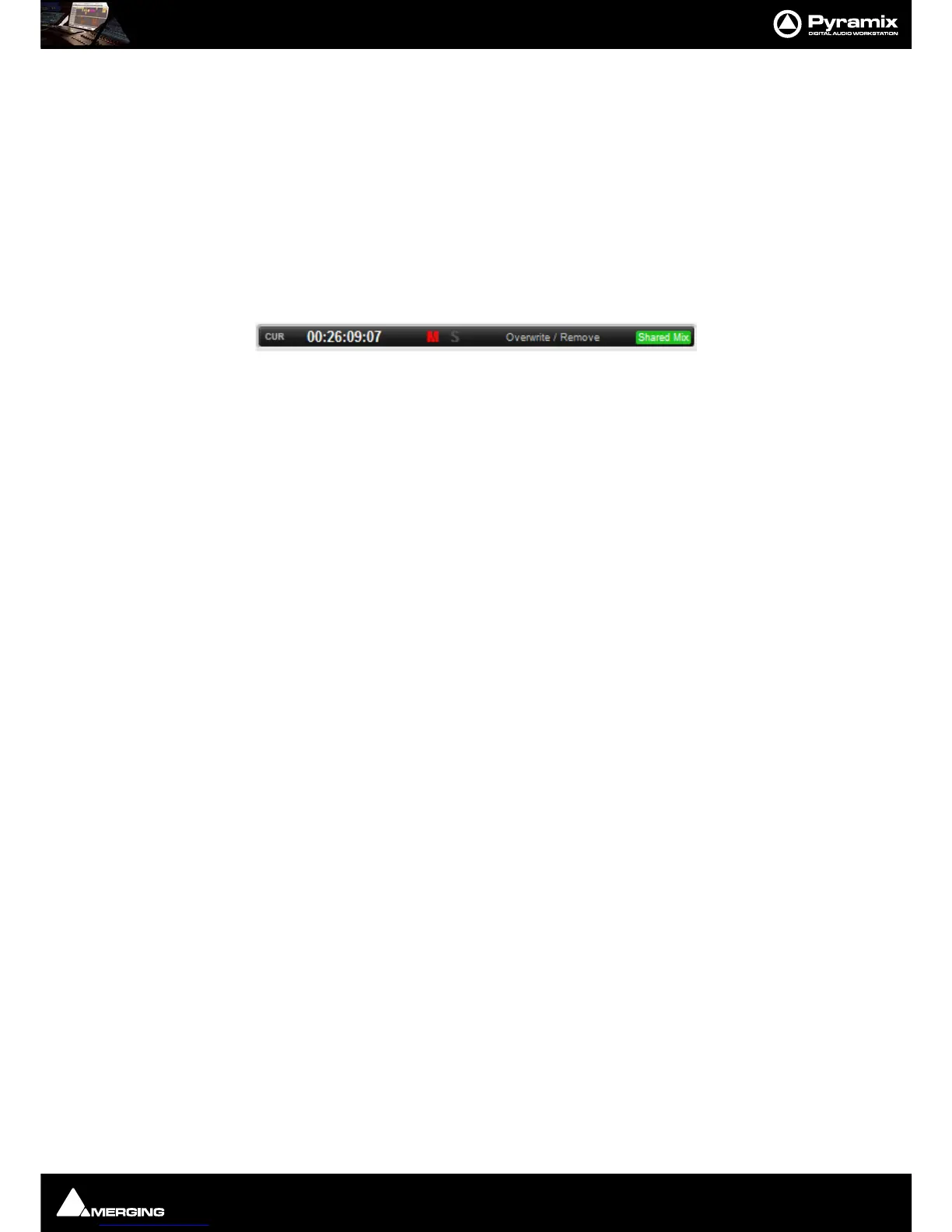
Project > Share Mixer Console toggles the feature on and off for the mixer in the current Project. Alternatively,
click on the
Share Mix button in the Cursor toolbar to the right of the Edit Mode display.
Selecting
Create a new Project that shares the current Project Mixer in the Interchange - Import dialog will
force Mixer Sharing to active when the import takes place using the mixer from the Project where the import was
initiated.
When Mixer Sharing is active the Cursor Toolbar Icon turns to Green, meaning that we’re in Shared Mixer Mode
and that this is the master Project sharing its Mixing Console.



 To Next Page