Mixer : Mixer Sharing
10 - 266
Mixer Sharing in Action
When switching to an open Project, loading a pre-existing Project or creating a new Project, its own Mixing Con-
sole will be hidden and the Shared Mixing Console is used instead.
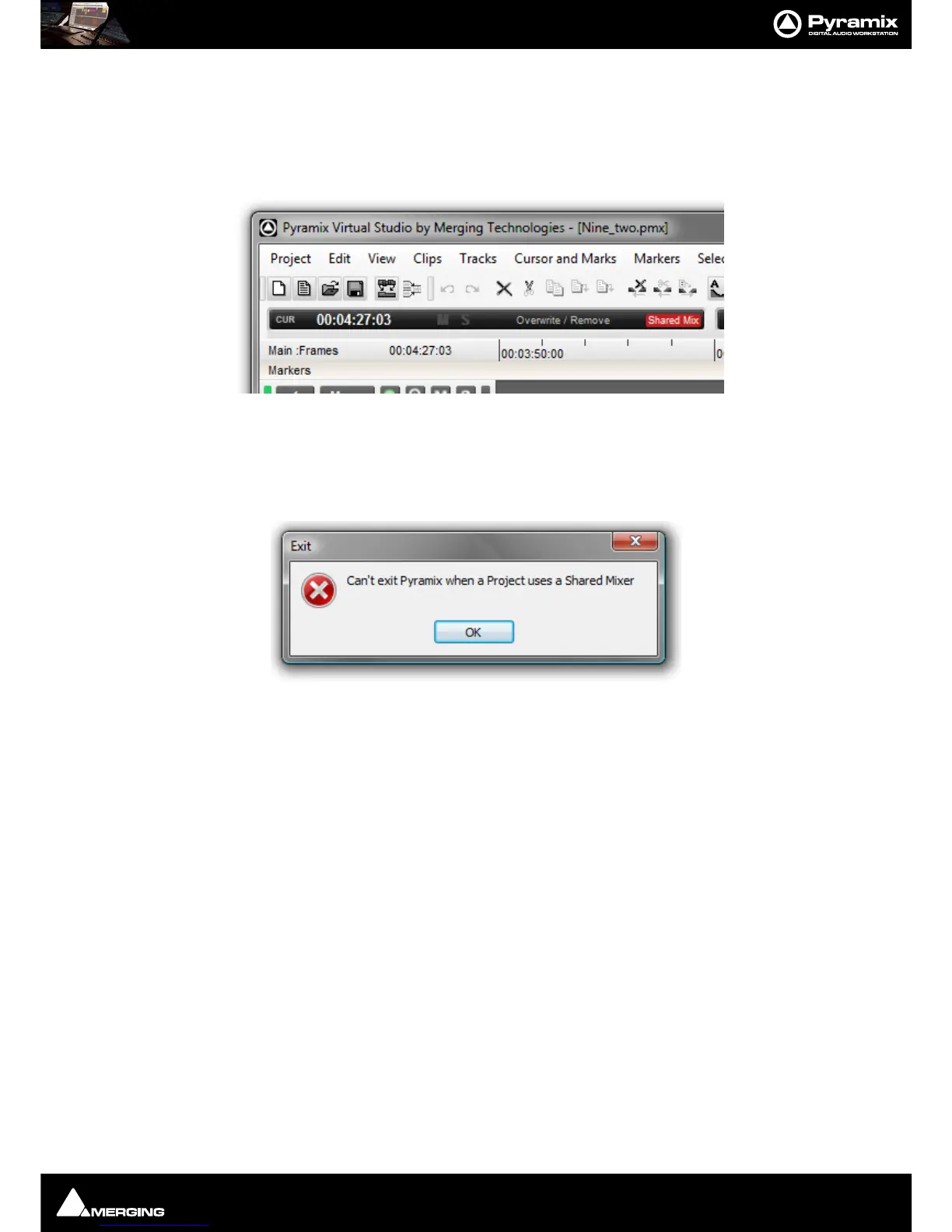
Switching is quasi instantaneous. To reflect this state the Toolbar Icon turns Red, meaning that we’re in Shared
Mixer Mode but that the currently active Project is a ‘slave’ and does NOT the own the Mixing Console.
Shared Mixing Console Mode can only be terminated when ‘Master Project is active. Exit the mode by selecting
Project > Share Mixing Console or by Clicking the green icon.
Note: It is not possible to exit Pyramix while a Shared Mixer is active. If you attempt to do so, this
warning appears:
Simply click on OK, close (and save as required) any Projects using the Shared Mixer then exit Pyramix.
Slave Project Capabilities
When the active Project is NOT the owner of the Mixing Console the following apply:
• The Sampling Rate cannot be changed
• The Mixer cannot be configured (
Configure button on the Mixer toolbar is disabled)
• All pages in
All Settings relating to the Mixer and VS3 are hidden. (Hardware, Mixer, Sampling Rate etc...)
• All actions which use a non-real-time mixer are disabled. (Mix-down, Generate CD Image, Convert, Sur-
round Encode)
• Recording is possible but changing the dubbing Mode is not.
• Automation is disabled in the Project(s) using the slave mixer.



 To Next Page