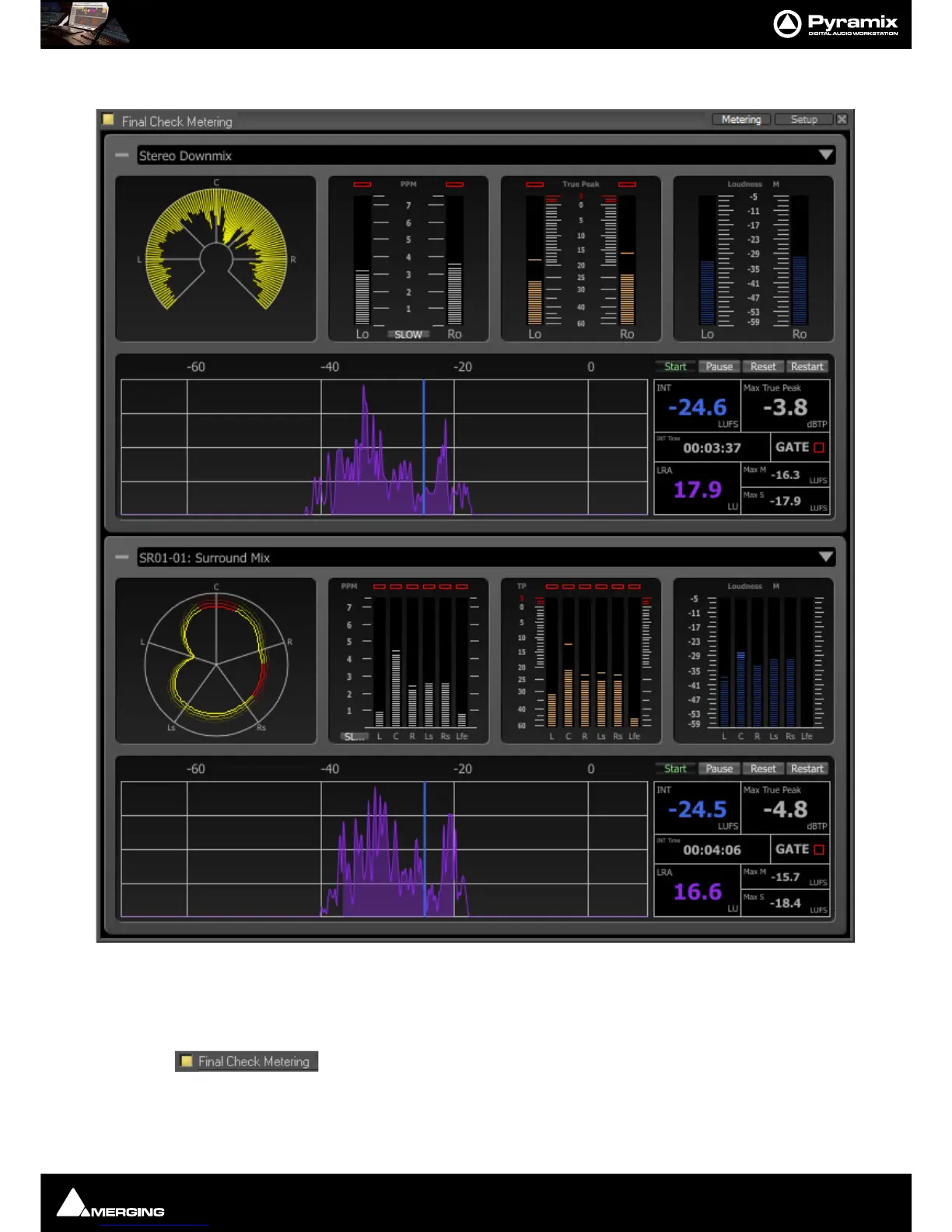
Final Check Metering : Final Check Window
13 - 296
Metering Tab
The Metering page is divided between the upper Stereo-panel and the lower Surround-panel. If one panel is not
required for the current application, it can be minimized by simply clicking on the (
-) icon at the top-left of the
panel. To restore, click the (
+) icon. The window is resizable using the usual edge handles and double-headed
arrows.
At top-left the button must show yellow before the meters will operate. Clicking the but-
ton toggles between on and off.
At top right of each panel, the down arrow accesses a list of all buses in the current Pyramix mixer. Click on an
entry to select which bus will be monitored. If a bus contains more than one stem, an additional menu allows you



 To Next Page