Mixer : Mixer Delay Compensation
10 - 242
Maximum Delay Compensation
Pyramix sets a default value for the maximum number of samples of delay that can be compensated automati-
cally. As effects are added the required total delay value is calculated. If an Effect is instantiated that will exceed
this limit the
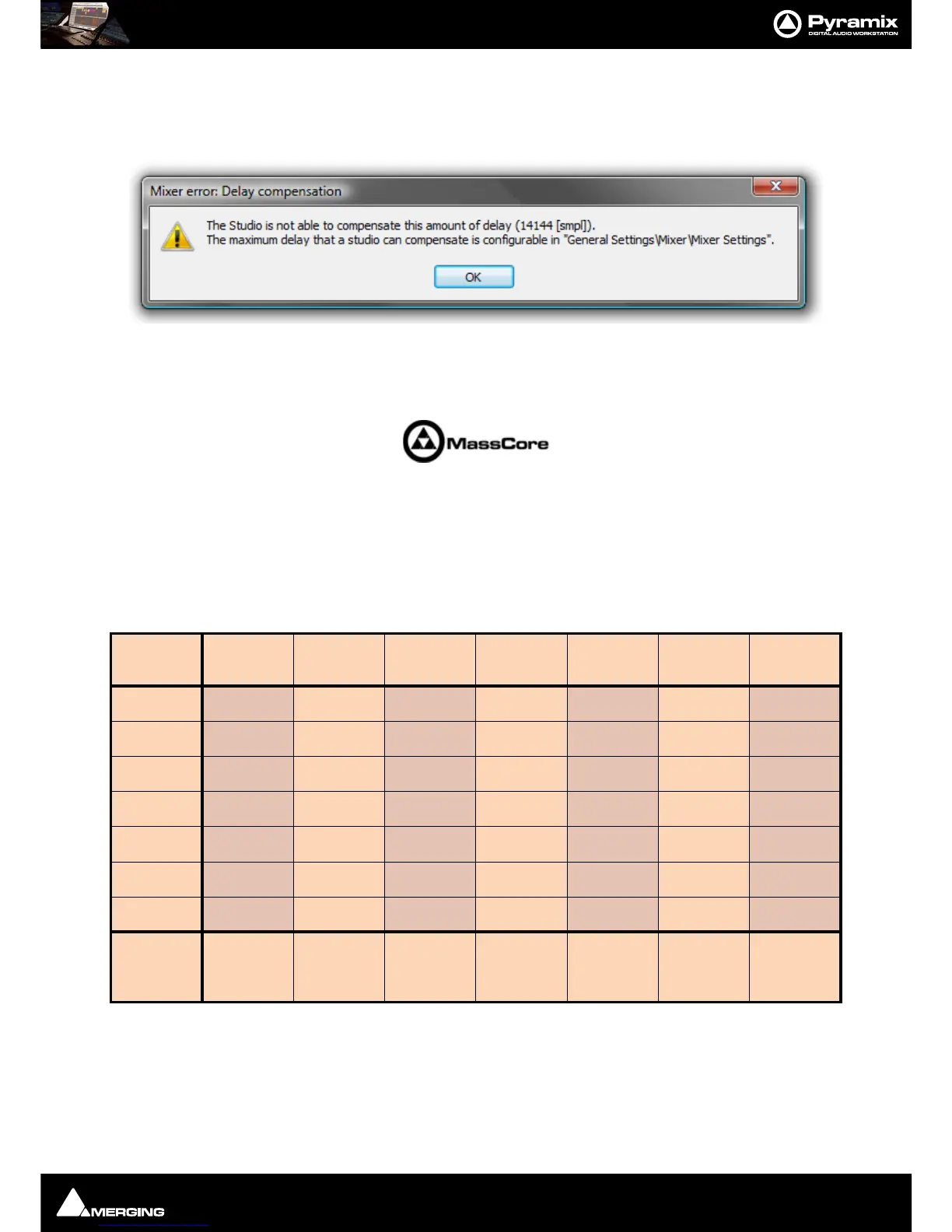
Mixer error: Delay compensation dialog appears:
To deal with the problem either remove an effect or effects or go to
Settings > All Settings > Project > Mixer >
Mixer Settings
and increase the Max Mixer delay Compensation - Delay setting to a value slightly in excess of
that proposed in the dialog.
Note: Increasing the Delay value too much steals valuable memory from MassCore.
Outboard Latency
Typical latency in ms of outboard gear ranges from 2 to 5 ms. The following chart may help you to compute the
proper delay compensation values for outboard equipment:
Delay Chart
Time Alignment of Recorded Clips
All recordings from Input Strips designated as Input are automatically time-aligned. E.g. recordings from live
inputs.
Ms
samples@4
4.1kHz
samples@4
8kHz
samples@8
8.2kHz
samples@9
6kHz
samples@1
76.4kHz
samples@1
92kHz
samples@3
52.8kHz
1
44 48 88 96 176 192 352
3
132 144 265 288 529 576 1058
5
221 240 441 480 882 960 1764
7
309 336 617 672 1235 1344 2470
9
397 432 794 864 1588 1728 3175
10
441 480 880 960 1764 1920 3528
12
529 576 1058 1152 2117 2304 4234
Max Delay
(Auto PLUS
Manual)
1216 1216 2432 2432 4864 4864 9728



 To Next Page