CD/SACD Mastering and Album Production : DDP Import
25 - 539
• UPC/EAN is removed if it is incorrect
This function an be undone if necessary.
DDP Import
You can use the DDP import function Project > Import > DDP Import to import a DDP tape or file and generate a
new CD image file. From this CD image file you can burn a CD or generate a new DDP tape.
CD Image File / SACD Edited Master Import
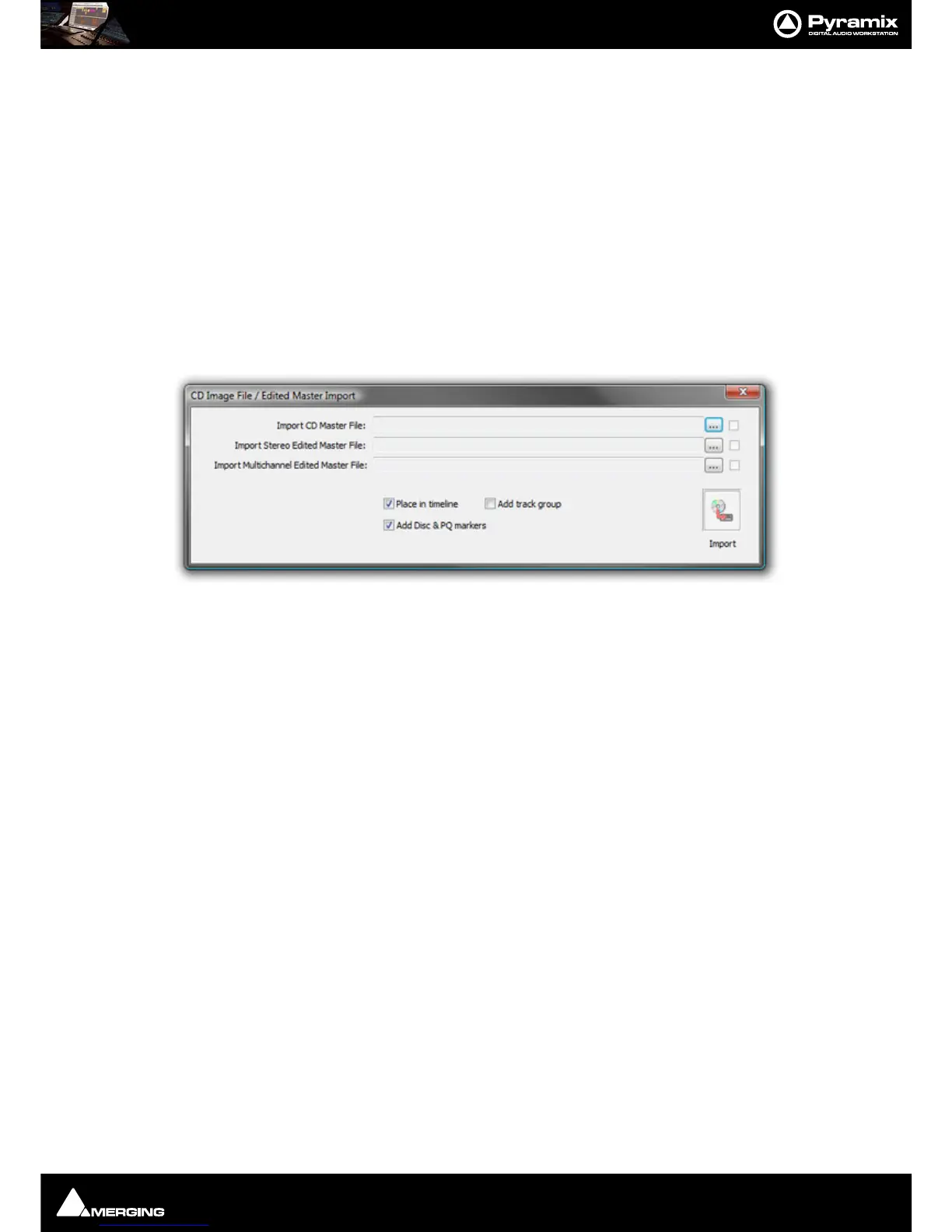
Import audio and PQ Markers from a CD Image file or SACD Edited Master. Project > Import > CD Image File /
SACD Edited Master Import
.
Each
... button opens a File Browser Window to locate the desired file(s).
The boxes at the bottom of the screen determine how the data will be processed on import.
Place in Timeline When ticked the audio will be placed in the Timeline on an appropriate number of
Tracks.
Add Track Group When ticked a Track Group will be created containing all the relevant audio tracks.
Add Disc & PQ markers When ticked Disc and PQ markers will be added to the Marker bar.
SACD Functions
Accessed from the right-click context menu:



 To Next Page